How to get max score
Step 1: Install new OPSWAT Platinum-certificated antivirus software listed Certified Products.
Notes:
OPSWAT must certify Antivirus solutions to detect crucial parameters and ensure their compatibility with our tools and their effectiveness. OPSWAT certification will make sure the solution does not expose potential security risks. Refer to What are the guidelines for the OPSWAT Endpoint Security Certification program? for more details.
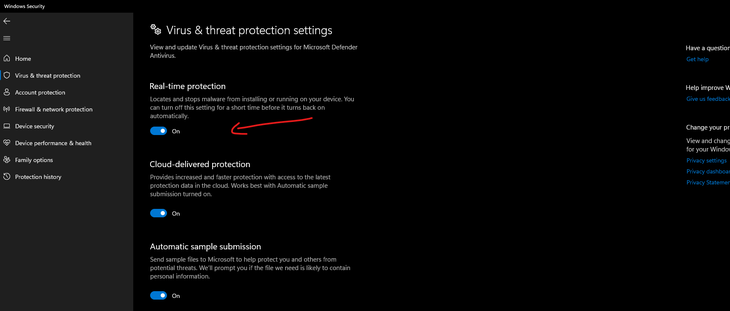
Step 2: Enable real-time protection on a product
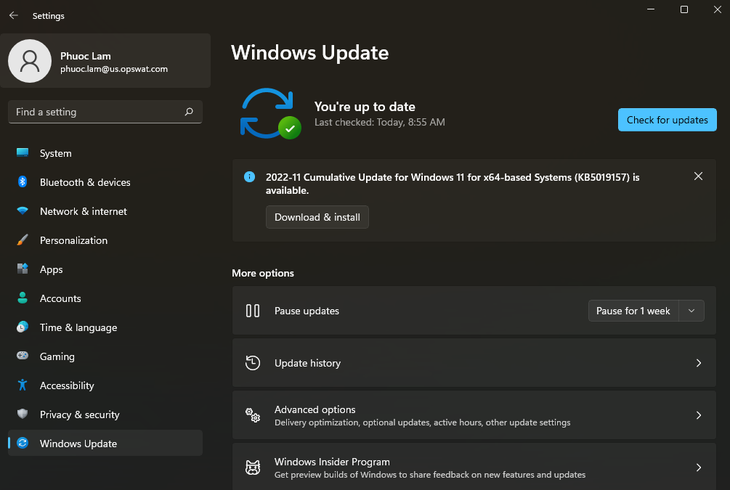
Step 3: Check for an update to the latest version
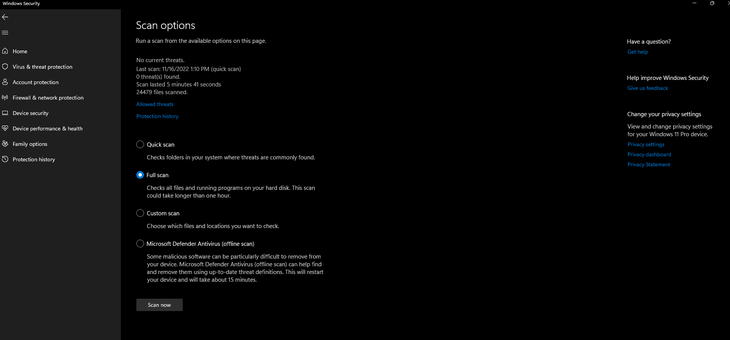
Step 4: Start full scan for all drive on device

Windows Defender Example
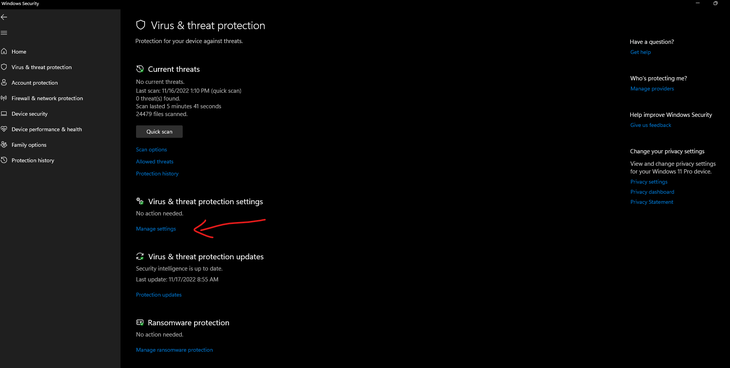
Open Windows Defender on Windows Setting → select “Manage settings” of virus and threat protection settings
Enable real-time protection
Select “Scan options” to start full scan if there are any threats, we must to resolve them all
Update Windows Defender by click check for updates from windows update