
To update the role type of a User (i.e. from Administrator to Read Only), please follow the below steps
Log into OPSWAT Central Management console.
Navigate to User Management.
Select the users that you wish to update.
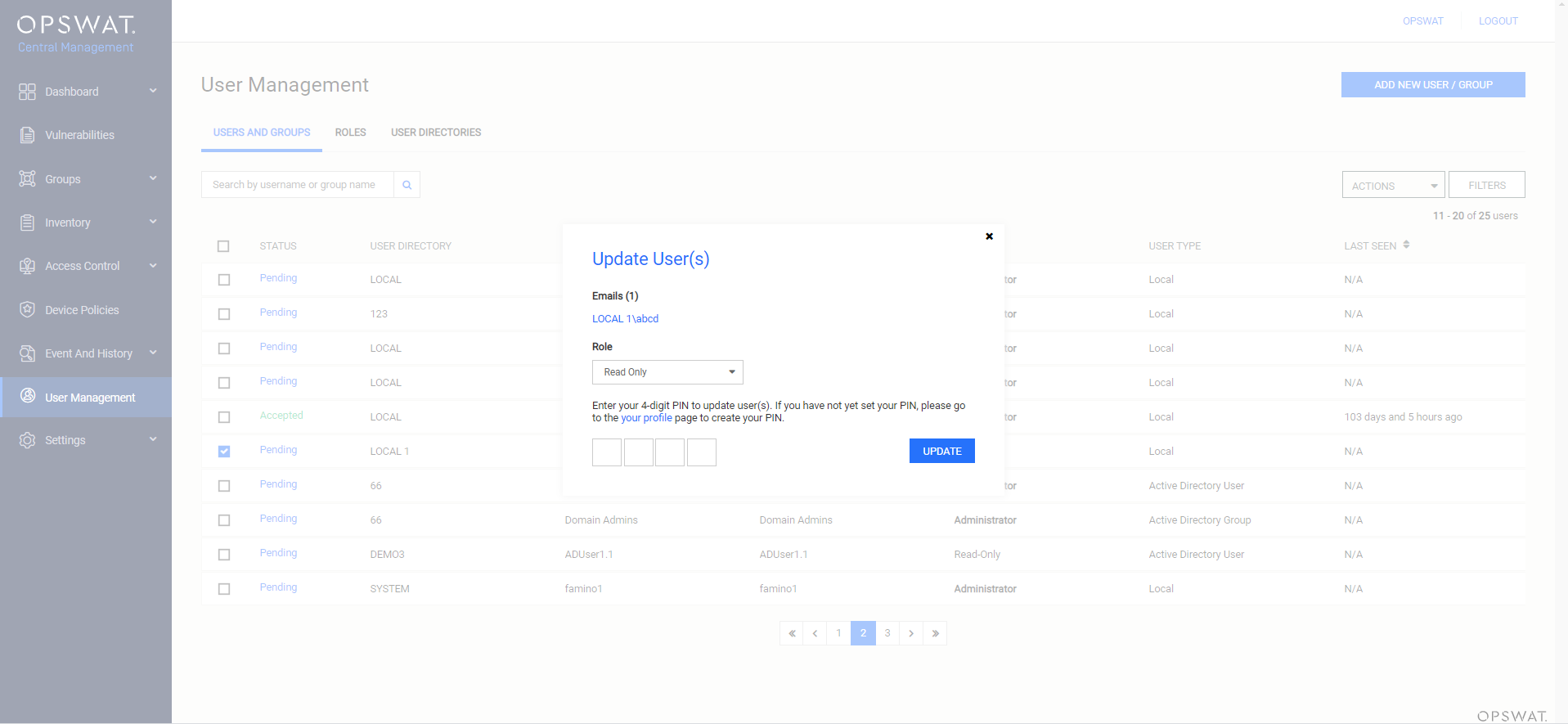
Click on the Actions button with Update Role option and select a role you would like to assign to them and then click Update.
Was this page helpful?
Knowledge Base