
On the management page for each OPSWAT Product, you can find the status of the managed instances.
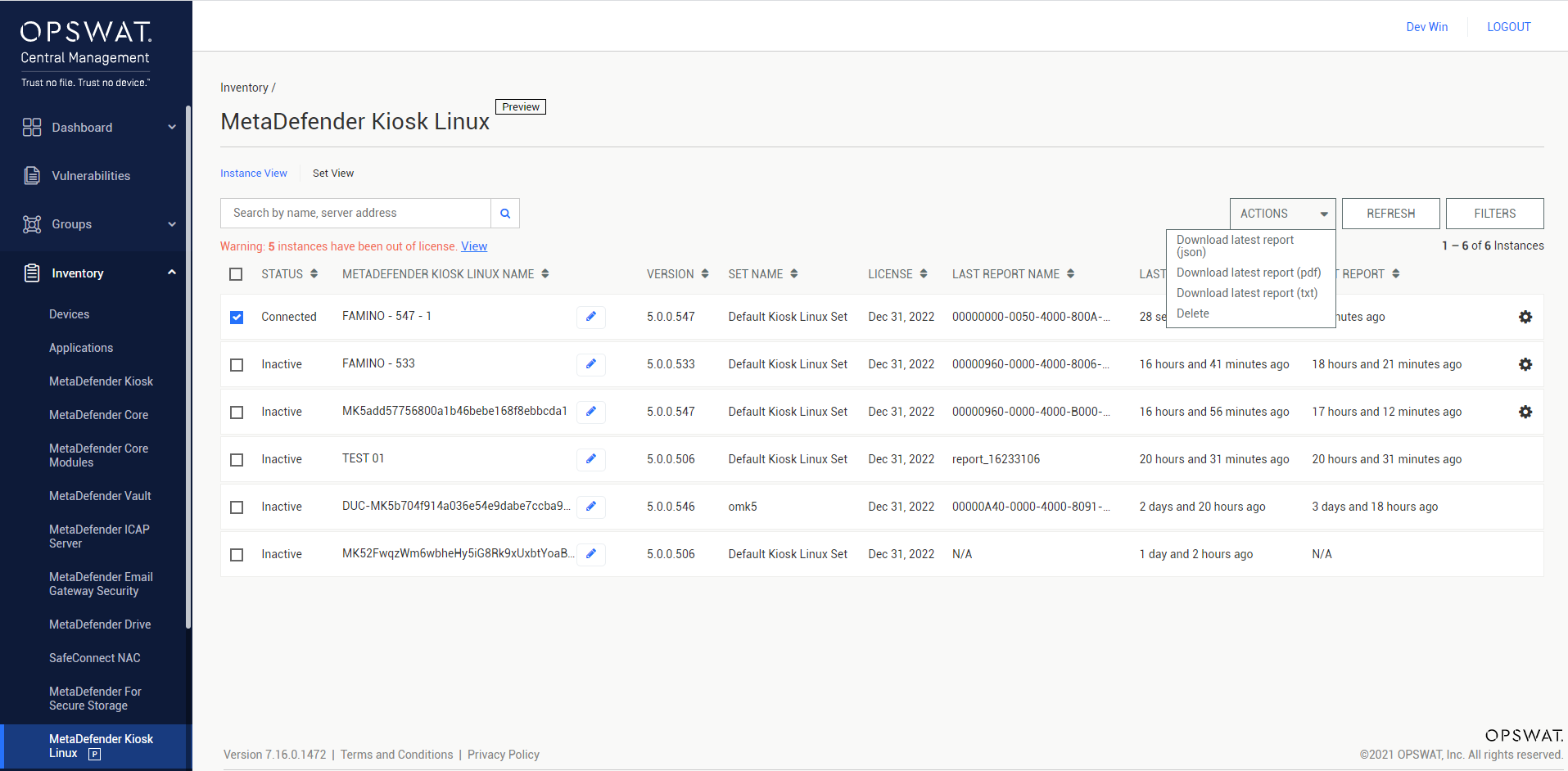
The possible statuses for OPSWAT Product instances are:
Adding: The instance is being added to the current OPSWAT Central Management server’s inventory.
Initializing: The instance has been added to the inventory and is currently having its integration settings initialized.
Connected: The instance is connected and managed by the current OPSWAT Central Management server.
Disconnected: The instance is disconnected but still managed by the current OPSWAT Central Management server.
Inactive: The instance is not managed by the current OPSWAT Central Management server.
For products that support remote install:
Downloading: The install package is being downloaded to the remote host.
Installing: The install package is being installed on the remote host.