
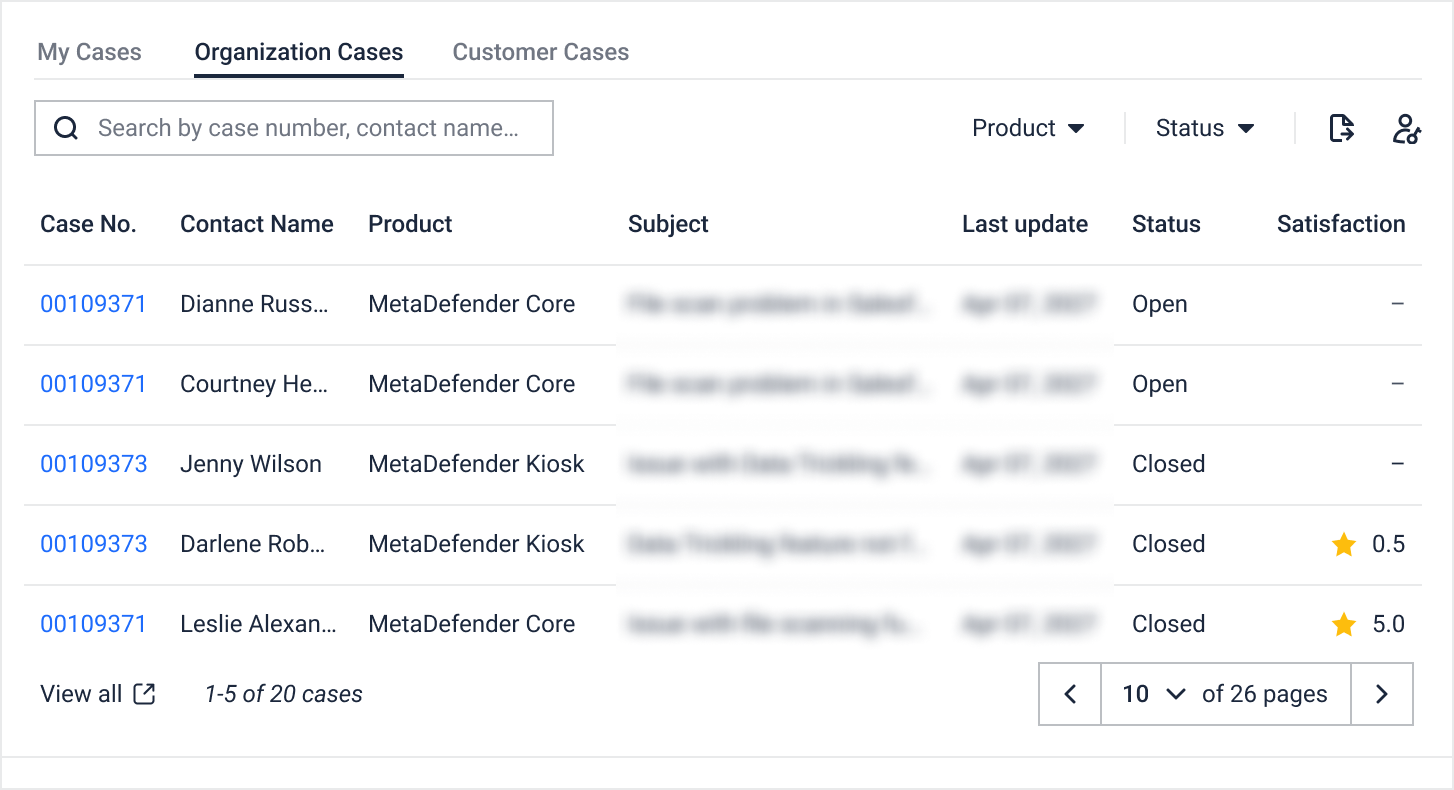
The Organization Cases tab on the My OPSWAT Portal Support page allows authorized users to view support cases submitted by other users in their organization.
If you cannot see the Organization Cases tab, it may be due to one of the following reasons.
Possible Reasons
You have not been added to your organization in My OPSWAT Portal.
You have selected the wrong organization if your account belongs to multiple organizations.
Your role does not include permission to view your organization’s support cases.
Steps to Resolve
1. Confirm That You Belong to an Organization
Confirm that your account has been added to the organization associated with your OPSWAT products and licenses by accessing your name in the upper-right corner > My Information > Organizations
If you have not been added to an organization, contact your organization administrator or follow the How to Request Access guide to request access to an available organization associated with your account.
2. Switch to the Correct Organization
If your account belongs to multiple organizations:
Click your name in the upper-right corner of My OPSWAT Portal.
Select Switch Organization.
Select the appropriate organization.
Return to the Support page and check whether the Organization Cases tab is available.
3. Verify Your Organization Cases Permission
The Organization Cases tab is available only to users whose role includes the Support Service - Organization Cases permission.
Ask your organization administrator to review your role and grant this permission if appropriate.
To update the permission, an organization administrator can:
Go to My Organization.
Open the Roles tab.
Select the role assigned to the user.
Enable Support Service - Organization Cases.
Save the changes.
After the permission is updated, reload the Support page. The Organization Cases tab should appear.
Cases submitted by the current user remain available under My Cases. The Organization Cases tab displays cases submitted by other users in the same organization.
If the issue persists, contact OPSWAT Support for further assistance.