Term | Detail |
|---|---|
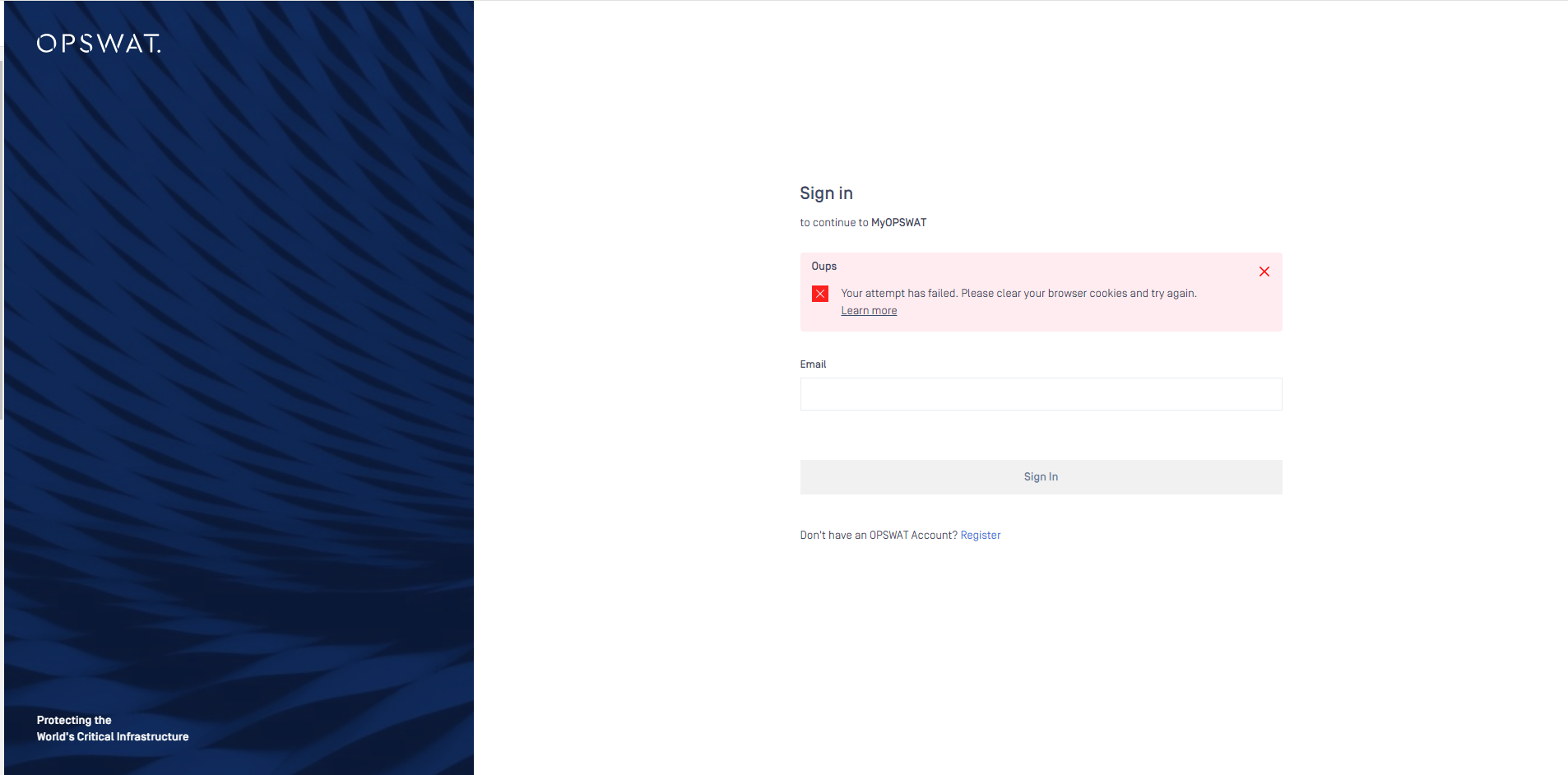
Problem | Cannot sign into My OPSWAT and be stuck on Sign in/Consent page |
Cause | Cookies are created and saved on browser from the old sign-in workflow/other systems that don't work with the new sign-in workflow |
Troubleshooting | The error message displays "Your attempt has failed. Please clear your browser cookies and try again." |
Solution | Clean out your browser’s Cookies and Cache by following This Guide Or using browser Incognito/private mode |
My OPSWAT just updated the sign-in workflow that allows Single Sign-On to OPSWAT cloud systems.
If the user signs in the My OPSWAT and gets the error message, the possible cause is that the cookie are created and saved on browser when the user signed in to My OPSWAT in the past don't work with the new sign-in workflow and needs to be removed.