
On This Page
Overview
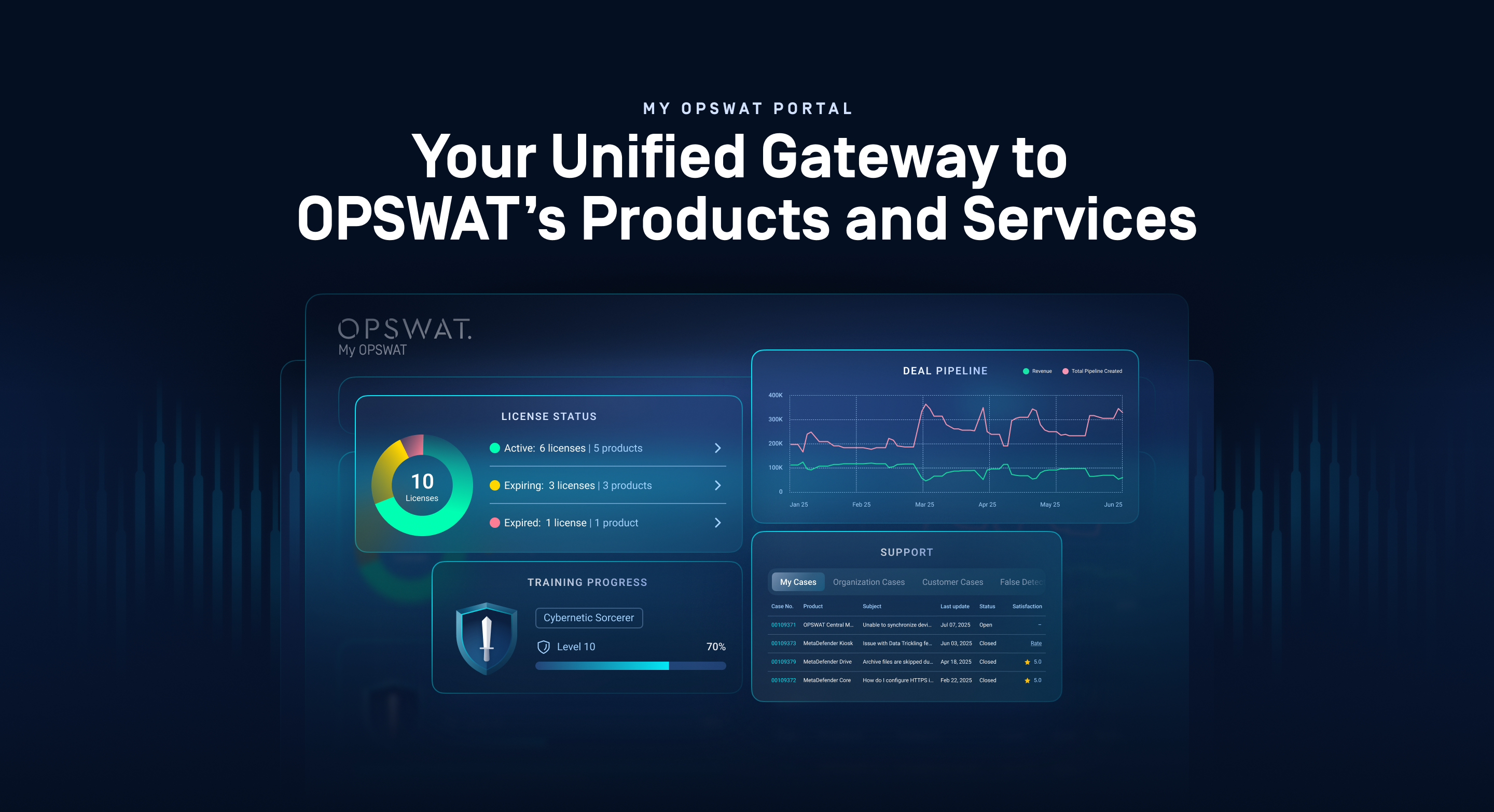
My OPSWAT Portal is your central place to manage licenses, access support, download products, track training, and navigate OPSWAT cloud services securely. It brings essential tools together in one place so your teams can get started quickly and stay productive
Key Features
Streamlined License Management - View usage, access license details, monitor expiration, and plan renewals proactively.
Comprehensive Support Experience - Find instant answers with our AI chatbot, connect with a live agent, or submit and manage your support cases – all in one place.
Product Hub - Easily access all product documentation and latest product installer to ensure optimal performance and security.
Real-time Status Dashboard - Quickly assess license health, stay on top of account- and system-level updates, and monitor learning progress in a single view.
Integrated Learning Dashboard - Advance your expertise with integrated OPSWAT Academy. Track progress, climb tiers, unlock badges, and pick up where you left off.
Product Management - Manage multiple OPSWAT products remotely, improve data flows visibility, and provide better reports for each product and entire account.
All-in-One Access Point - Easily access OPSWAT cloud products and services with single sign-on.
Organization and User Management - Ensure secure access and streamline workflows with role-based access control (RBAC)
Partner Tools: Register deals, request joint marketing funds, monitor customer licenses, and access sales enablement materials. (Available only to OPSWAT Partners)
Not sure where to start? Visit the Navigating the Portal page for a guided overview.
Who My OPSWAT Portal Is For
My OPSWAT Portal is designed for a wide range of users across the OPSWAT ecosystem:
User Type | How They Use the Portal |
|---|---|
Customers who need to manage licenses, users, and get support. |
|
Channel Partners who manage multiple customer licenses and access partner-specific resources and training |
|
Academy students tracking training progress. |
|
Prospects users exploring OPSWAT solutions before making a purchase |
|
Feature access varies based on your role and license status. Some capabilities may be limited for prospective users or non-admin roles. Learn more in User Types
Next Steps
To get started with My OPSWAT Portal:
Review System Requirements - Ensure your browser and screen resolution meet the minimum requirements
Register and Sign in - Create an OPSWAT account and begin exploring features
Understand User Types - Learn about Personal and Organization account types