You can reset your account password if
You forget your original password.
Your password is expired (As part of our security policy, passwords must be changed every 180 days) and an update is needed to secure your account.
Forgot Password
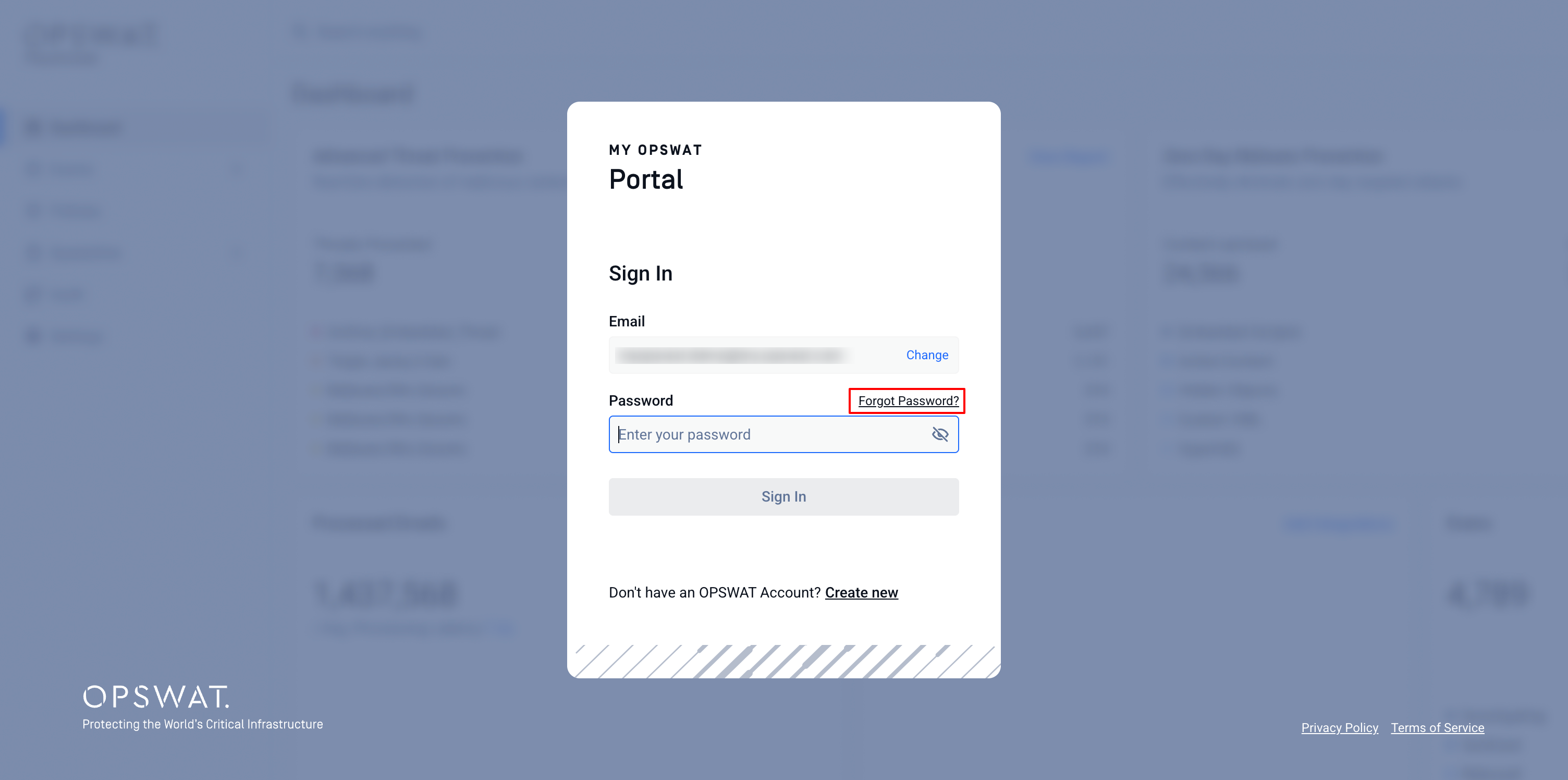
On the login page, enter your email
Click Forgot password?
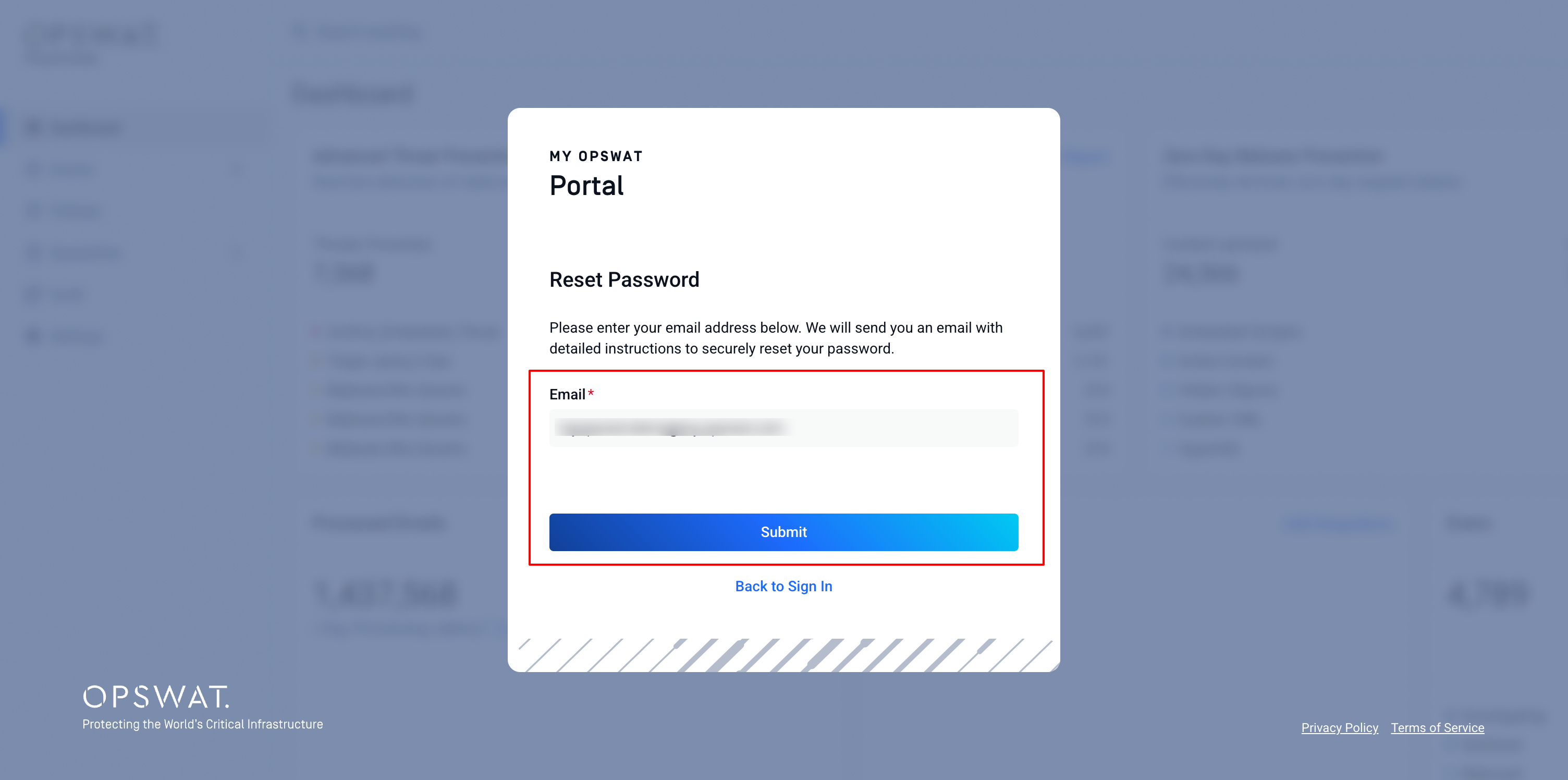
Check the email address, then click Submit
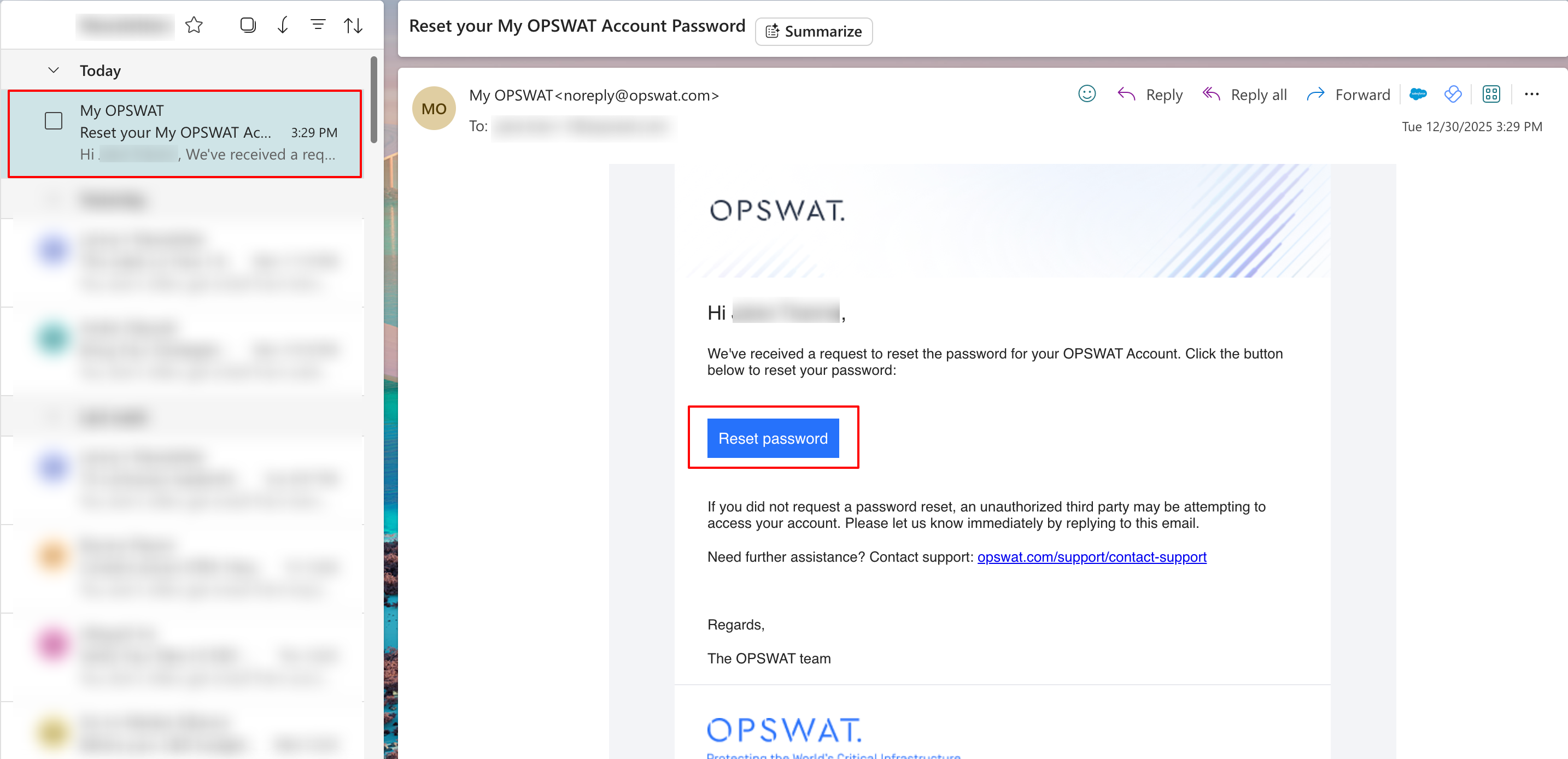
Open the password reset email and click Reset password button in the email.
On the password reset page, enter your new password, then click Reset Password
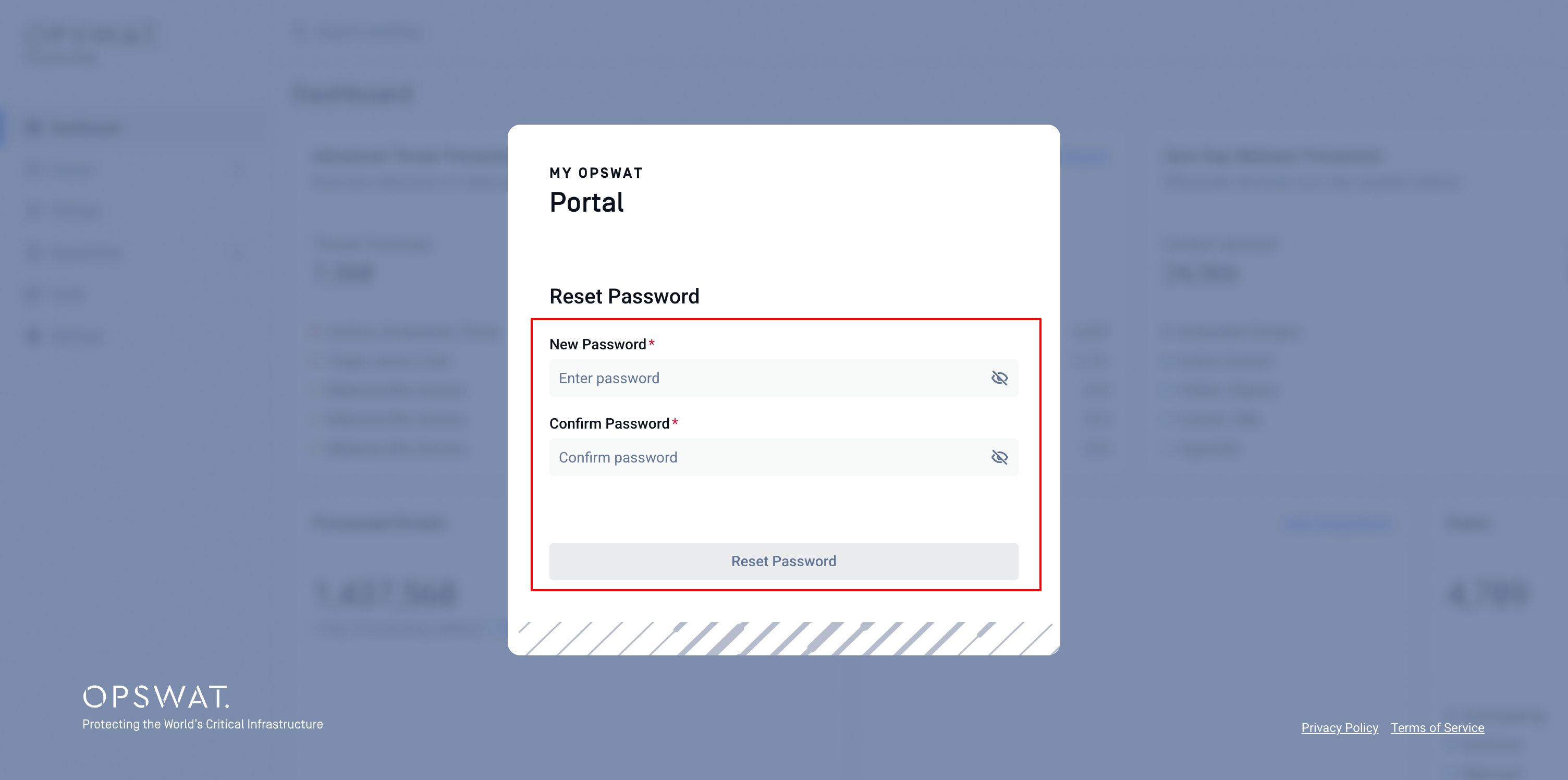
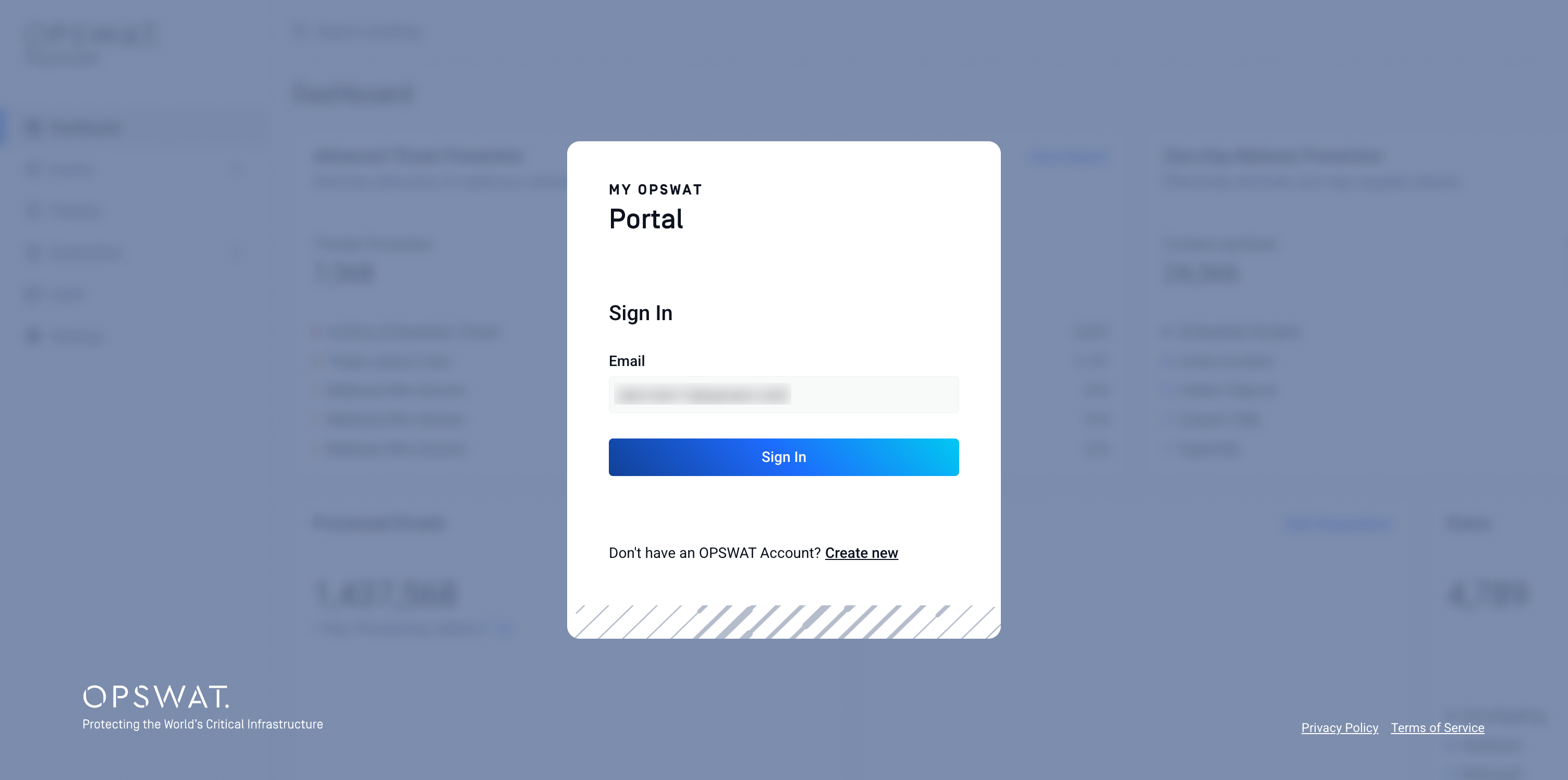
Your password reset process is now complete. You will then be redirected to the My OPSWAT Portal login page, proceed to log in to your account with your new password.
Change Password
Log into My OPSWAT Portal
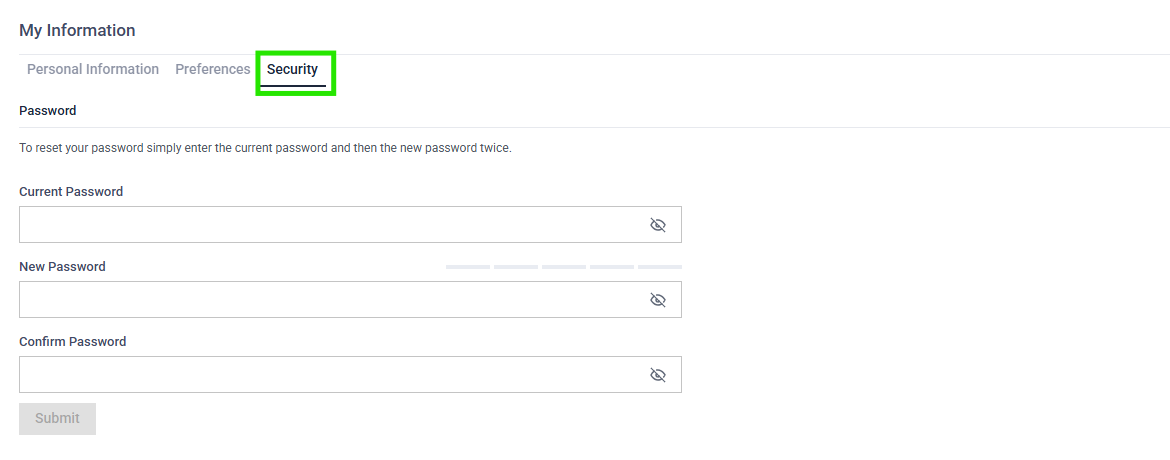
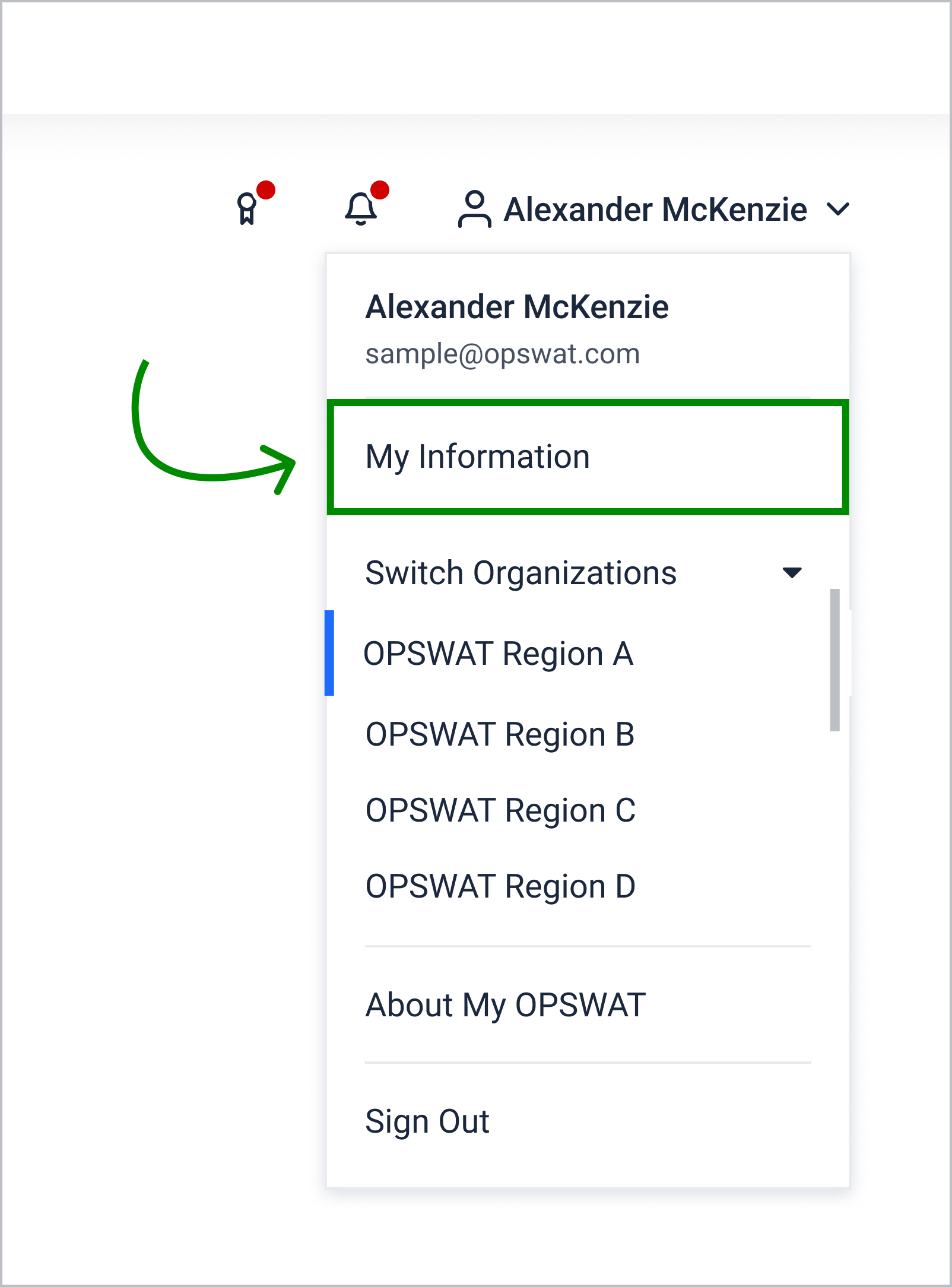
Go to your username in the top right corner and navigate to My Information > Security
In the Password section, input your current password, your new password, and confirm the new password. Then click Submit