
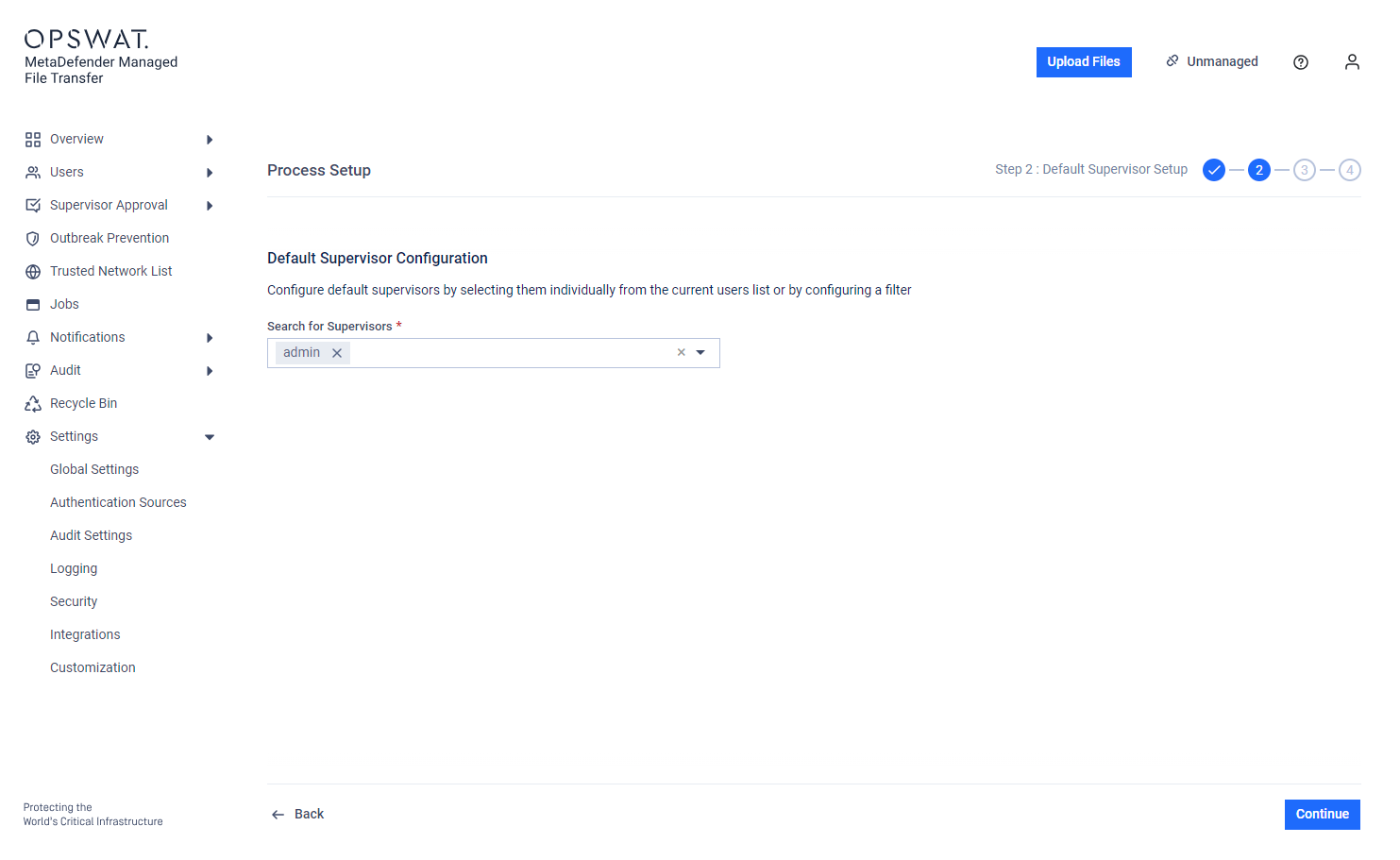
Default Supervisors can be configured by selecting them from a list or by using a filter. These supervisors will approve files uploaded by any user from any container (OU/group).
If Group Supervision with 'Disable Group Supervision for Default Supervisors' is enabled, Default Supervisors can only approve files for users who either do not have a container or belong to groups without supervisors
Files uploaded by local users can only be approved by supervisors defined here.
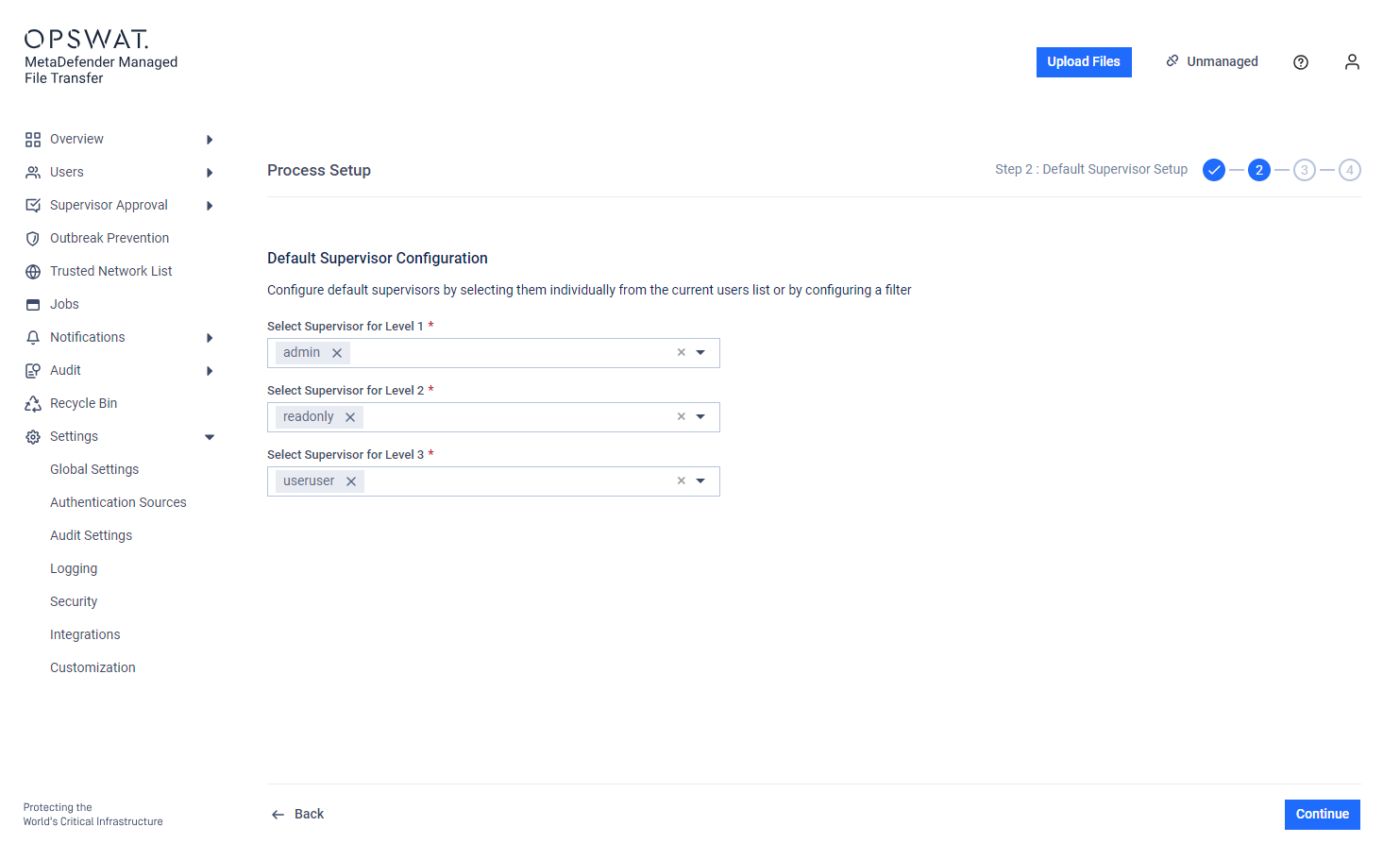
Step-based approval: Supervisors assigned to specific levels can only approve or revoke a file corresponding to their assigned level.
Guests and external users cannot be set as supervisors.
Active Directory configuration for groups:
Groups only: The Setup Supervisors page displays only explicitly included Groups.
Groups and OUs: The page displays all groups from the connected Active Directory, as synchronized users may be part of an OU but not an explicitly included group.