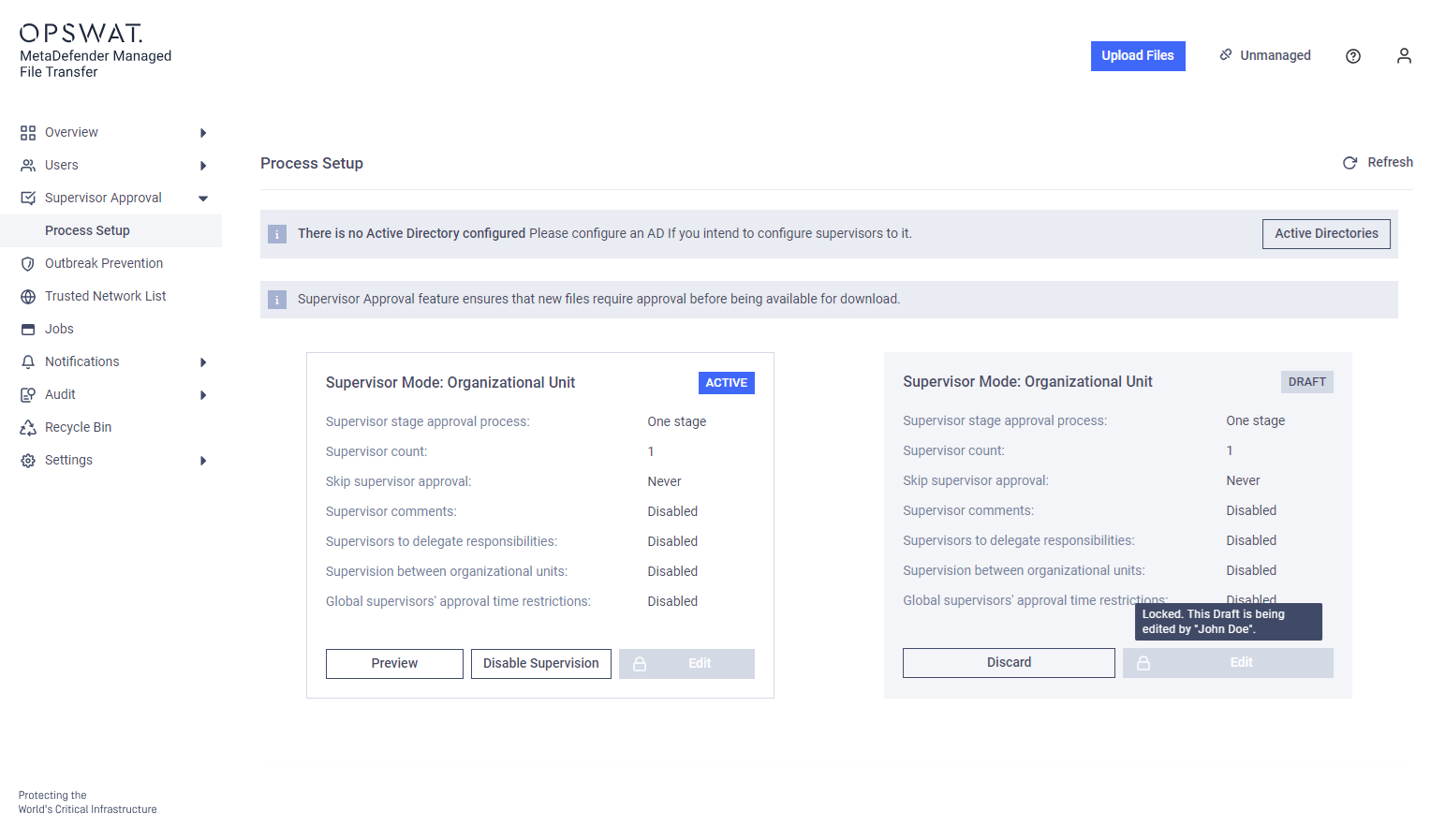
Activating the Approval Process
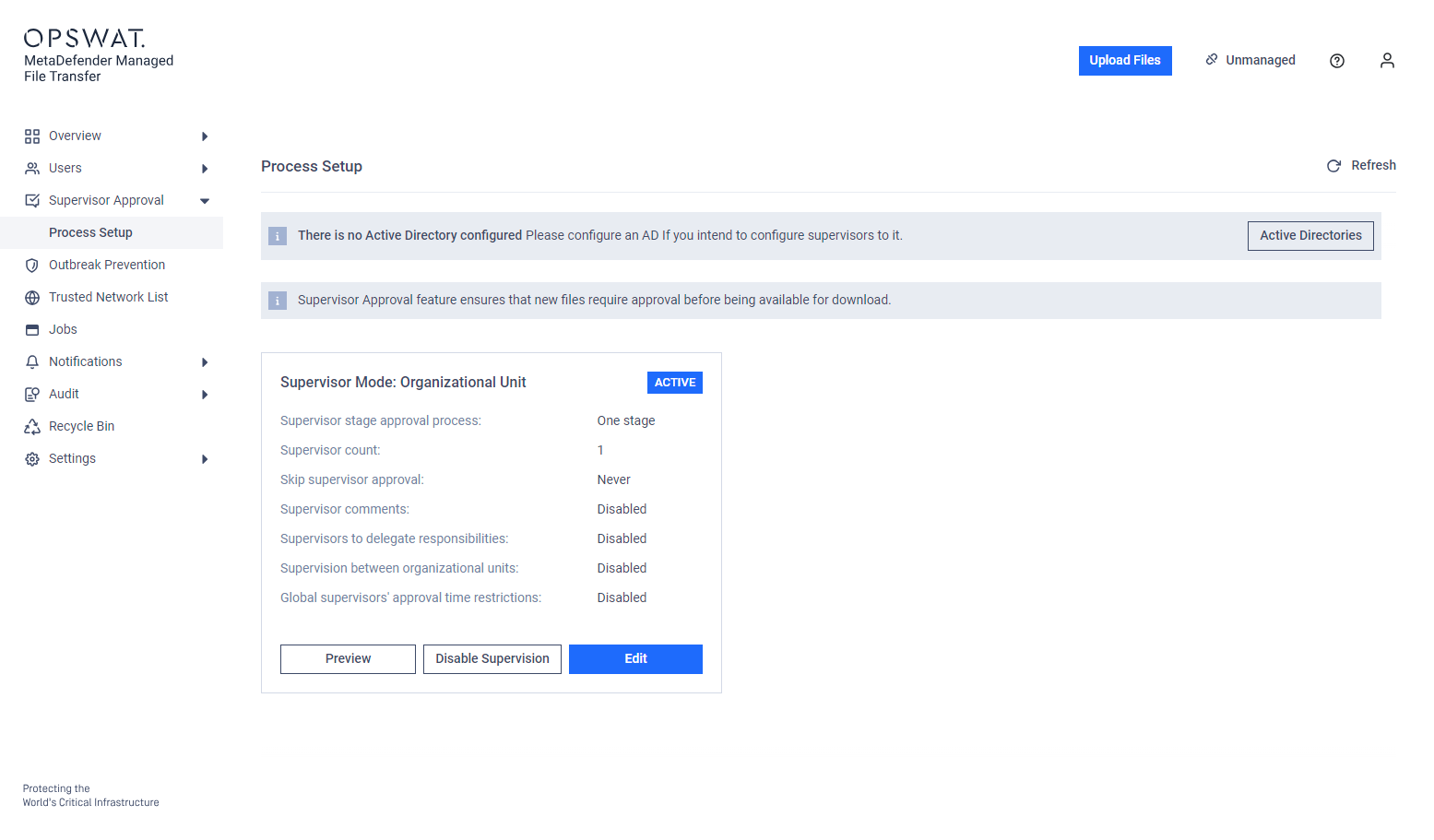
Go to Supervisor Approval → Process Setup.
Create a Draft process configuration.
If previously activated, the existing draft can be edited
Modify the process configuration according to the Supervisor Approval Settings, Supervisor Setup, and Active Directory Supervisors Setup pages.
Activate the Draft.
The Approval process is only active if there is an Active configuration. Without an active configuration or with only a Draft, the approval process is disabled.


Changes made during setup are automatically saved as a draft.
Editing an Existing Approval Process Configuration
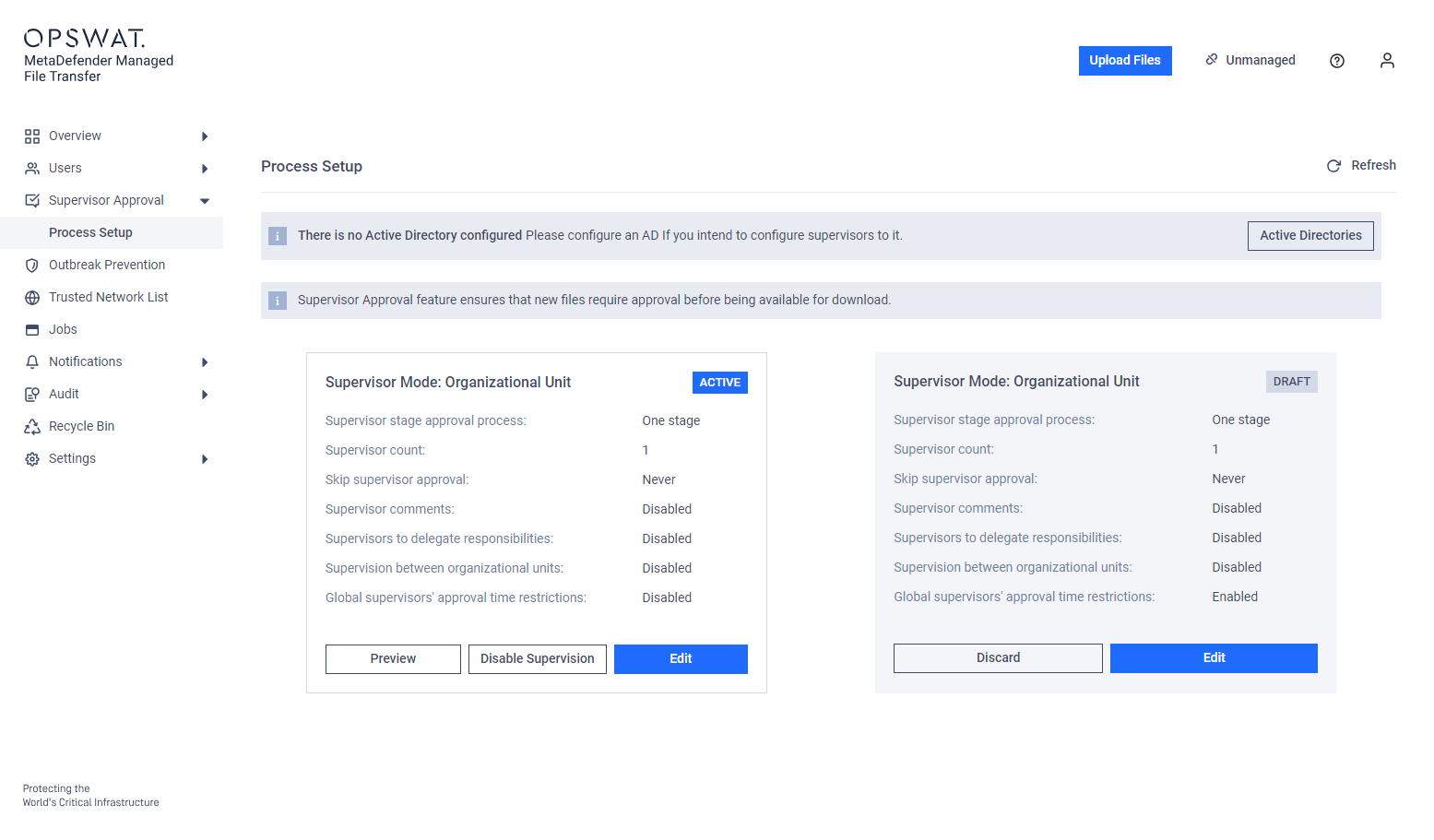
Modify the existing process configuration: The active configuration remains in effect until the new draft is activated.
The Active configuration is replaced by the new Draft upon activation. The previous active configuration is not saved.
Disabling the Approval Process
Disabling the Active process configuration will also disable the approval process.
The active configuration is preserved as a Draft for future reactivation.
If there is already a Draft, it is discarded to make room for the deactivated configuration.
Previewing the Active Approval Process
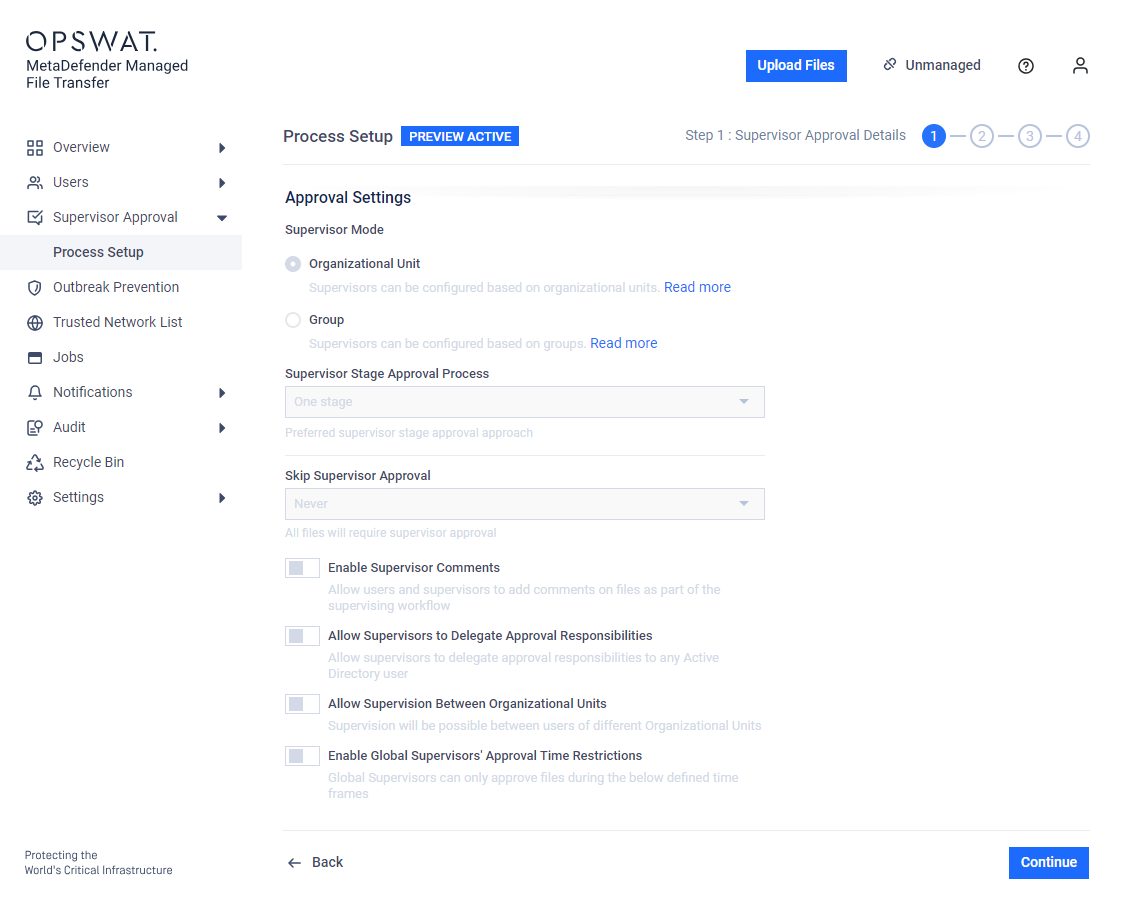
Read-only mode: View the active configuration without making changes.
Preview can also be accessed while someone is making changes to a draft.
Multiple Users Configuring Simultaneously
Configuration is locked to the current user during editing to prevent conflicting changes. The lock is released after 30 minutes of inactivity.
The draft can be discarded to allow another user to start editing.