
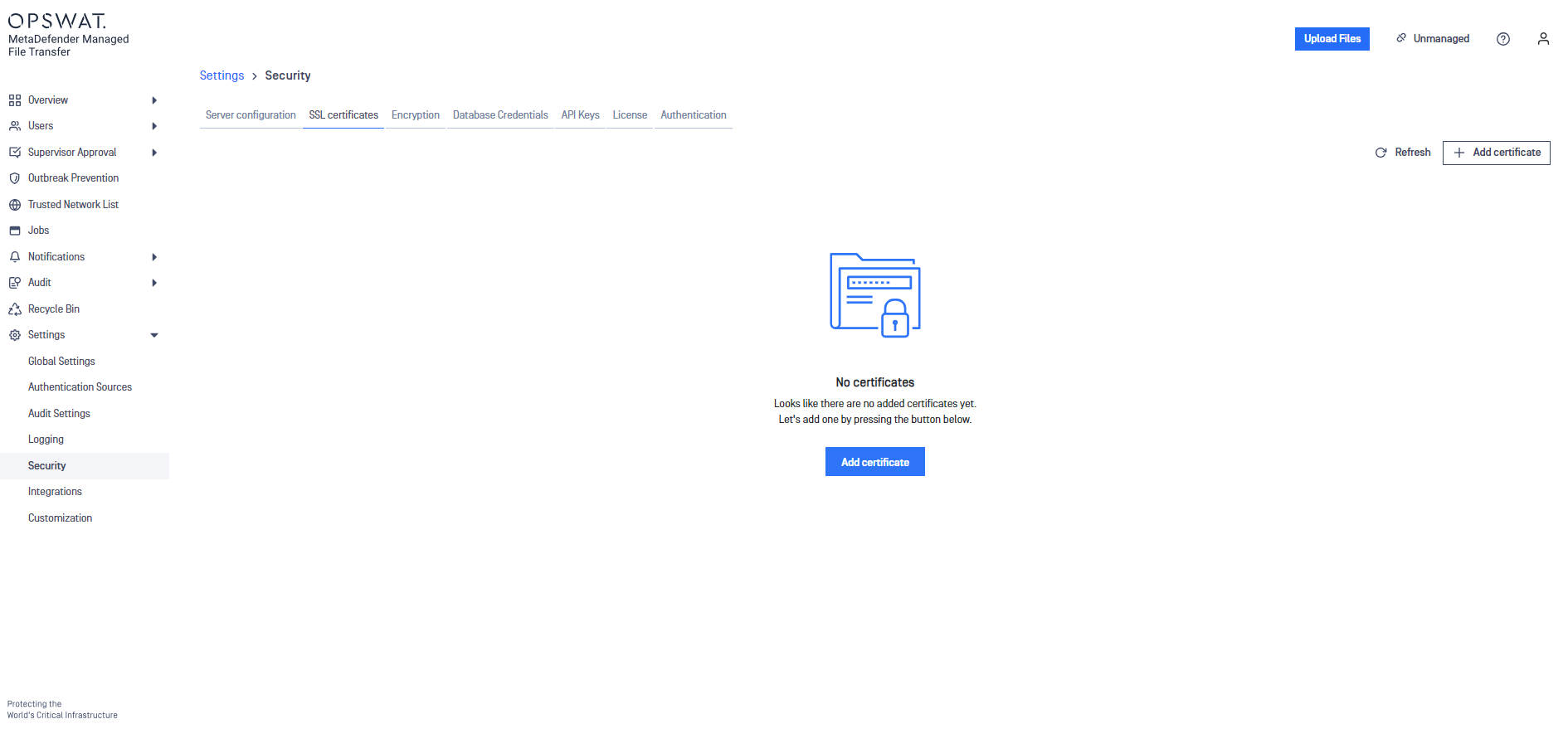
Click Add certificate button
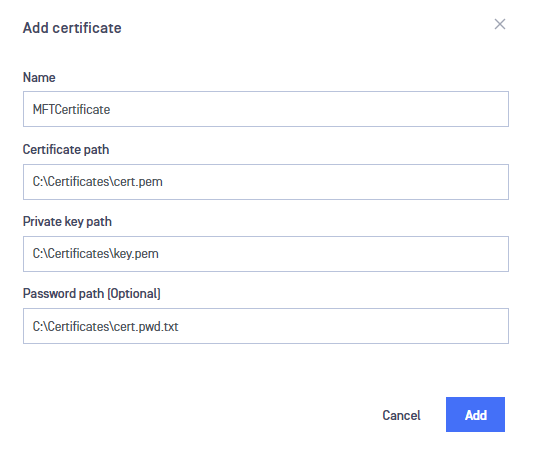
A panel will open to the side prompting for the required input. Fill out the required fields and click ADD.
Info
Please refer to Information Regarding Certificates guide in order to obtain a certificate and certificate key.
Info
Paths containing whitespaces are accepted by default, there is no need to quote the paths in any case.
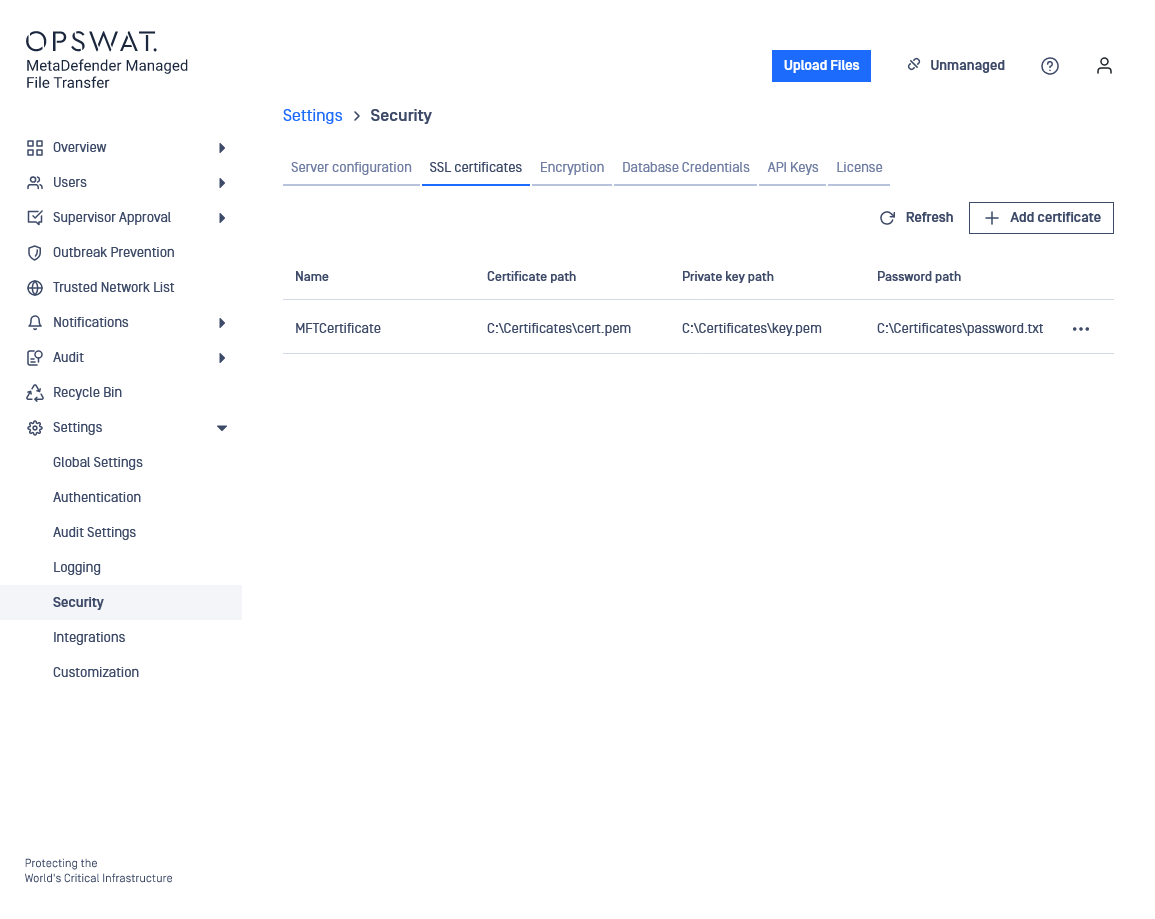
The newly created certificate should now appear in the available certificates list.
Was this page helpful?
Configuration