
This article applies to all MetaDefender ICAP deployed on Windows systems.
Please Note:
In order to deactivate (remove it from the License/Activation key) your MetaDefender ICAP deployment via API calls, you will need the following variables:
Obtain your valid License/Activation Key.
Obtain your Deployment ID.
Apply the following API call, as illustrated in the screenshot below:
curl -X GET https://activation.dl.opswat.com/deactivation?key=<activation-key>&deployment=<deployment unique-ID>
Make sure you have the correct parameters for set for the API call as highlighted in the image from below.
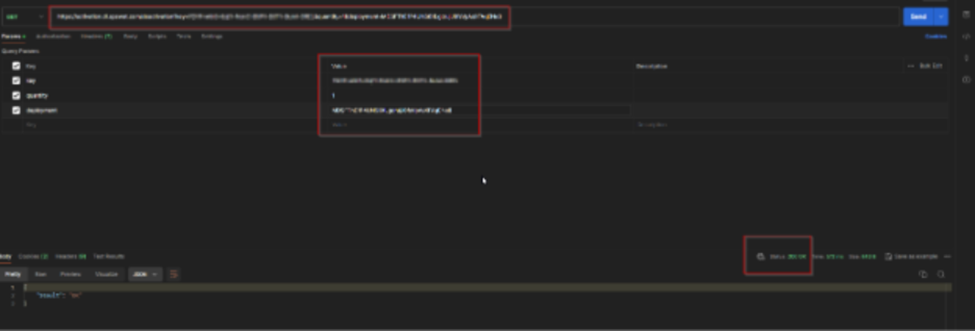
Once the API call is done and you get the “200” response you should be able to use the license slot you cleared with the API call to activate a different deployment if needed.
If you have any difficulty Activating or Deactivating a MetaDefender Managed File Transfer Deployment Via API Calls, please follow these instructions on How To Create a Support Package, before logging a Support Ticket with the OPSWAT team.