
Endpoint Management
v2504
Search this version
Installed from OPSWAT Central Management
Downloading MetaDefender Endpoint (MD Endpoint) package
Log into your MyOPSWAT portal.
Go to Home -> MetaDefender Endpoint and click the Download button, as illustrated in the screenshot below.
Click the MetaDefender Endpoint tab, as illustrated in the screenshot below.
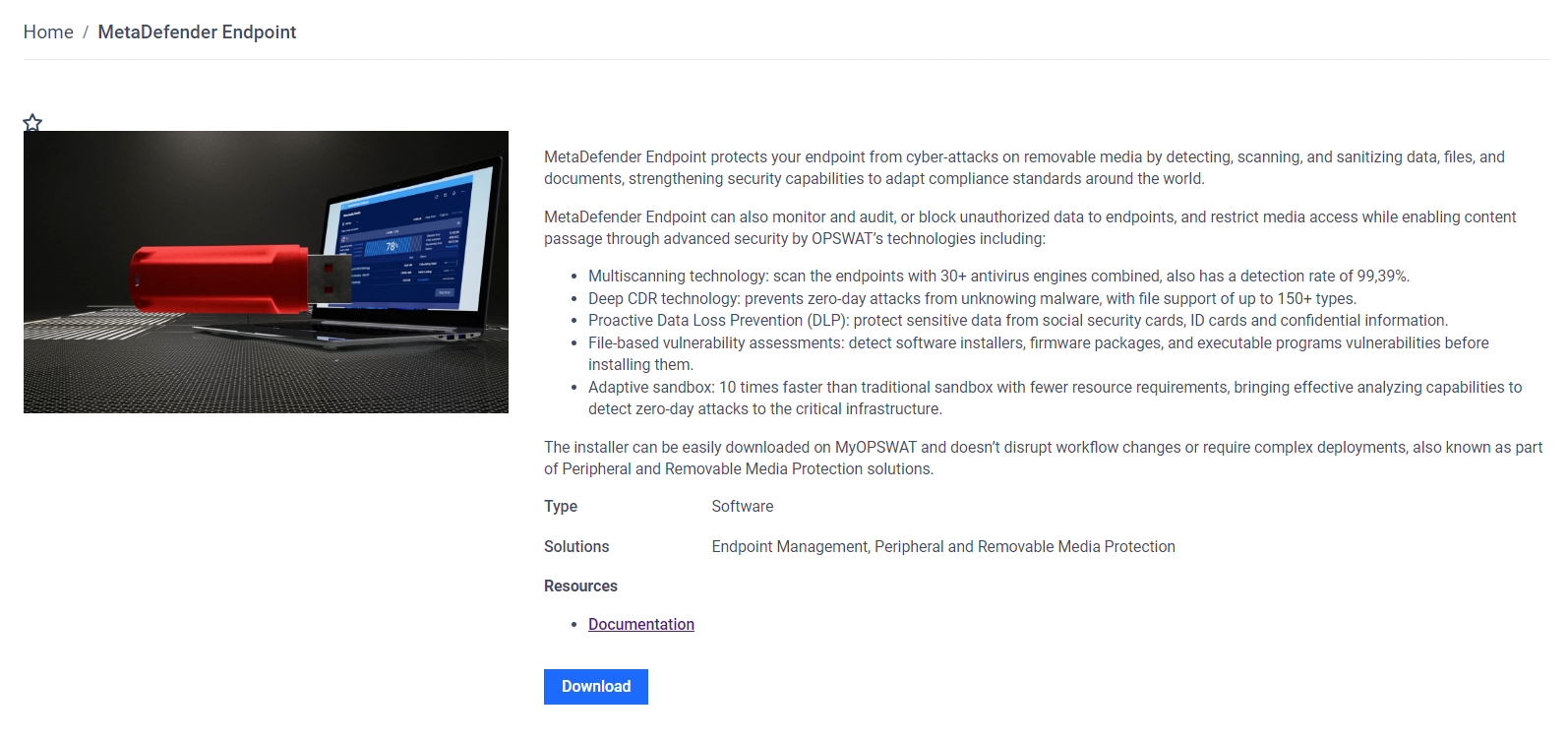
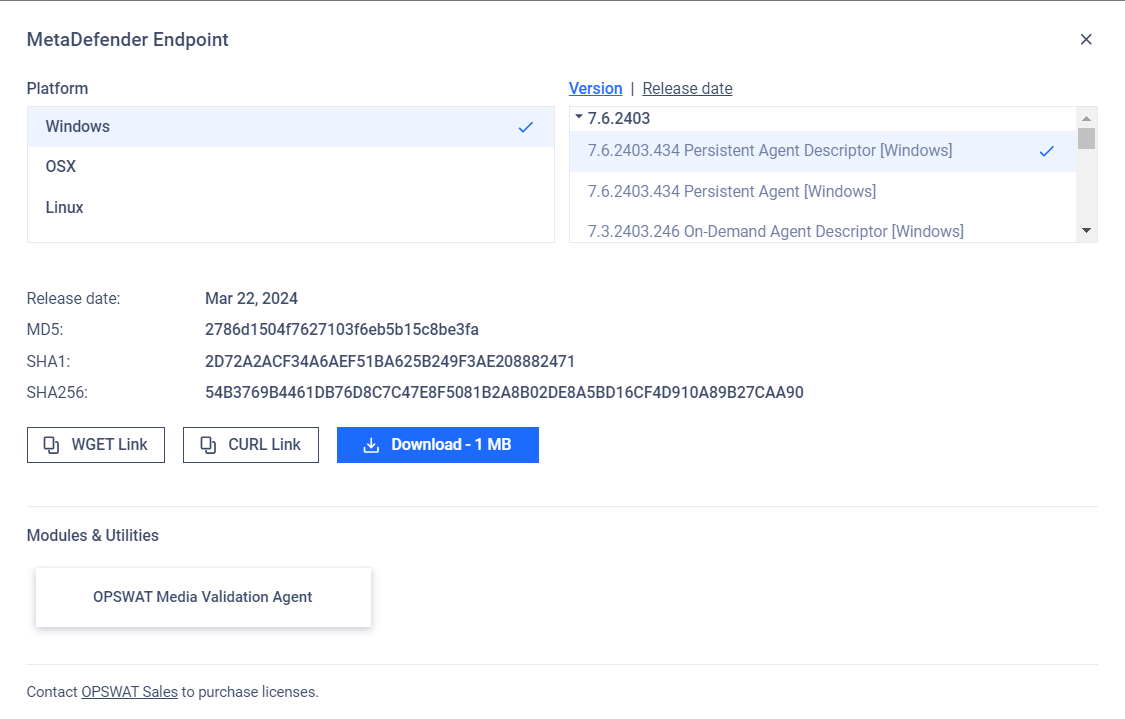
Choose the platform which you want to install the MD Endpoint
You need to download two files before uploading to the server.
Persistent:
Persistent Agent [<platform>]
Persistent Agent Descriptor [<platform>]
On-Demand:
On-Demand Agent [<platform>]
On-Demand Agent Descriptor [<platform>]
Upload the MetaDefender Endpoint to the OPSWAT Central Management v7
Refer to the link: OPSWAT Client, OESIS, and the vulnerability database - Central Management
Last updated on
Was this page helpful?
Endpoint Management
Endpoint Management
OPSWAT Central Management
MetaDefender IT-OT Access - Endpoint Management