
To start using Secure File Storage:
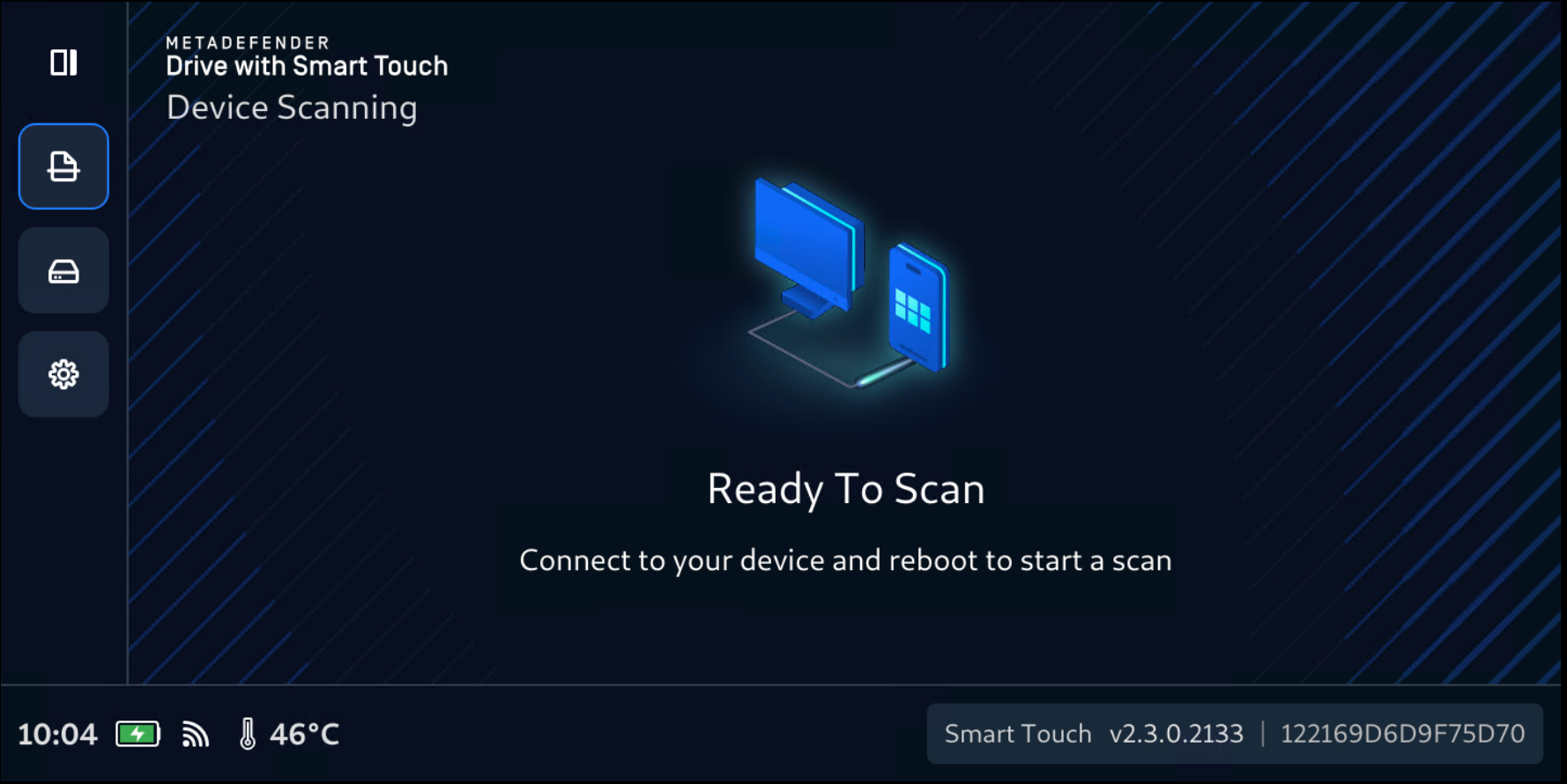
Tap the Disk Icon to expand the left navigation bar, then tap Secure Storage
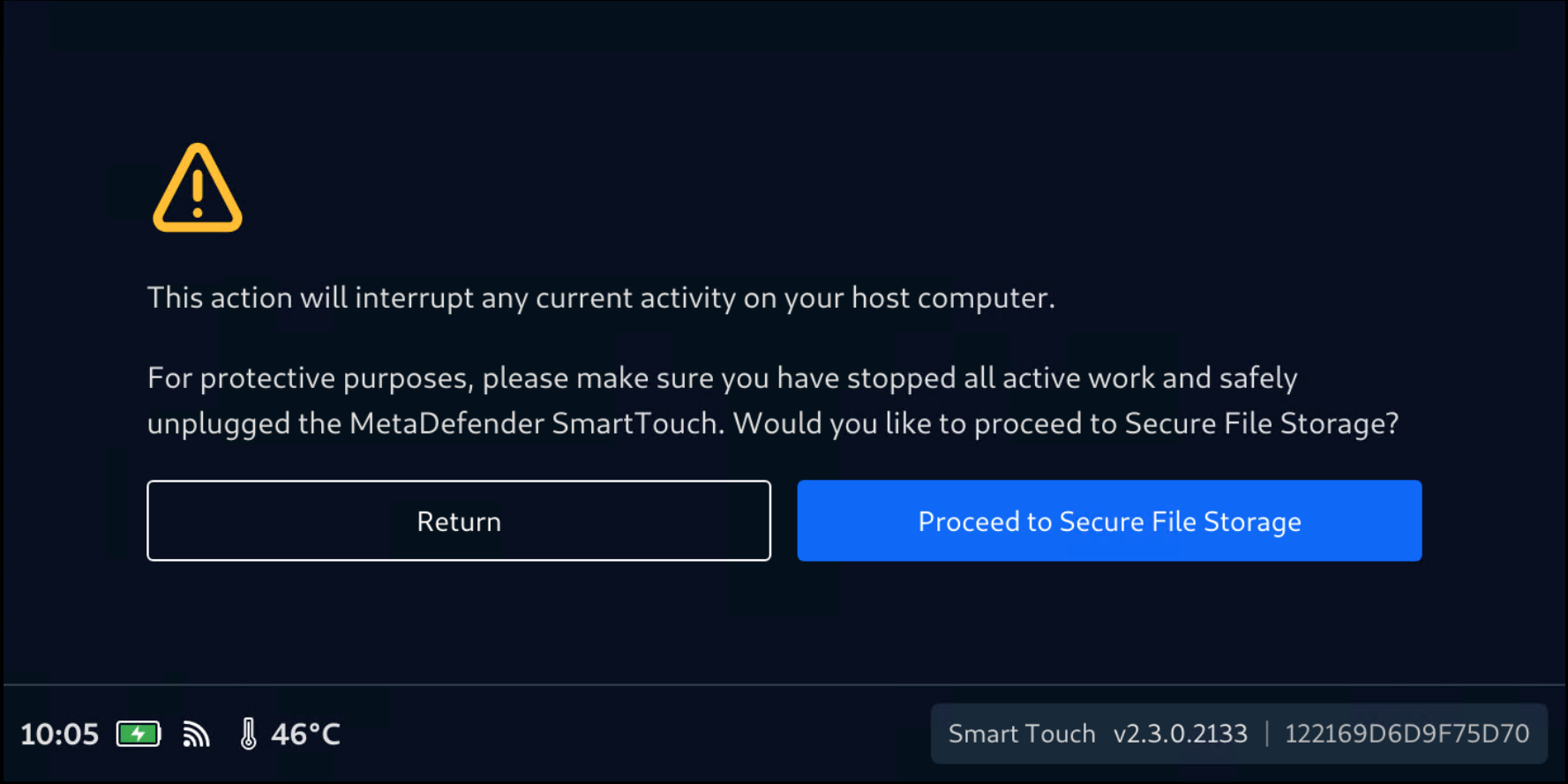
Confirm your selection by tapping Proceed to Secure Storage
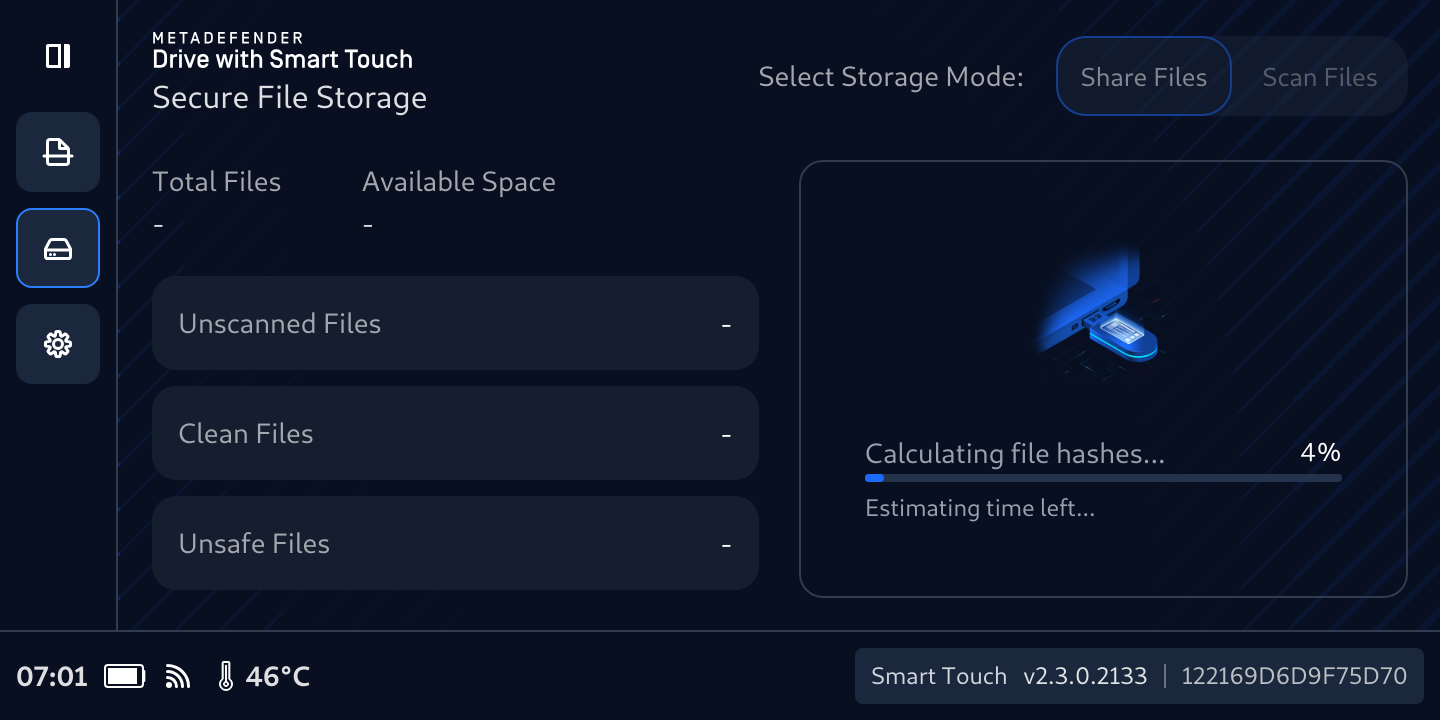
Secure File Storage will start first with calculating the Total Files
The Calculating file hashes... message will be displayed. A progress bar with the estimated time left is shown while this runs.
The files count will be updated once the calculation is completed. This time of this process depends on the number of files being transferred.
Once the initialization is complete, files counter completes and populated, Secure File Storage opens on the Share Files tab and the Connect to a host machine to copy clean files message is displayed on the MetaDefender Drive with Smart Touch screen.
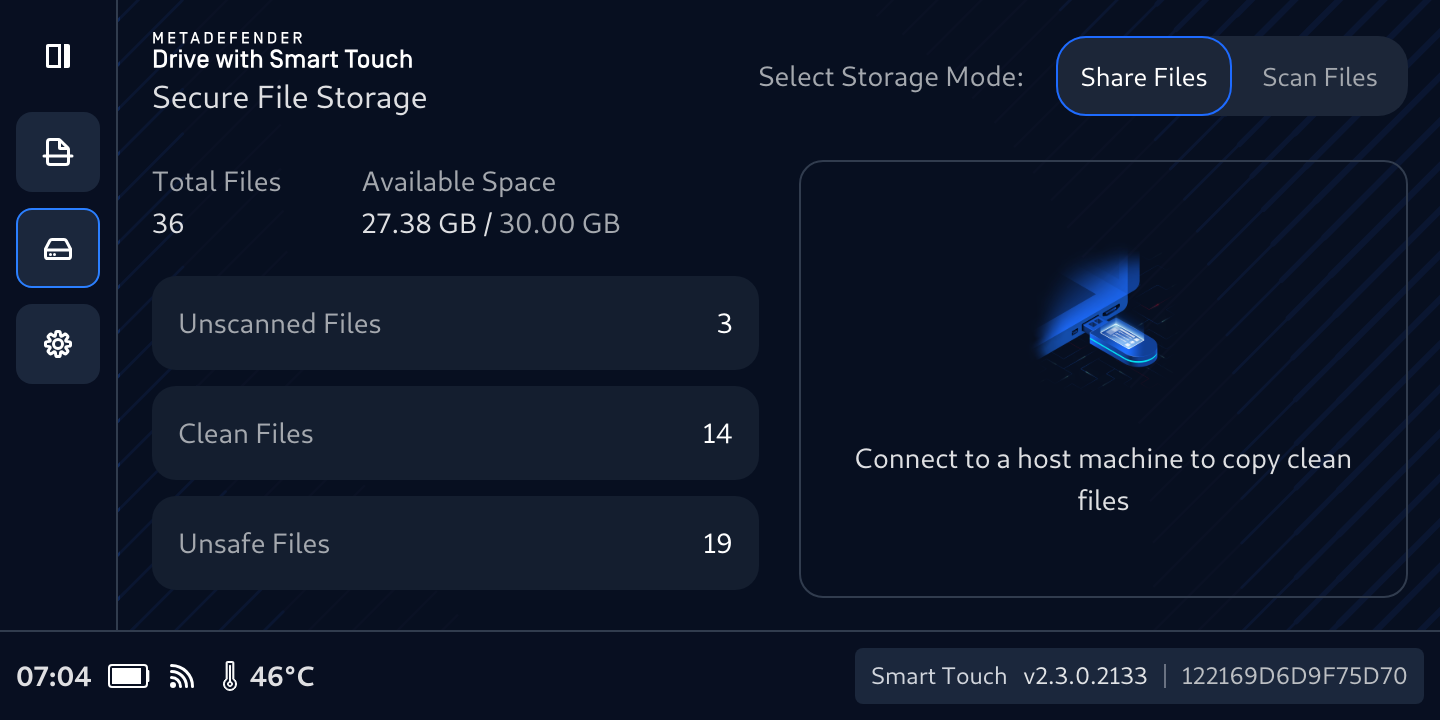
Secure File Storage with some files have been copied 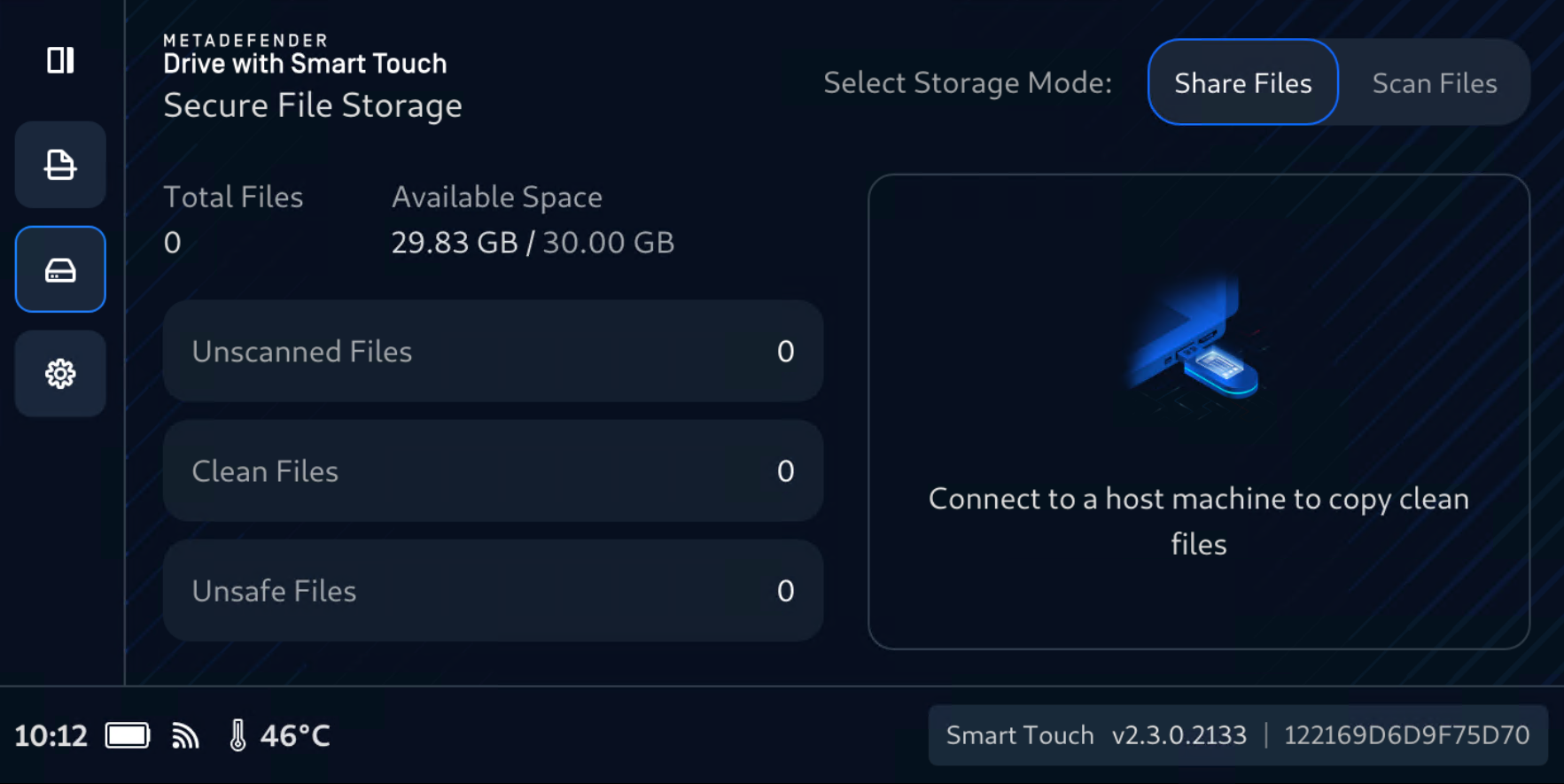
Secure File Storage with no files in there
Share Files
Secure File Storage has two modes, Share Files and Scan Files.
Insert MetaDefender Drive with Smart Touch with Secure File Storage enabled to the target device and wait for a new partition to appear in your file browser with the size of 32 GB and NTFS file system.
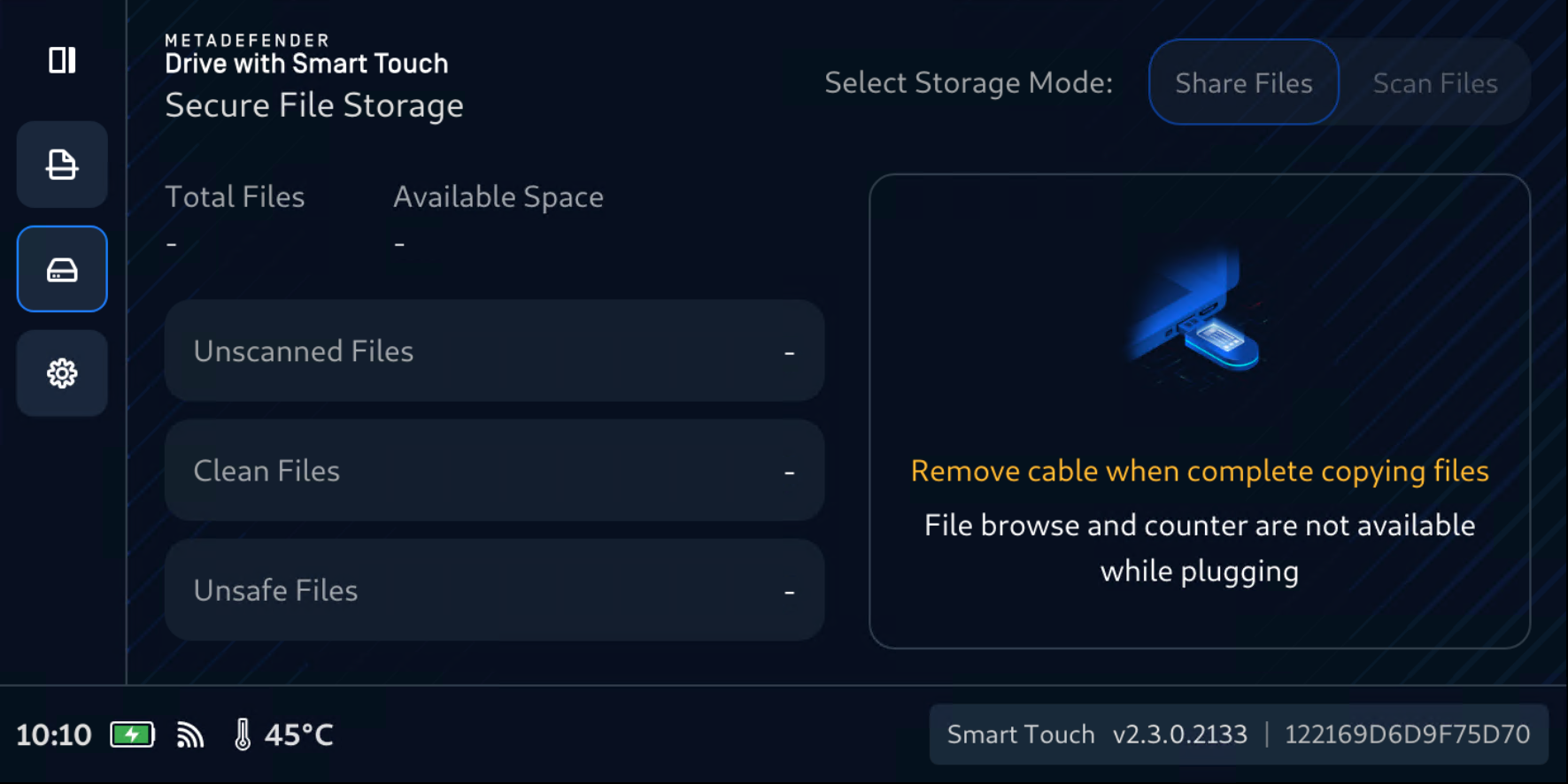
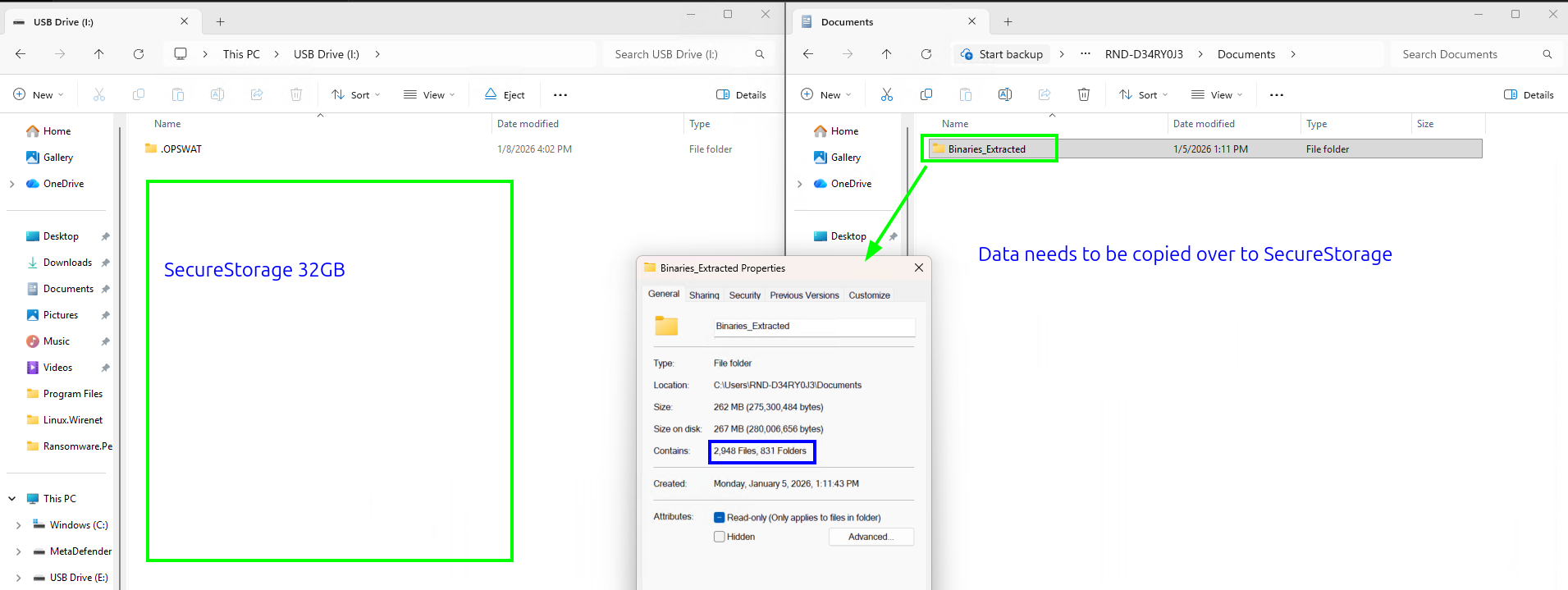
After the copying files is completed and the USB cable is safely unplugged, Secure File Storage will recount the files.
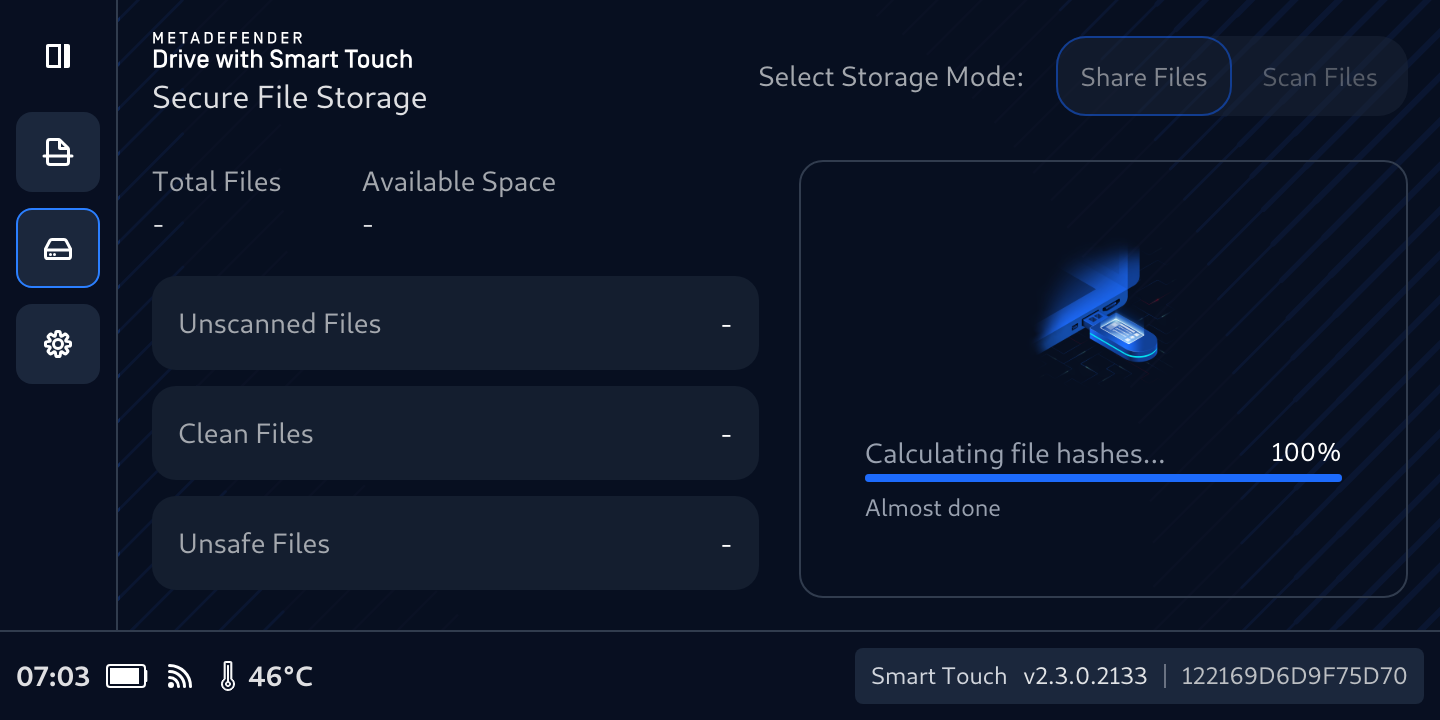
When the calculation finishes, the page stays at Share Files, ready for a next copy.
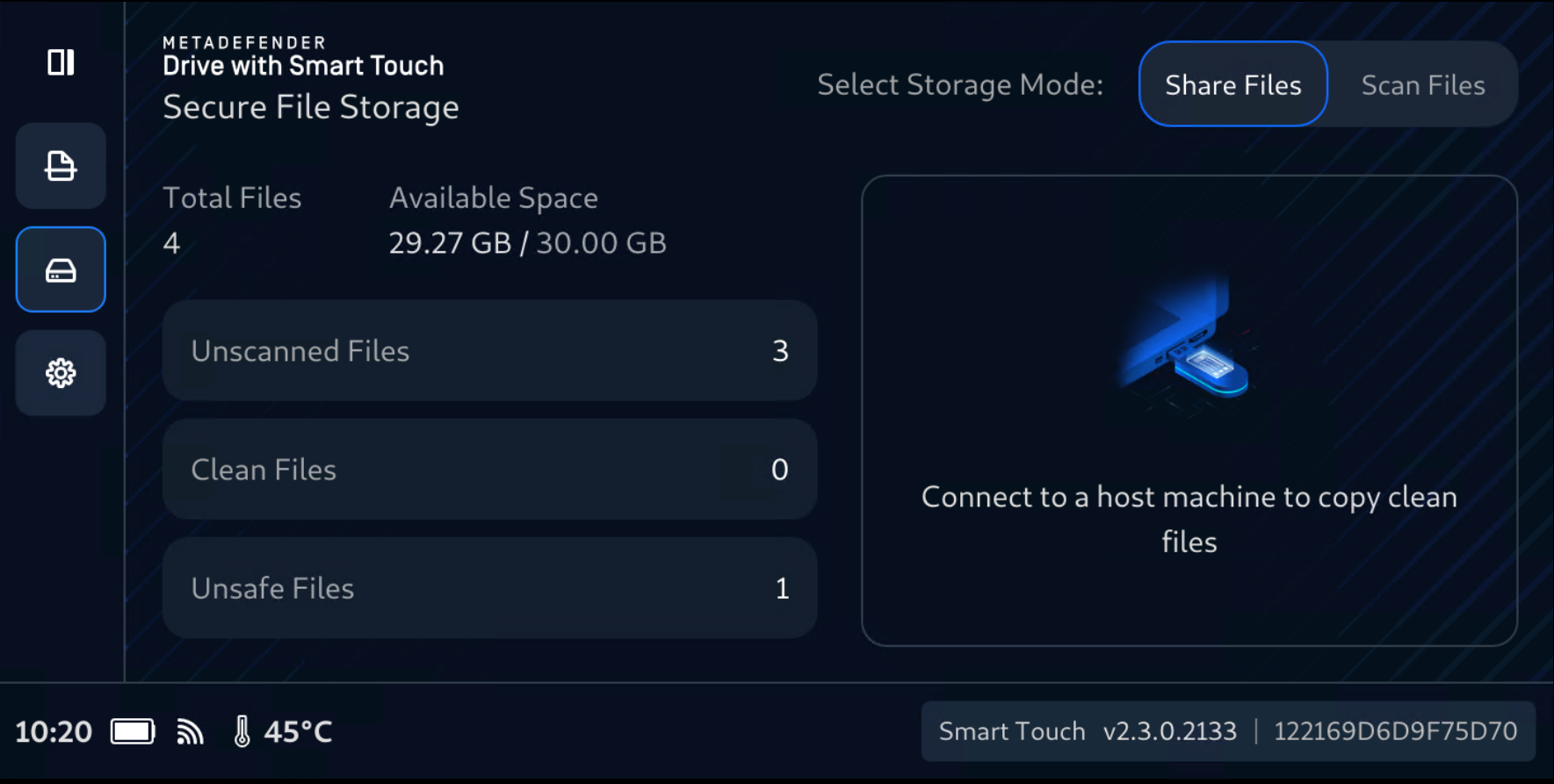
The Total Files number will be populated.
The Available Space will show up, giving clear visibility into total and remaining Secure File Storage capacity.
The newly copied files will be stored and listed in Unscanned Files
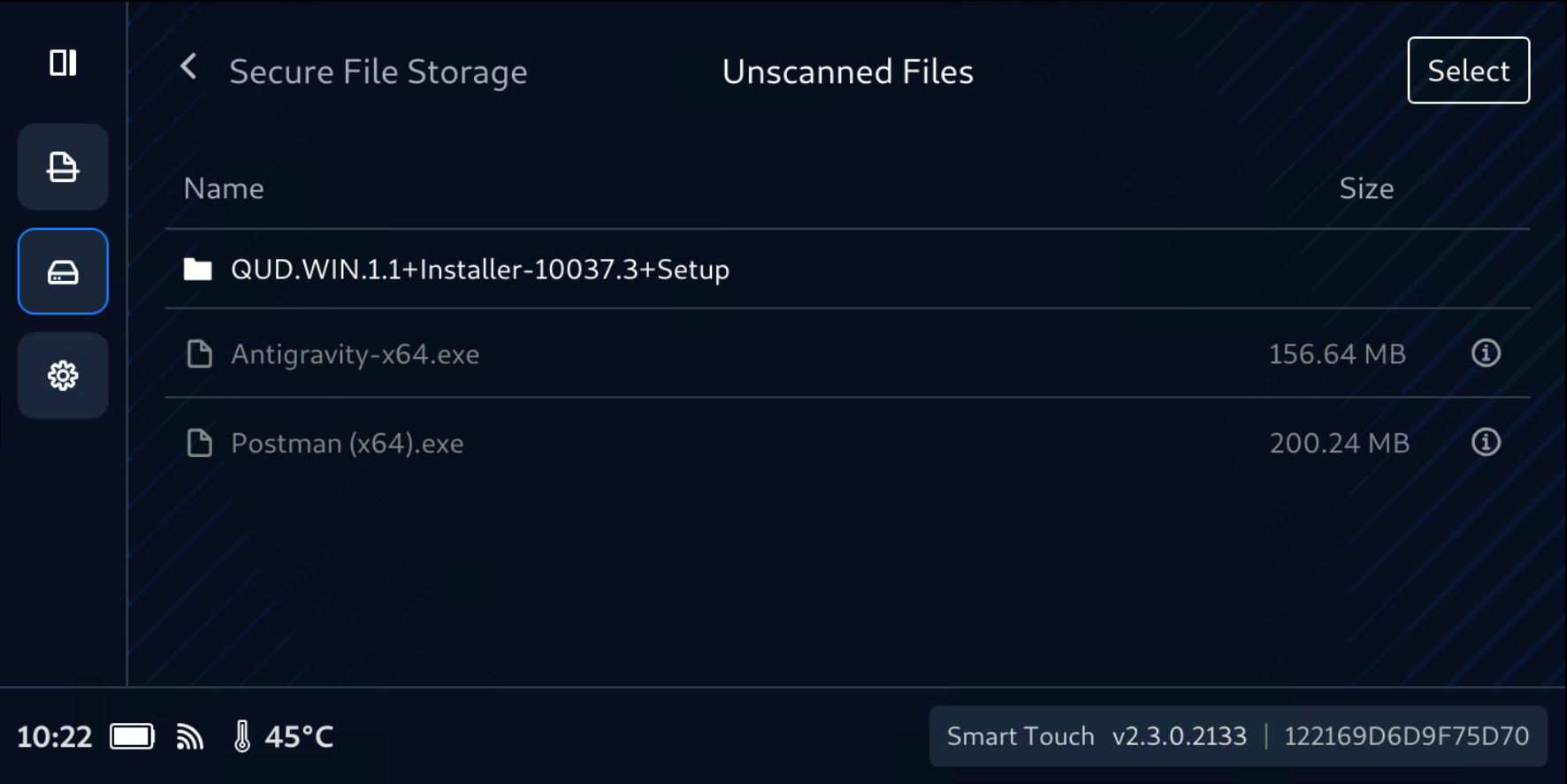
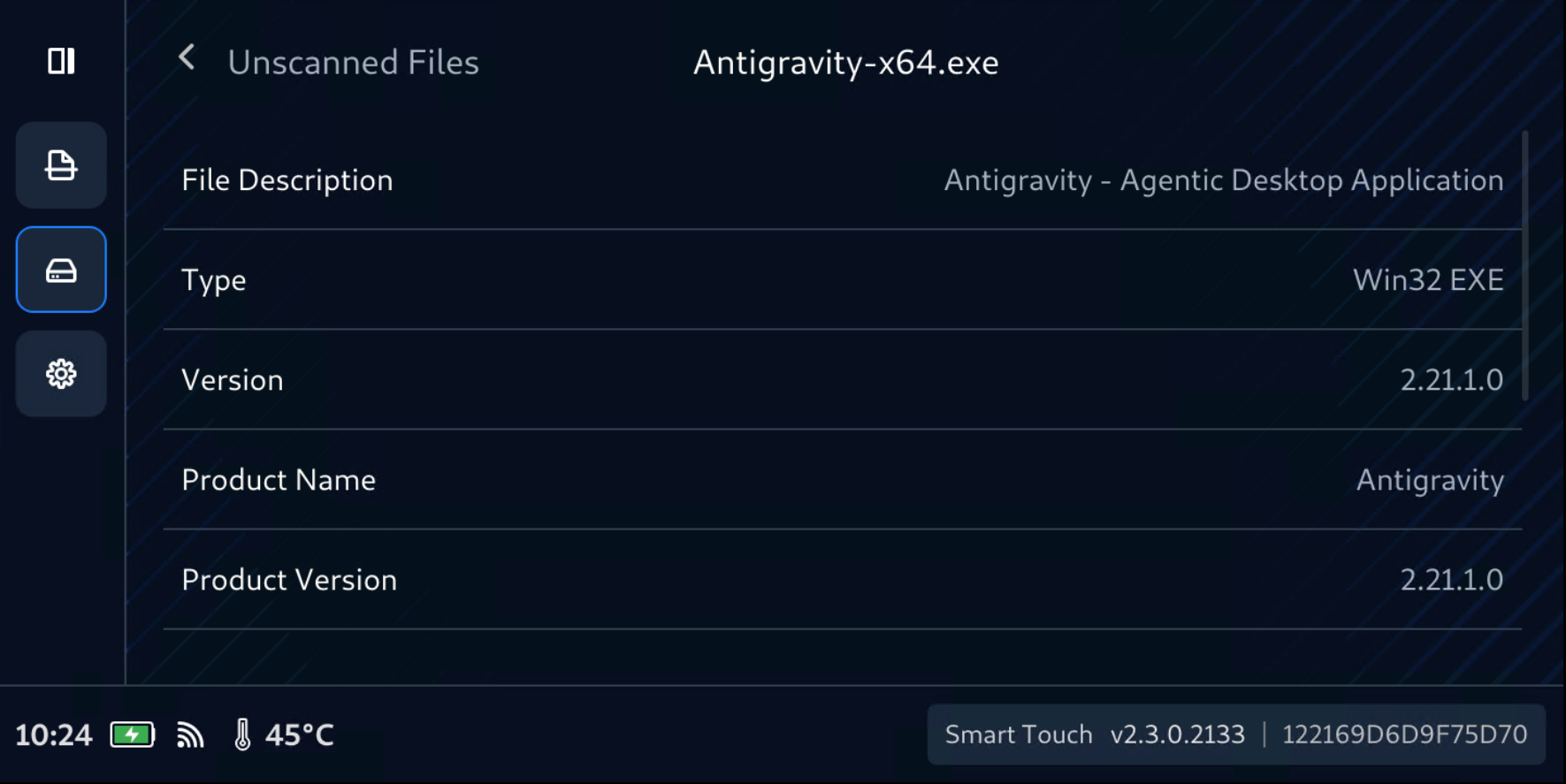
If you plug the Secure File Storage into a host you will see an empty 32GB storage that is ready for another copy session, and the files that were previously copied into Secure File Storage can only be accessed from a computer only when they have been scanned and confirmed safe by an OPSWAT MetaDefender Kiosk.
Unscanned Files now are ready to be examined by MetaDefender KIOSK, follow this instruction to Scan Files in Secure File Storage with KIOSK.