
My OPSWAT Central Management utilizes a secure access method called proxy-based access. This method uses a combination of proxies to provide device compliance based access control to applications that can limit access based on location. This approach is designed with Google Workspace Context-Aware Access (IP Based).
Note:
For this feature to work, cross-domain API must be enabled and the port set to 1139. For more information on cross-domain API, click here.
The minimum OPSWAT agent version to support proxy-based access control is: 7.6.2301.163 (Windows only).
_Supported Google Workspace editions for this feature: Enterprise; Education Standard and Education Plus; Cloud Identity Premium. _Compare your edition
To enable this feature on Google Workspace:
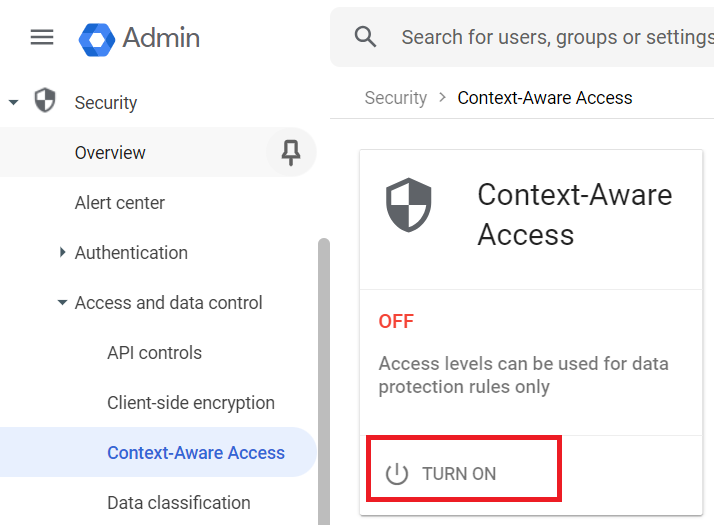
In the Admin console, go to Menu > Security > Access and data control > Context-Aware Access.
Click Turn On.
Once enabled, create an access level that allows access only from the specific IP address:
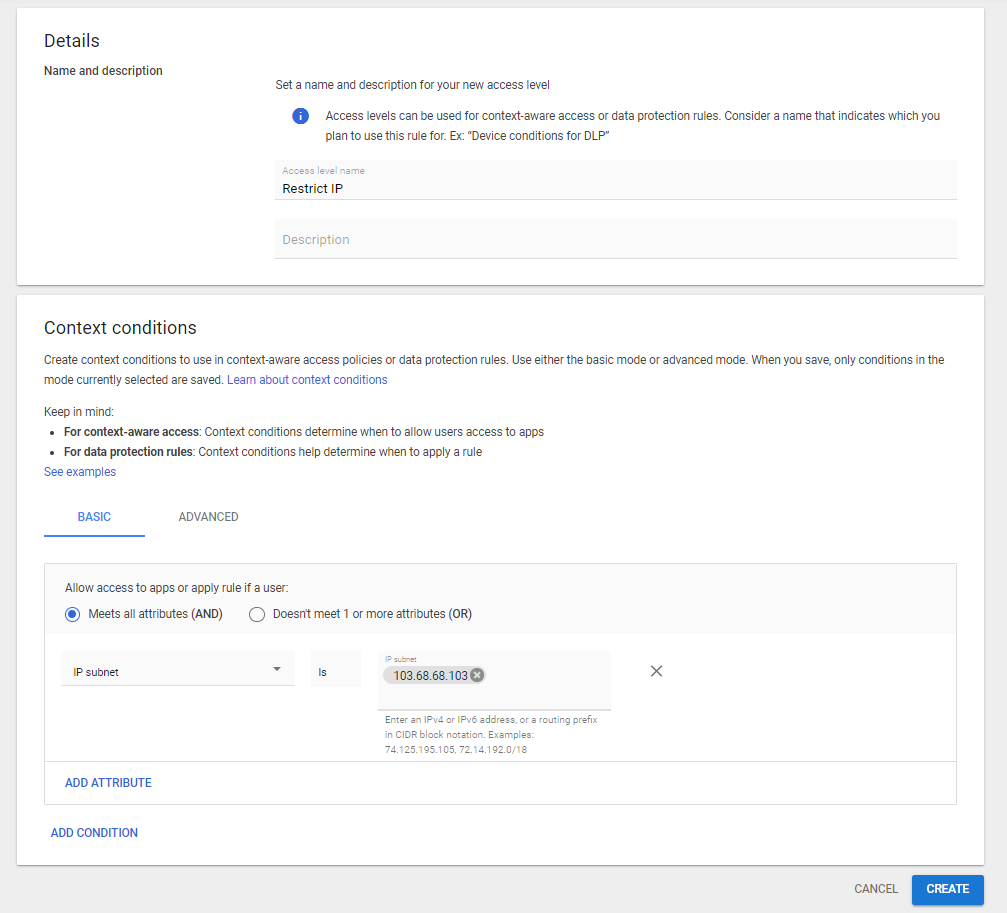
In the Context-Aware Access page, click Create access level.
In the Access level name field, enter a name for the access level.
In the Mode field, select Basic mode.
In the Context Conditions section, click Add condition.
In the Condition type drop-down list, select IP subnet.
Enter the specific IP address that you want to allow access from.
Click Create.
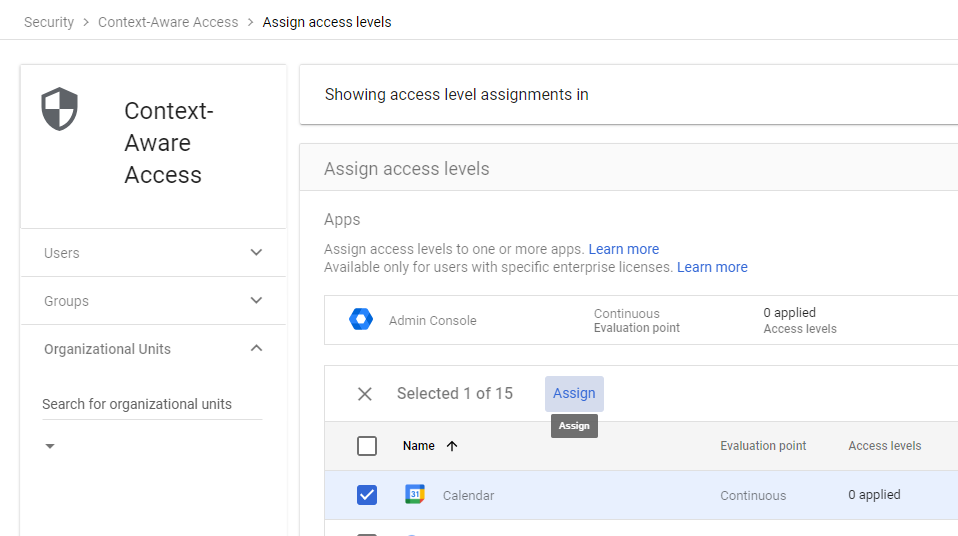
Once you have created the access level, you can assign it to one or more apps with scope all users or a specific group of users:
Go to the Assign access levels page and select the apps to assign the access level to.
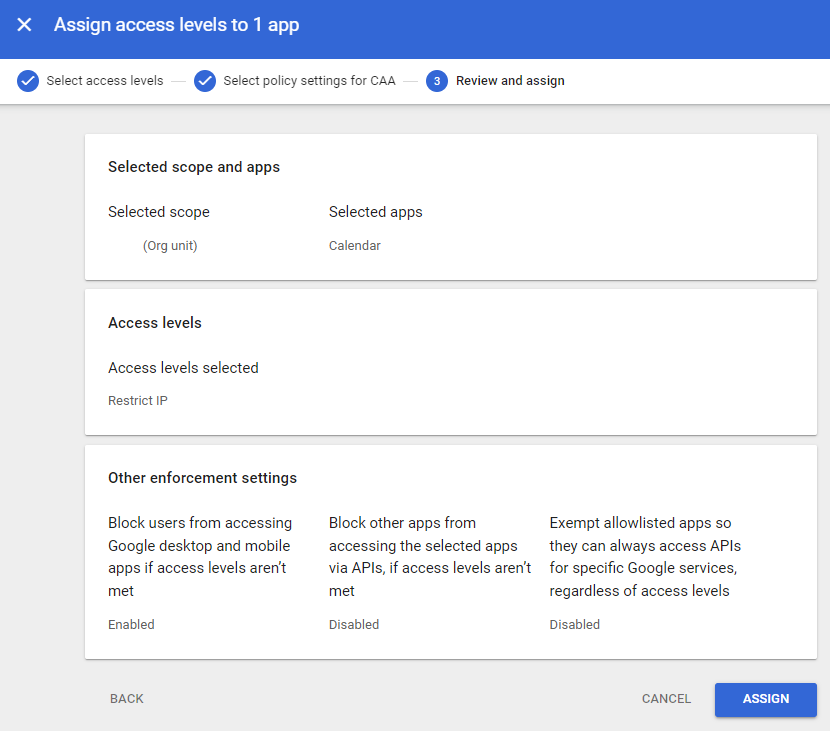
Select the Access level conditions (by IP address) created before, and click Continue.
Select enforcement settings, , and click Continue.
Review, and click Assign.
After creating this policy, My OPSWAT Central Management will be able to determine access to Google Workspace products based on the device's compliance state.