
The User & Groups tab displays a list of users of the organization that you are currently in.
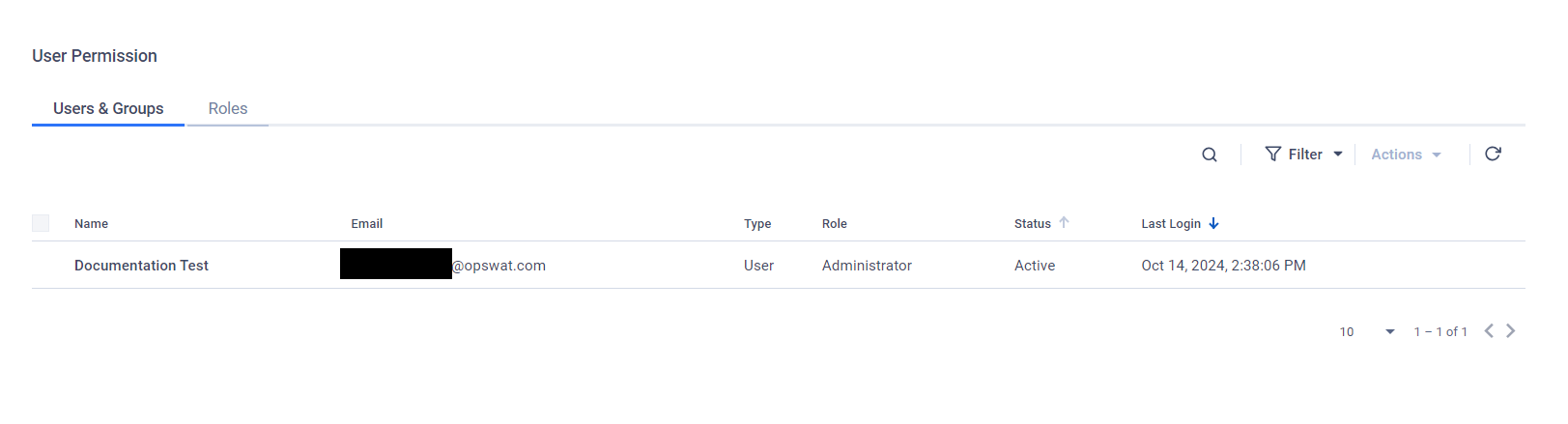
To update permissions for users,
Select users you would like to update
Select Update Role from the Actions dropdown menu
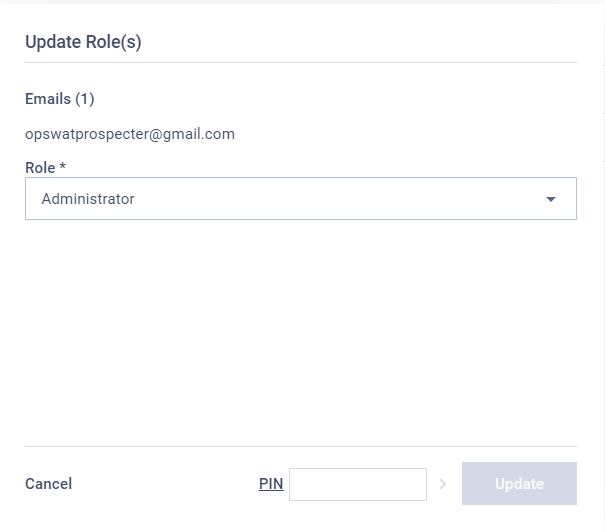
In the Update Role dialog, select the desired role then enter your user's PIN if required and click Update to confirm your choice.
Was this page helpful?
Configuration