Configuration
v2025.4.1
Search this version
Configuration
Configuration
Instance Configuration
Title
Message
Create new category
What is the title of your new category?
Edit page index title
What is the title of the page index?
Edit category
What is the new title of your category?
Edit link
What is the new title and URL of your link?
Add Existing Instances to a Group
Copy Markdown
Open in ChatGPT
Open in Claude
This page describes how you can add an existing instance to a product group.
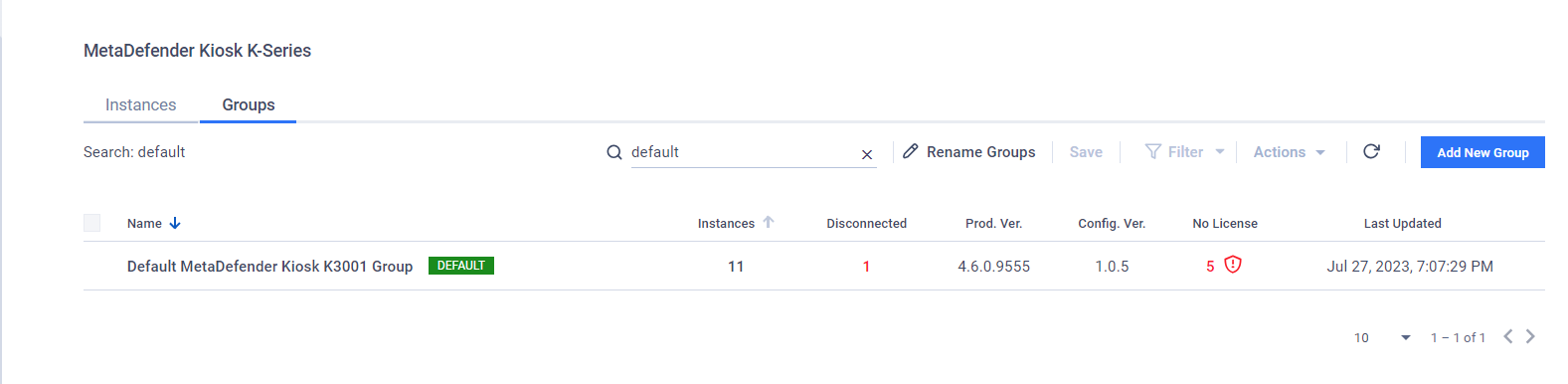
Navigate to the Products page on the left navigation menu and select your product. Select the Groups tab.
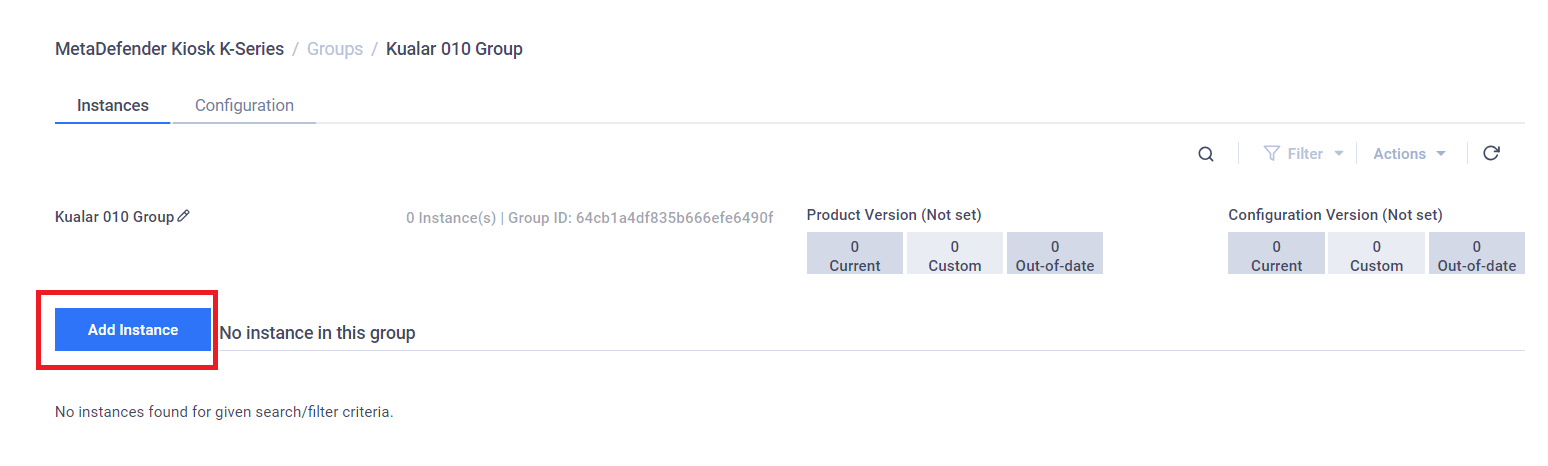
Click a group you would like to add instances to navigate to the group details view. On the Instances tab, click Add Instance.
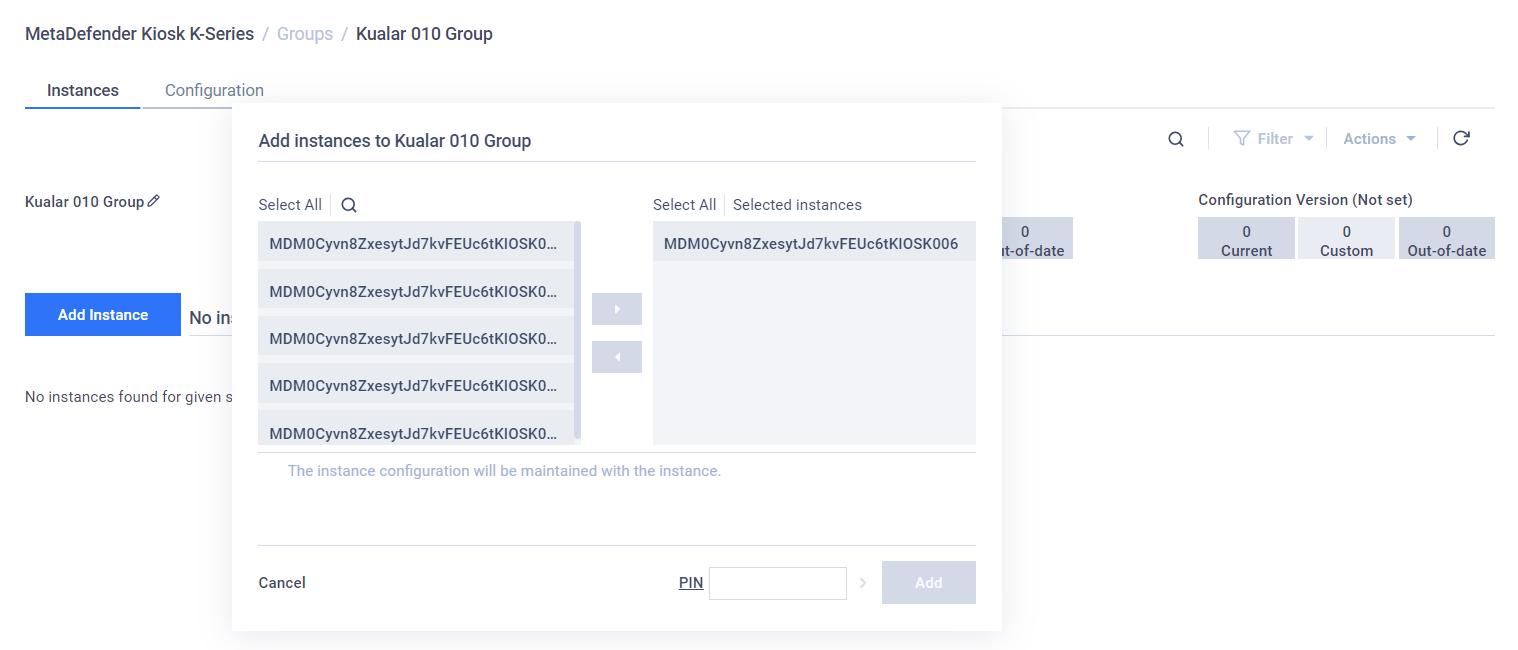
Here you can select instances to add to the group and choose if you would like to apply the group's configuration to those instances by checking on "Apply Group Configuration to selected instances" option. Then click Add.
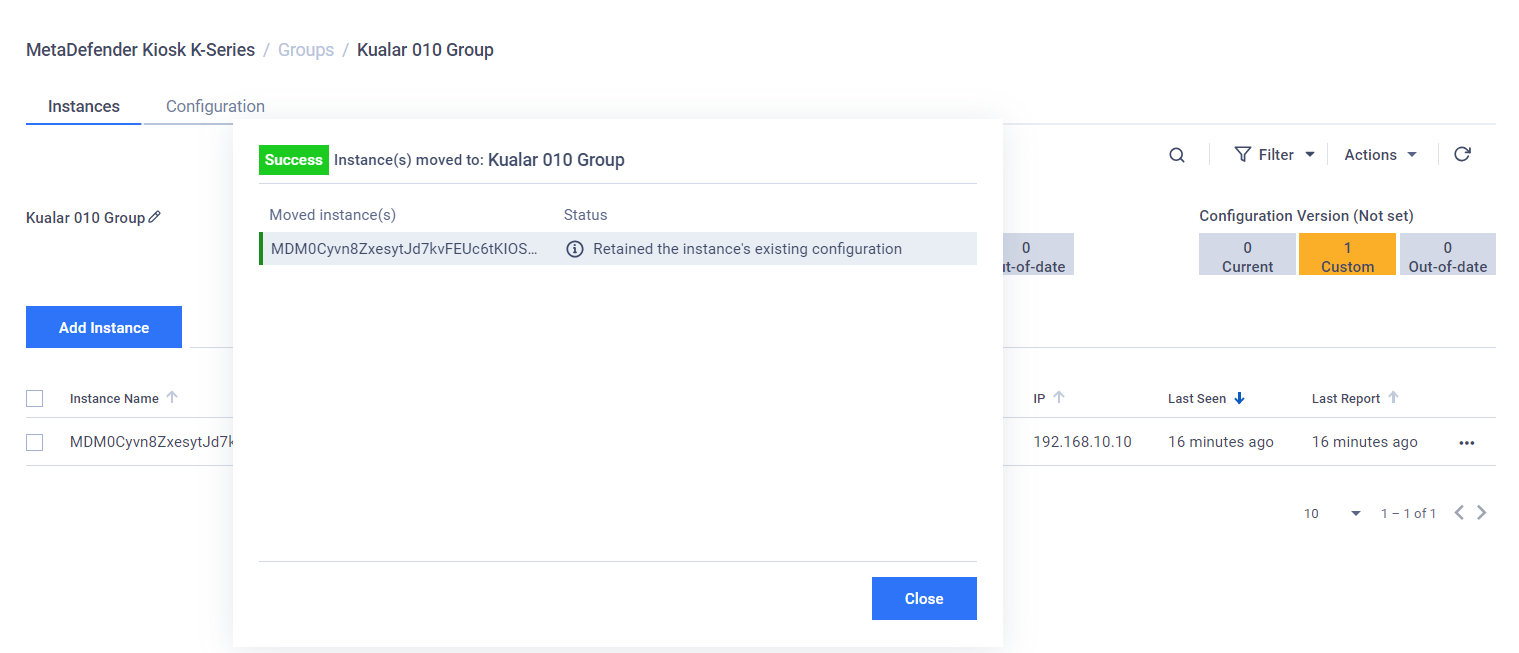
The console then shows if all selected instances are moved and if the group's configuration is applied to the instances. Click Close to finish.
Type to search, ESC to discard
Last updated on
Was this page helpful?
Next to read:
Group DashboardDiscard Changes
Do you want to discard your current changes and overwrite with the template?
Archive Synced Block
Message
Create new Template
What is this template's title?
Delete Template
Message
