User type: Organization user
Role: View only or Full access on License Management
In My OPSWAT Portal, users can activate a license keys of OPSWAT Products for offline deployments where an OPSWAT Product instance can not connect to OPSWAT License server, such as in an air-gapped environment.
Here are steps to activate a license key:
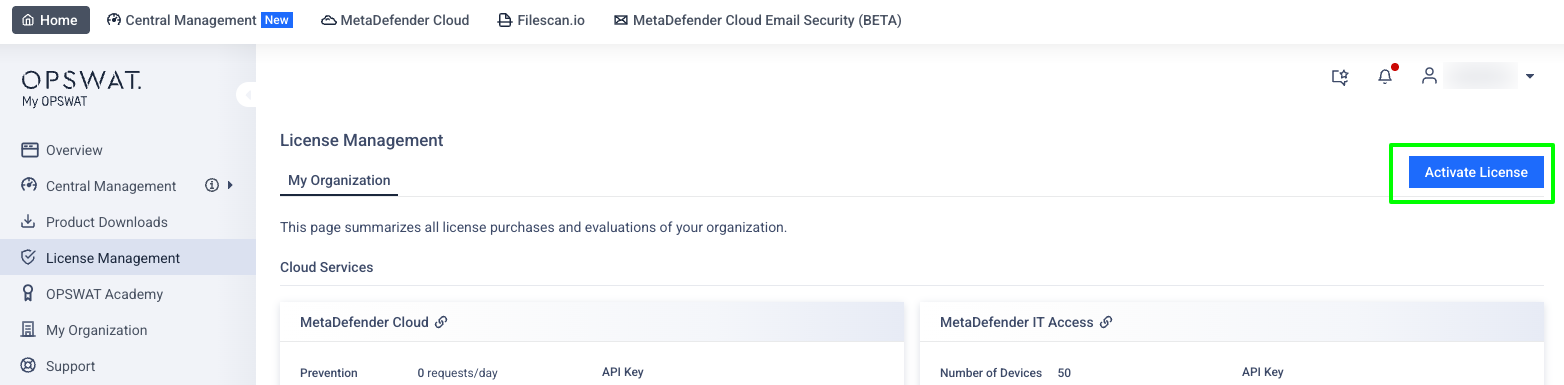
From the left sidebar, select License Management, click Activate License
The activation dialog will pop up. Select what product you would like to activate and fill in all the required fields. Then select Activate
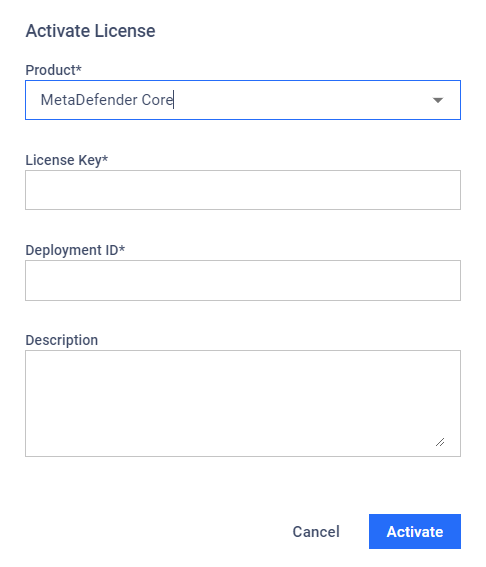
Product: The OPSWAT Product that you wish to perform license activation.
License Key: The license keys associated with the OPSWAT Product.
Deployment ID: The deployment ID of the product instance
Description: The description you want to add for this license.
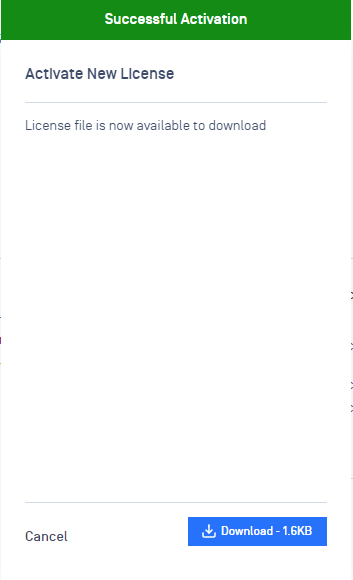
If the activation is successful, an offline license file will be made available. Click Download to download the license file.