
Real-Time Processing is a scan type that processes files immediately upon upload.
This scan mode offers two file discovery methods:
This feature is disabled by default. To enable it:
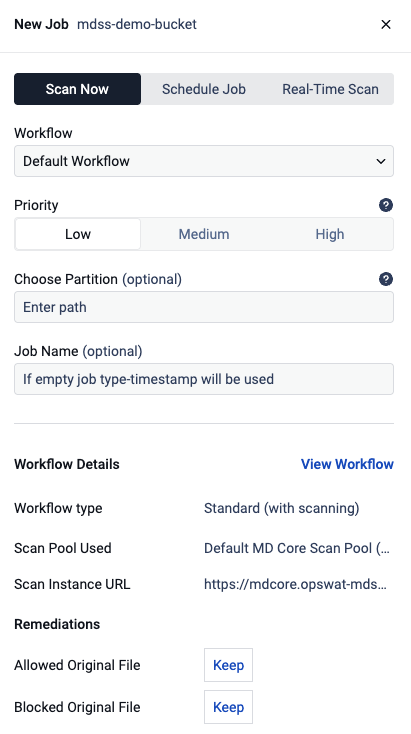
In the MetaDefender Storage Security web interface, navigate to "Storage Units."
Select the desired storage unit and click the "More Options" button (represented by three dots) to choose "Add New Scan."
Select "Real-Time Processing" and choose the file discovery method (Polling or Event-Based, if the storage supports event-based real-time processing webhook invocation).
Pick files modified since (Optional) field is a date/time picker that defines a cutoff point for file discovery; by default, only new files are picked up, but selecting a date causes the scan to also include files that were modified on or after that date and time.
The field is disabled in the following cases:
DISCOVERY_SERVICE_<PROTOCOL>_RTP_HANDLING = 1(for SMB, SFTP, NFS or FTP)Event-based RTP: event-based processing handles all incoming events regardless of file modification date, so this filter is not applicable.
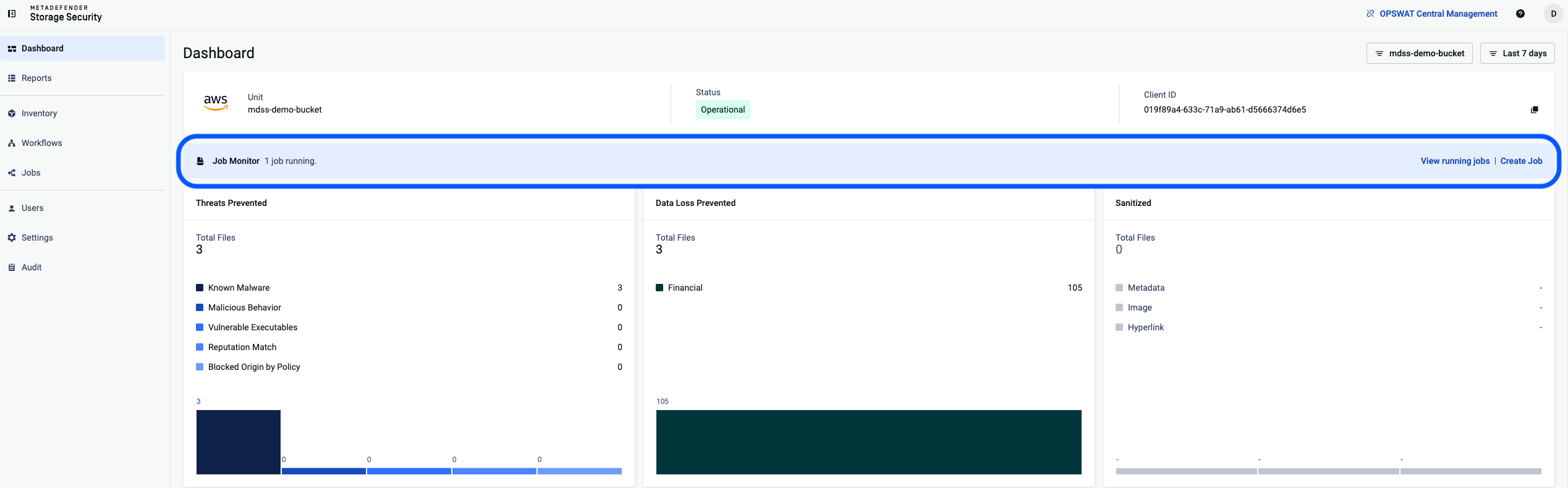
To monitor active processes, go to the "Dashboard", select your storage unit and click the "Active Process" card. This will open the scan details page, providing an overview of scan settings, discovery, and options to stop the scan, view, export, or clear the scan report from the audit log.
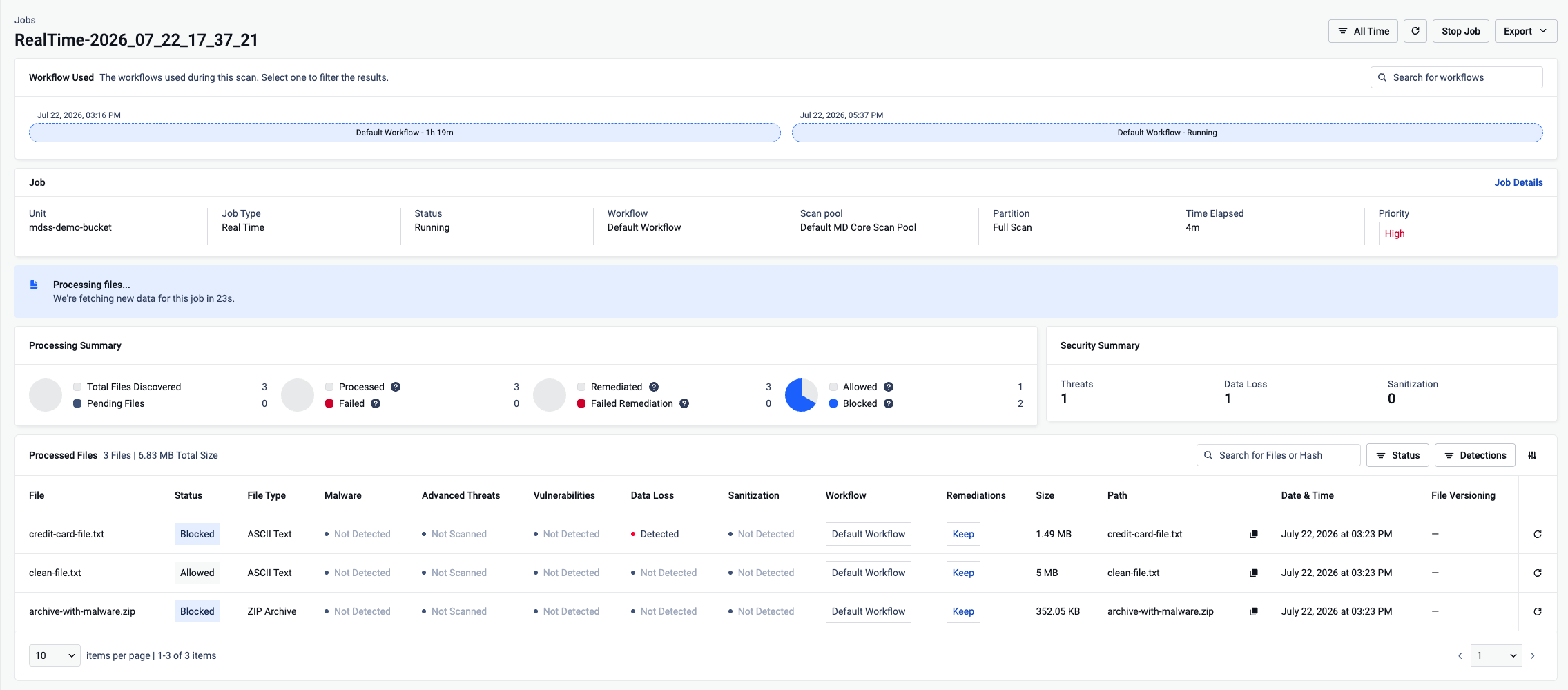
Starting a second RTP scan on the same storage partition will update the existing scan and not start one more. Each storage supports multiple RTP scans, but only one RTP scan for each defined partition.