
User role mapping allows fine-tuning of how Active Directory synchronization is performed. Administrators and read-only administrators are synchronized according to your User Directory structure.
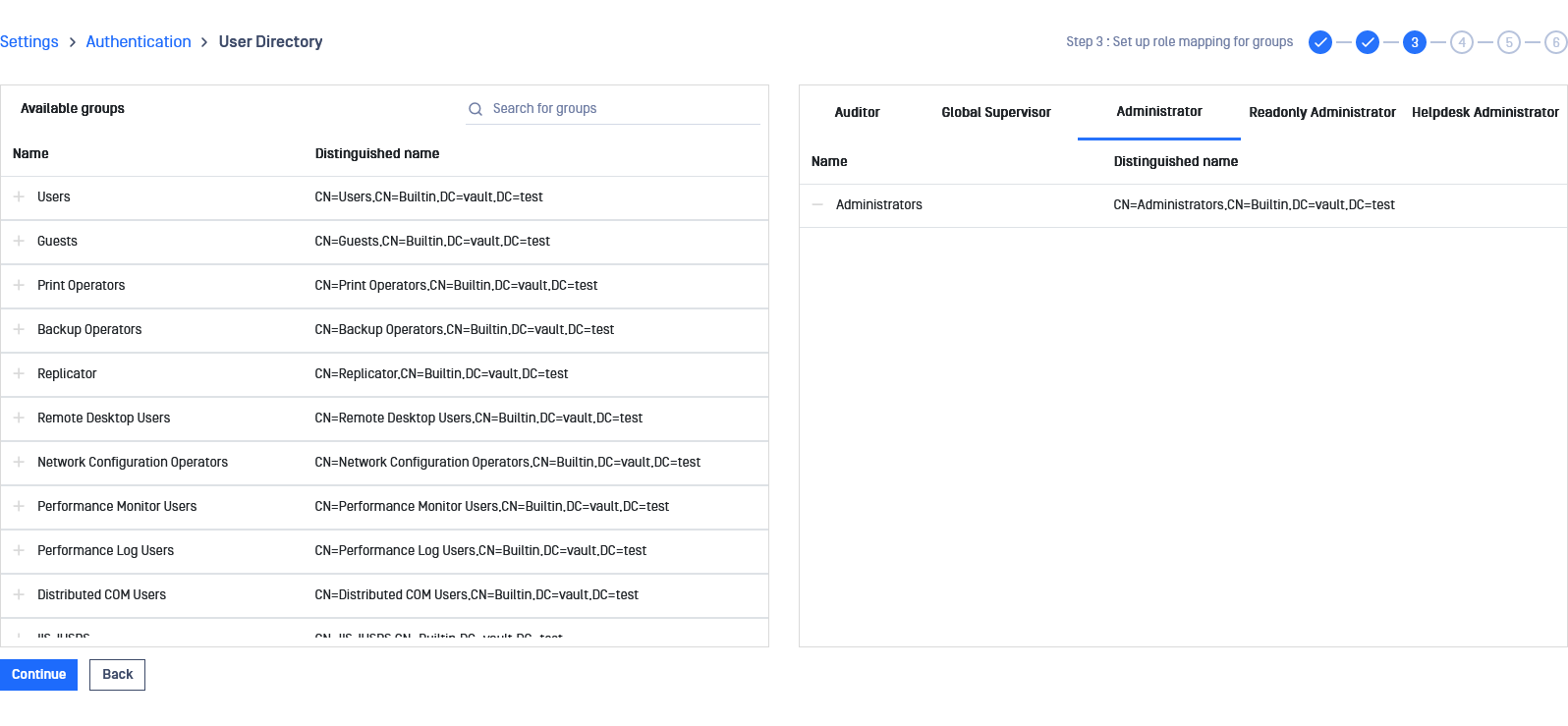
Role mapping options:
Role | Description |
|---|---|
Auditor | Users in specified groups will be licensed as auditors. |
Global Supervisor | Users in specified groups will be licensed as global supervisors. |
Administrator | Users in specified groups will be licensed as administrators. |
Readonly Administrator | Users in specified groups will be licensed as readonly administrators. |
Helpdesk Administrator | Users in specified groups will be licensed as helpdesk administrators. |
The local administrator account is also a supervisor to ensure one active supervisor at all times.
If a user belongs to multiple groups mapped to different roles, the following precedence is applied:
Administrator
Readonly Administrator
Helpdesk Administrator
Auditor
Global Supervisor
Example: Active Directory group A is mapped to the Administrator role while group B is mapped to the Auditor role. An active directory user who is member of both groups will have the assigned MetaDefender Managed File Transfer role of Administrator.
Click Continue to Organizational Units Configuration after customizing the information as required.