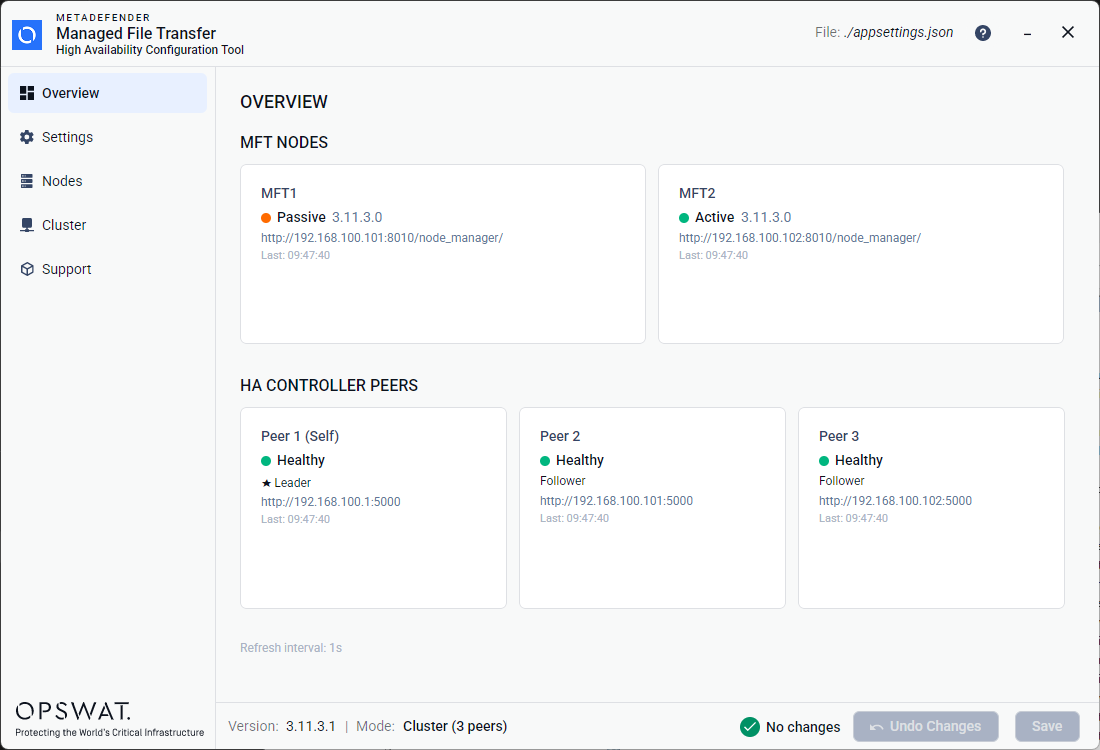
The Overview page provides a live health monitor that periodically polls all configured MetaDefender® MFT nodes and cluster peers.
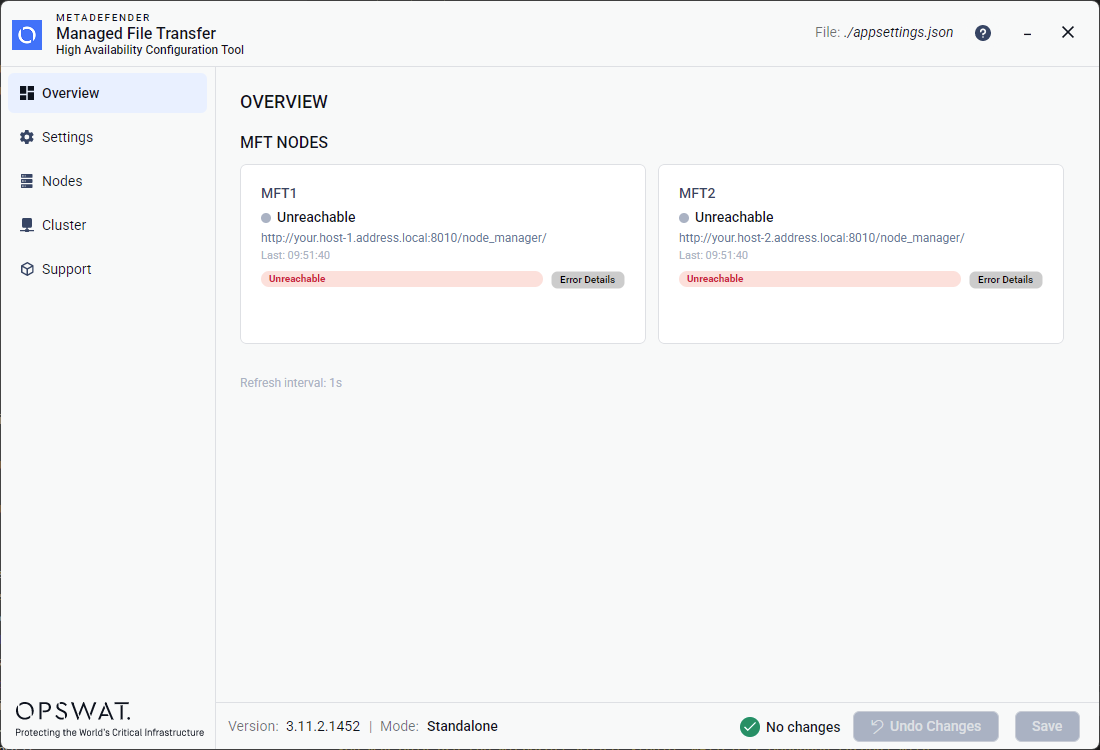
Note, that after a new installation, only the Node Health Cards placeholders are visible, as the Cluster mode is disabled by default.
Node Health Cards
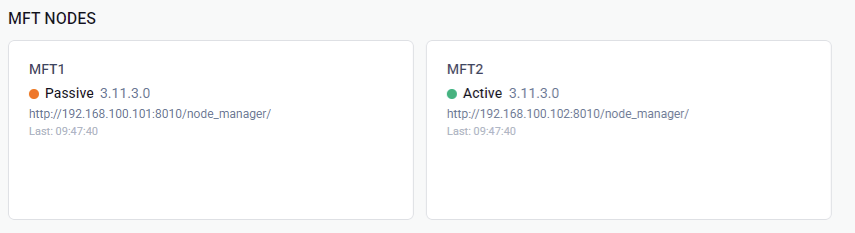
Each configured MetaDefender® MFT node is displayed as a card showing:
Field | Description |
|---|---|
Name | The node's display name (e.g. "MFT1") |
Status | Color-coded indicator: 🟢 Active 🟠 Passive 🔴 Unhealthy ⚪ Unreachable. |
Version | The software version reported by the node's health endpoint |
Address | The Node Manager URL |
Last Checked | Timestamp of the most recent health check |
Peer Health Cards
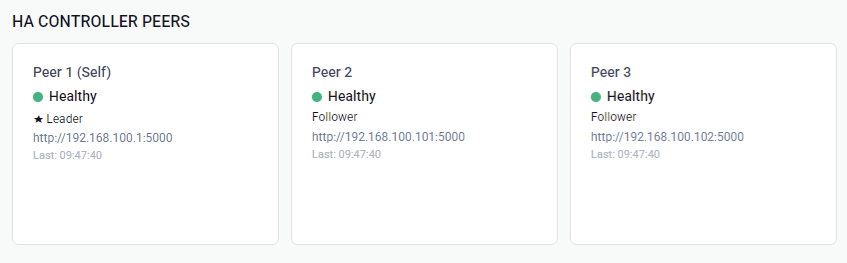
Peer health cards are only visible when cluster mode is enabled (more than one peer configured). Each peer card shows:
Field | Description |
|---|---|
Display name | Peer identifier, with |
Health status | Color-coded health indicator: 🟢 Healthy 🔴 Unhealthy ⚪ Unreachable |
Role | Leader or Follower (Raft consensus role) |
Address | The peer's HTTP address |
Last checked | Timestamp of the most recent health check |
Error Details | Appears when the peer is unhealthy or unreachable. |