
Files and folders shared with you by other MetaDefender Managed File Transfer™ users can be found under "Overview" --> "Shared With Me."
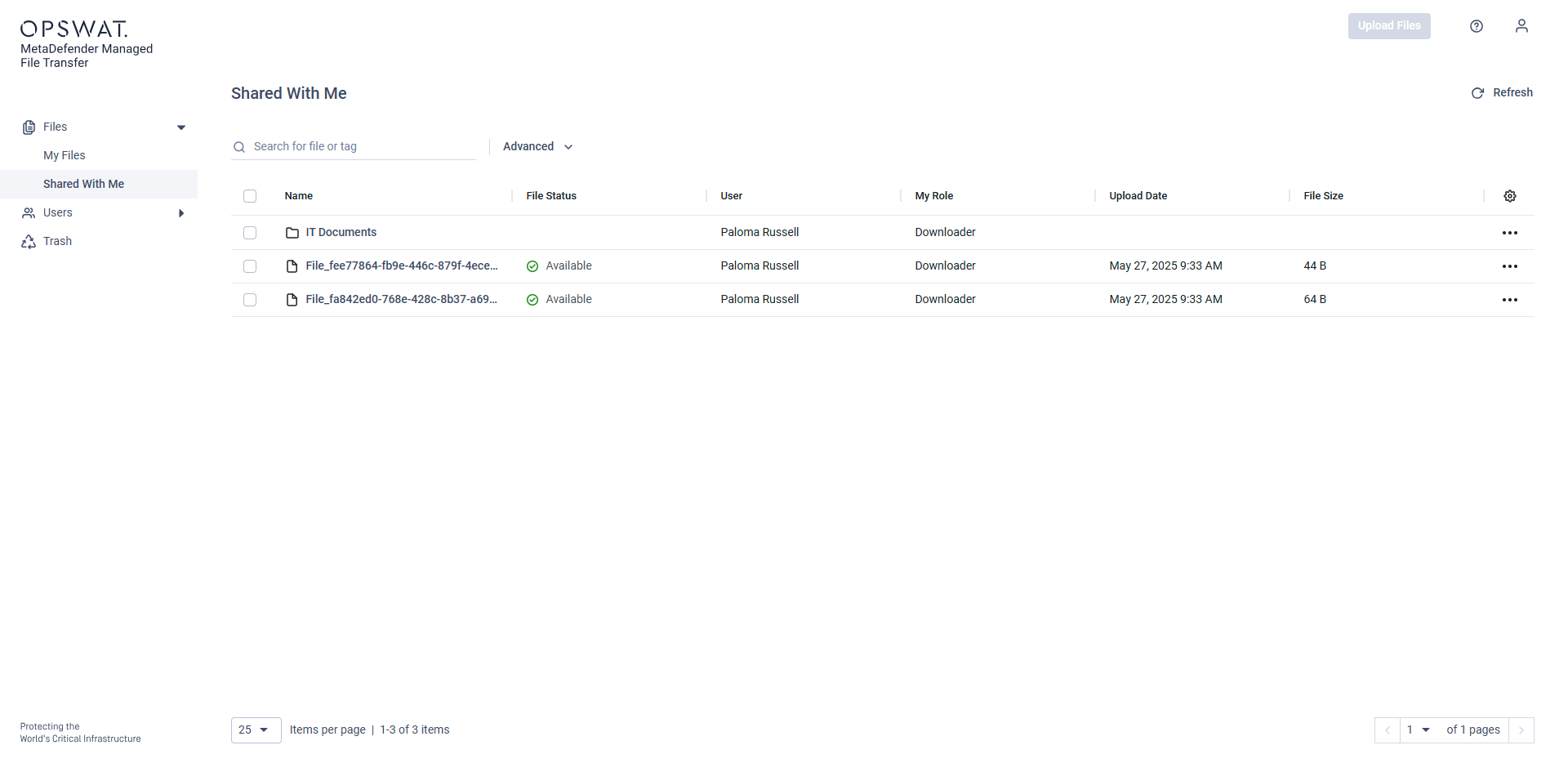
Depending on what is the Role the file/folder is shared with you, you can have different actions available.
Share Role permissions
File
Actions | Editor | Downloader | Viewer | Uploader |
|---|---|---|---|---|
Preview | N/A | |||
Download | N/A | |||
Add/Remove password | N/A | |||
Share | N/A | |||
Rename | N/A | |||
Move* | N/A | |||
Edit tags | N/A | |||
Delete** | N/A |
Folder
Actions | Editor | Downloader | Viewer | Uploader |
|---|---|---|---|---|
View content | ||||
Download | ||||
Upload*** | ||||
Create folder | ||||
Share | ||||
Rename | ||||
Move* | ||||
Delete** |
*Can move only to folders which belongs to the same user as the item(s) to be moved.
**Deleted files will be moved into trash bin of owner.
***The owner of the uploaded files will be the user who shared the folder.
The file list in the "Shared With Me" menu can be customized similarly to the "My Files" menu.