
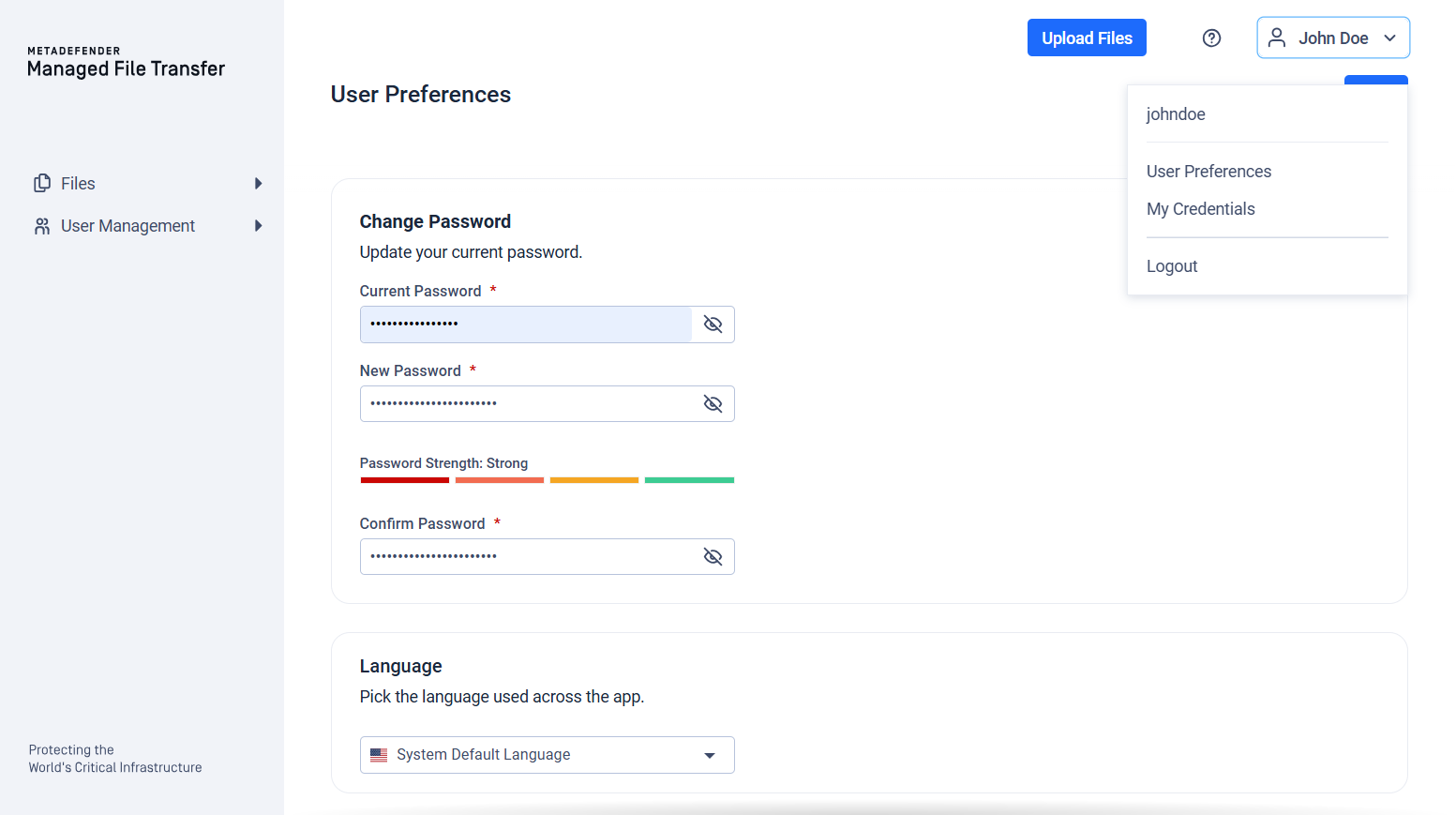
You can change your password anytime by clicking the "User" icon in the top-right corner of the application and selecting "User Preferences." Pay attention to the password strength indicator for extra security.
Enter your Current Password, then provide and confirm a New Password. The password strength indicator updates as you type.
Your new password must meet all of the following requirements:
At least 12 characters long
Not a commonly used password
A minimum strength score of 3 out of 4 on the strength meter
The change is saved only when you click "Save". If your current password is incorrect the server will reject the request and display an error.
Was this page helpful?
End-User Guide