
Enterprise - Asset Types is accessible under Settings > Asset Type on the Enterprise Manager console.
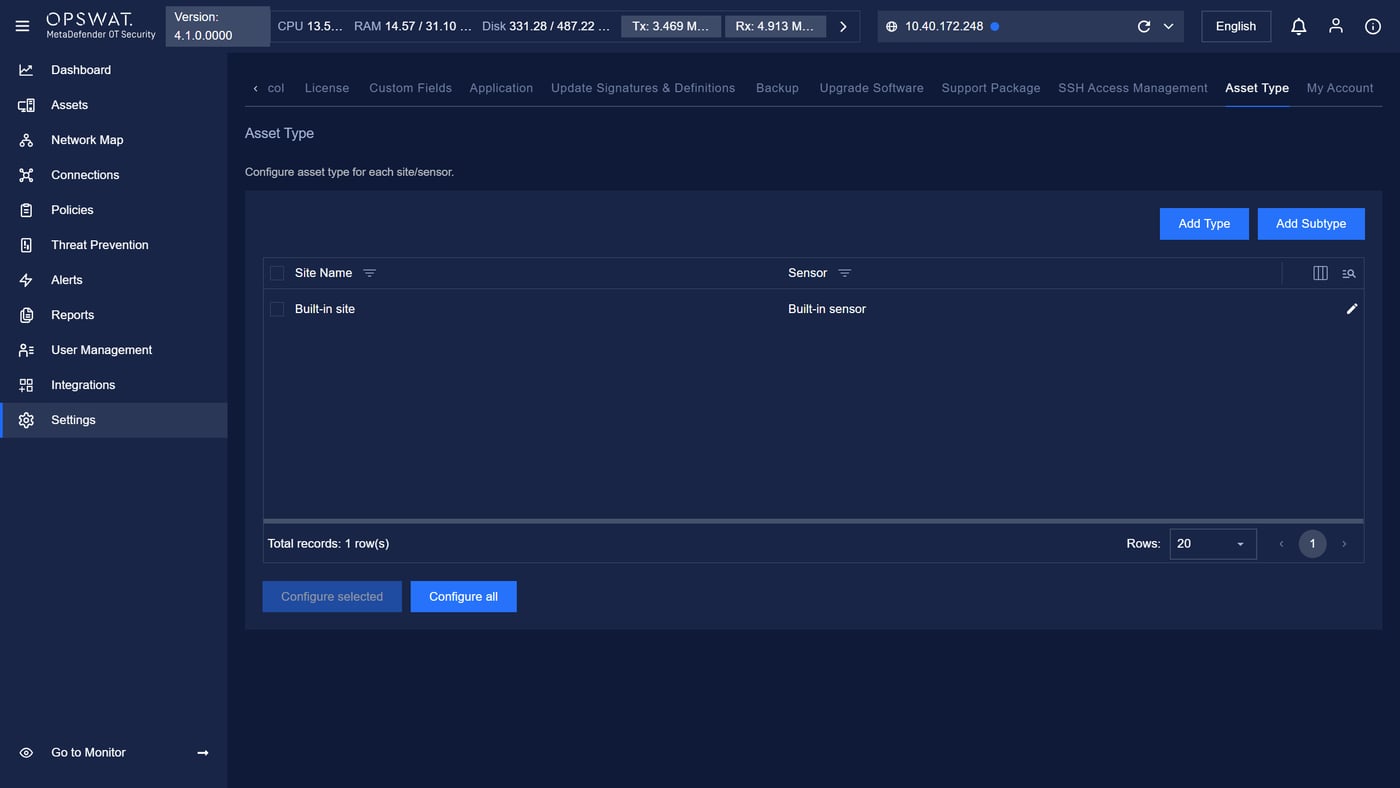
To configure asset types for a site/sensor:
Select the site/sensor row in the table (checkbox).
Click Configure selected, or click Edit (pencil icon) on the row.
In the configuration modal, select a device type from the list on the left.
Note: Field Purdue models are view-only.
In the device type configuration modal, you can:
Set whether or not to apply smart active scanning to devices of that type. If enabled:
Choose if a scan for hardware is allowed.
Choose if a scan for OS is allowed.
Choose if a scan for open ports is allowed.
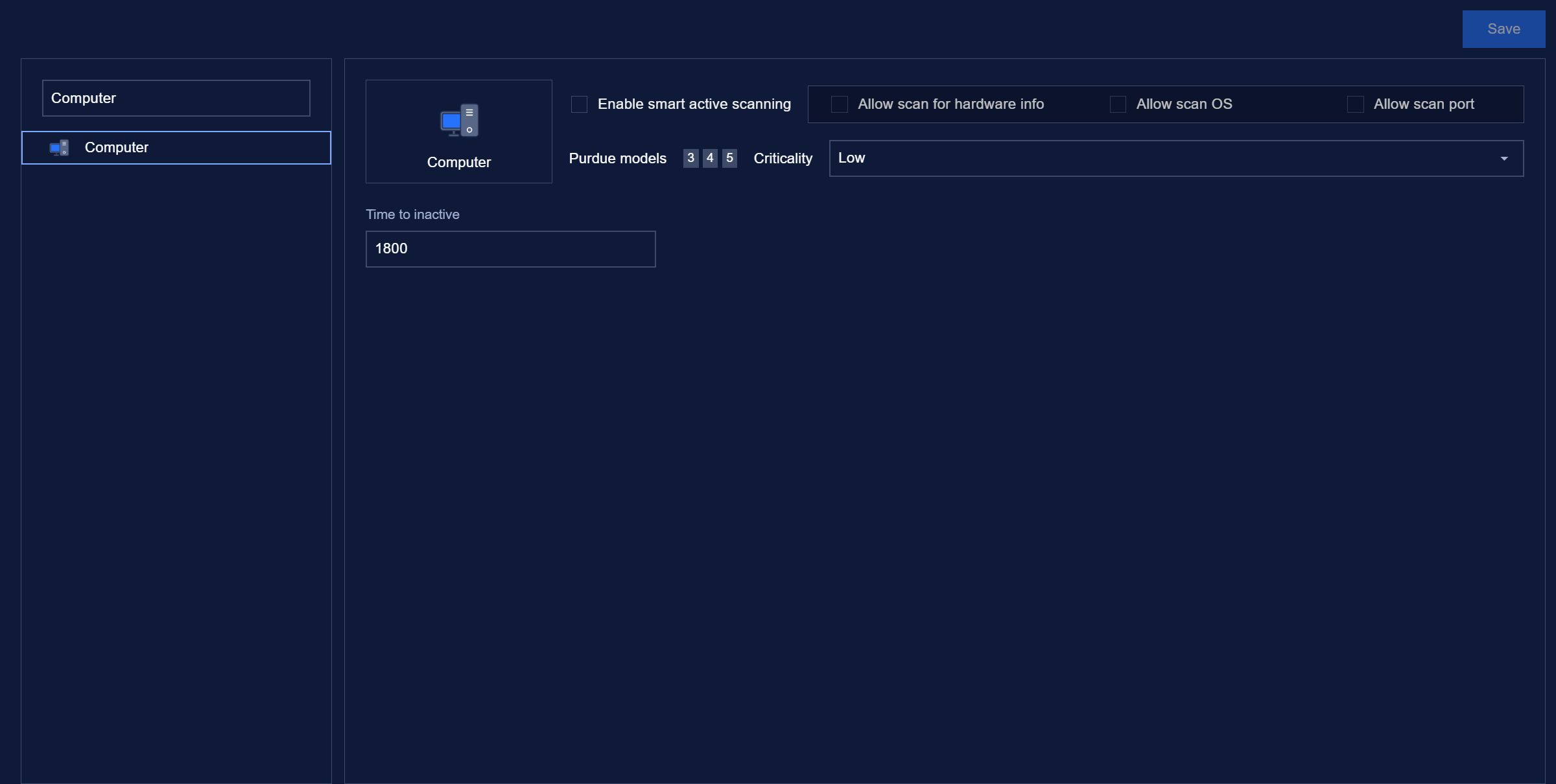
Set criticality of alert on unauthorized devices of that type.
Set the allowed port and allowed protocol on that port (will make an alert if the device has open ports not on the list or communicate by protocol that is not allowed on a port).