
This article applies to all OPSWAT Central Management V7.5.0+ releases deployed on Windows or Linux systems.
When you log into the OPSWAT Central Management Console and navigate to the management page of any product within your Inventory, you will see the status of each managed instance listed under the Status column, as illustrated below.
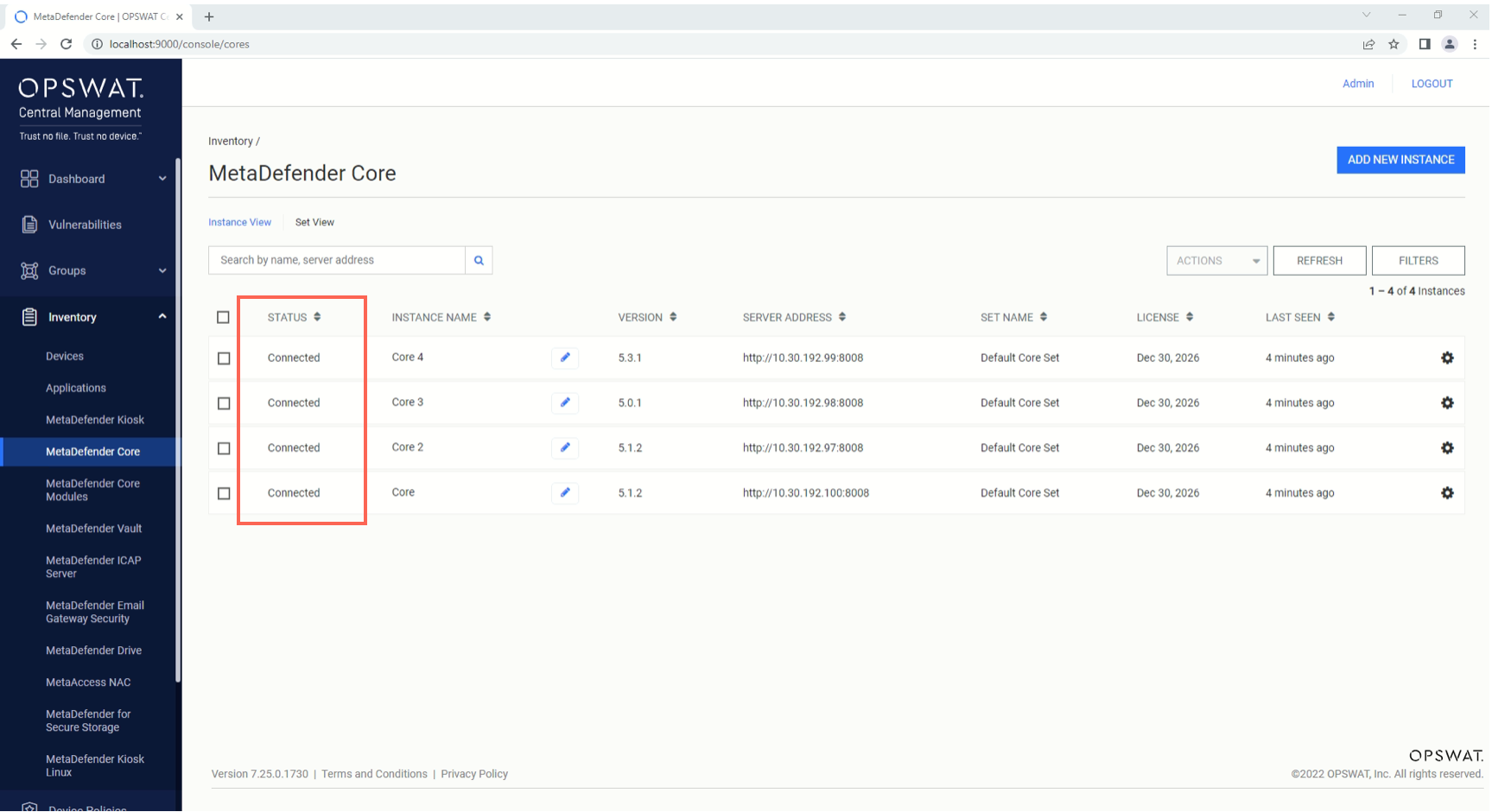
The various possible statuses for OPSWAT product instances are listed in the table below.
Status | Description |
|---|---|
Adding | The instance is in the process of being added to the current OPSWAT Central Management server’s inventory. |
Initializing | The instance has been added to the current OPSWAT Central Management server’s inventory, and is in the process of having its integration settings initialized. |
Connected | The instance is connected and under the active management of the current OPSWAT Central Management server. |
Disconnected | The instance is disconnected but still under the management of the current OPSWAT Central Management server. |
Inactive | The instance is not under the management of the current OPSWAT Central Management server |
The following possible statuses are included for products that support remote install.
Status | Description |
|---|---|
Downloading | The install package is in the process of being downloaded to the remote host. |
Installing | The install package is in the process of being installed on the remote host. |
If you have further queries, concerns or issues regarding The Various Statuses Of Managed OPSWAT Product Instances, please open a Support Case with the OPSWAT team via phone, online chat or form, or feel free to ask the community on our OPSWAT Expert Forum.