
Term | Detail |
|---|---|
Problem | The management console hung at the loading step for more than 5 mins. |
Cause | The loading page is not redirected properly. Java environment variable is not defined correctly |
Troubleshooting | Refresh the page. Check the tomcat log file. The log should report an issue with the JRE_HOME environment variable. |
Solution | Install JRE 11 and set the JRE_HOME system environment variable to the JRE's installation path. |
If the loading step hangs for more than 5 minutes, please first try refreshing the page.
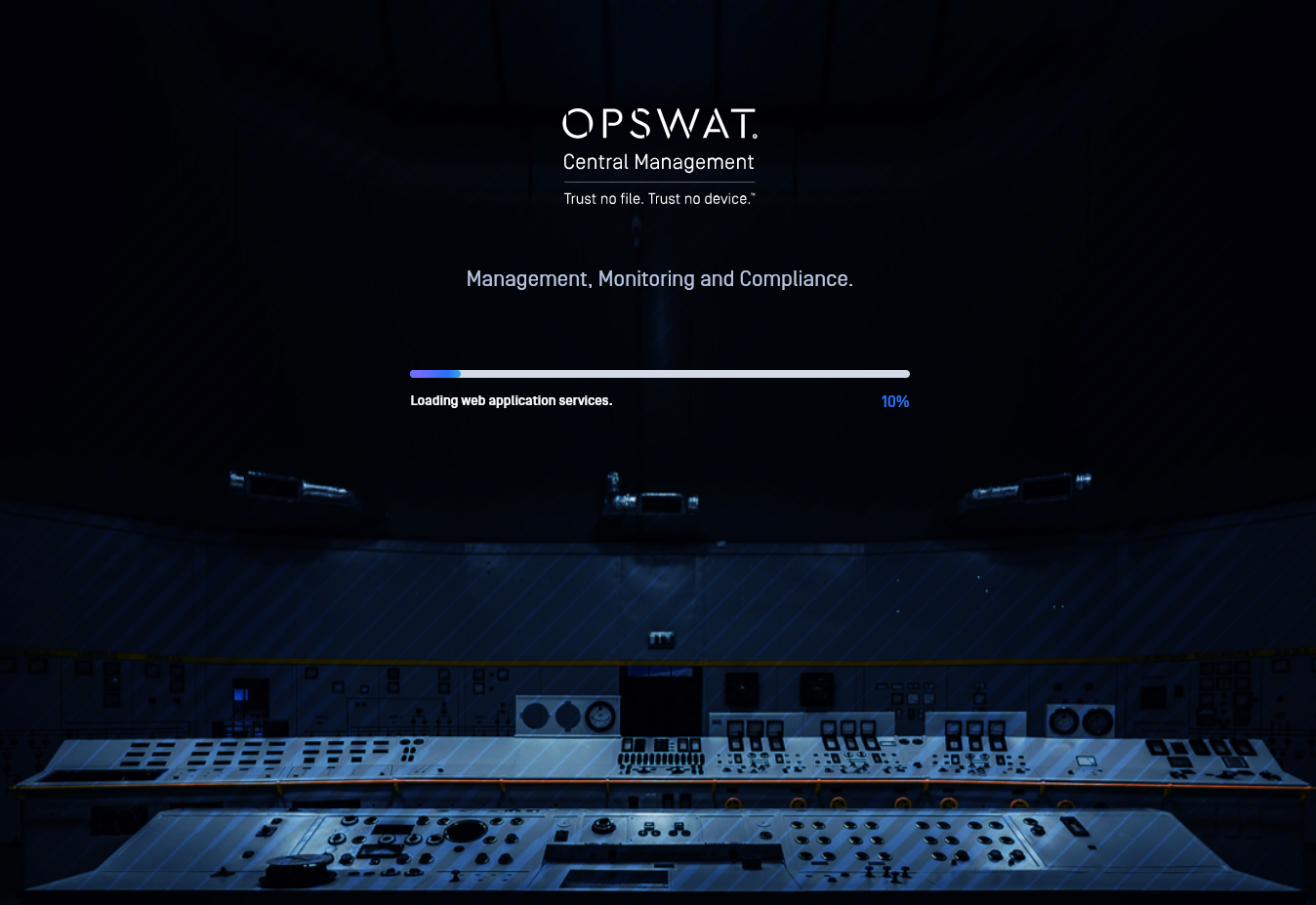
If the problem persists, please check the tomcat log file.
C:\ProgramData\OPSWAT\Central\Logs\catalina_out.txt on Windows.
/var/log/ocm/catalina.out on Linux.
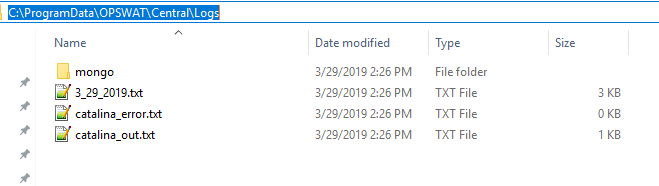
There should be an error message involving the JRE_HOME environment, such as in the below screenshot. This error message should occur when the OPSWAT Central Management starts.
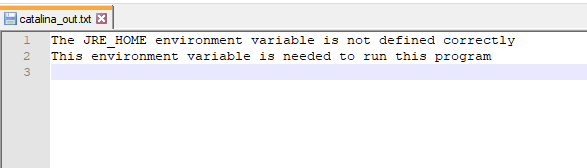
In order to fix this error, please install JRE or JDK version 11 and set either the JRE_HOME or JAVA_HOME environment variables to the correct installation path. Restart OPSWAT Central Management service for the changes to take effect. Please refer to the Java configuration guideline for more detail on setting up the environment variables.