
Who can use this feature?
User type: Organization user
Organization type: Partner Organization having assigned customer’s organizations.
Role: View Only/Full Access on License Management - Customer Organizations
The Customer Hardware tab gives Partners visibility into the hardware orders and inventory tied to the customers they serve.
To access this tab
Select License Management in the left navigation.
Click the Customer Hardware tab.
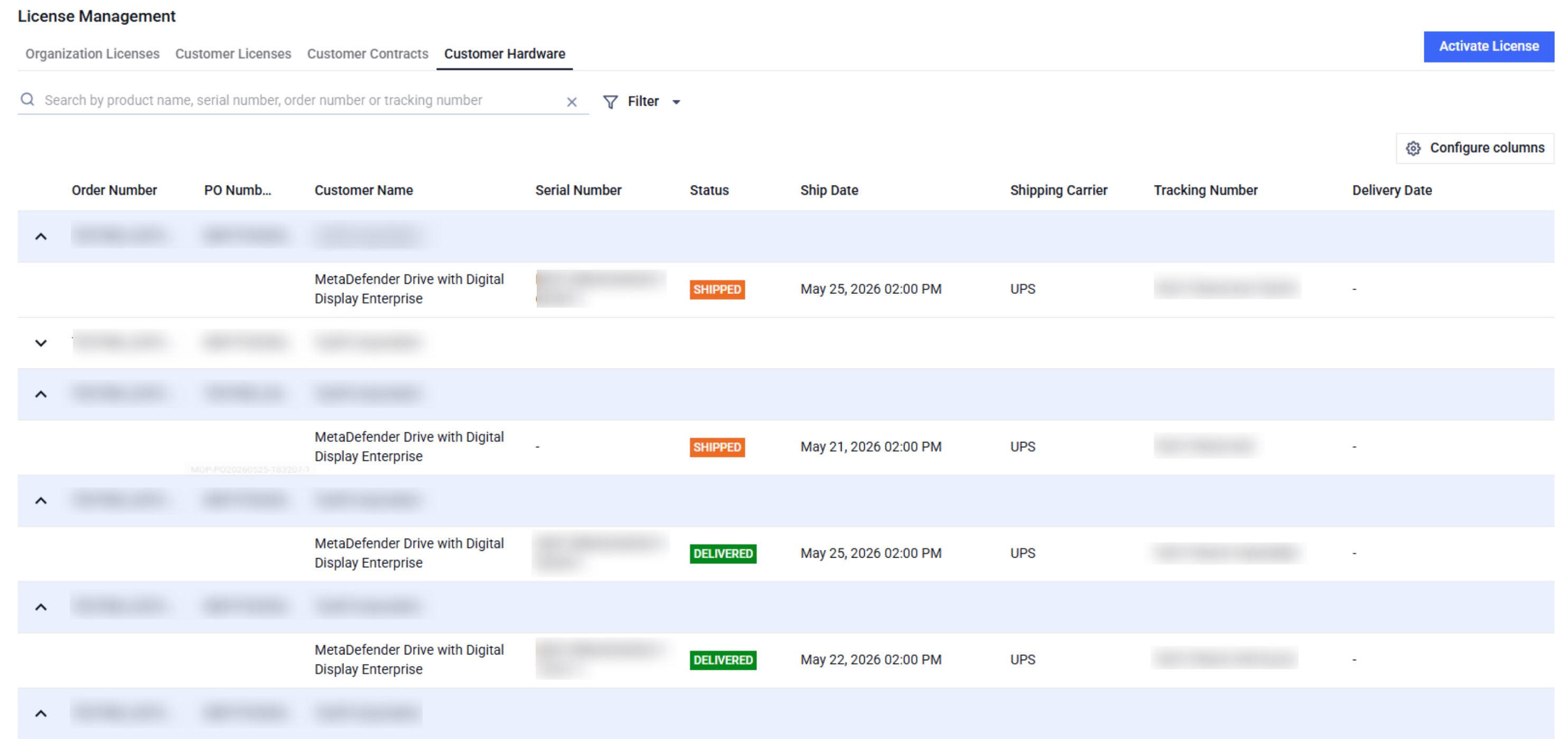
In this page, you can
View hardware orders associated with each of your customer accounts.
Sort the list by Status, Ship Date, or Delivery Date.
Filter by Status, Ship Date, Delivery Date, or Shipping Carrier, or Customer name.
Search by Product Name, Serial Number, Order Number, or Tracking Number
Was this page helpful?
Channel Partner Guide