Operations
4.2.0
Search this version
Operations
Operations
Title
Message
Create new category
What is the title of your new category?
Edit page index title
What is the title of the page index?
Edit category
What is the new title of your category?
Edit link
What is the new title and URL of your link?
Reports
Copy Markdown
Open in ChatGPT
Open in Claude
After a process is finished a report is produced for you by MetaDefender Storage Security. This report has information about the overall scan of your storage (i.e. the number of detected issues) as well as individual file analysis details.
You can access all the reports generated for a specific storage by navigating from the left menu:

Here are some actions that are available for you:
- Search for a report or filters report based on type or a specific time range
- Click on a report in order to see more details and you will be redirected to the report page
- Delete a report using the three dots menu from the last column
- Switch to Schedules tab to see a list of your schedules
- Click Schedule a process to add a schedule for this storage

Report Structure
Each report includes the following components:
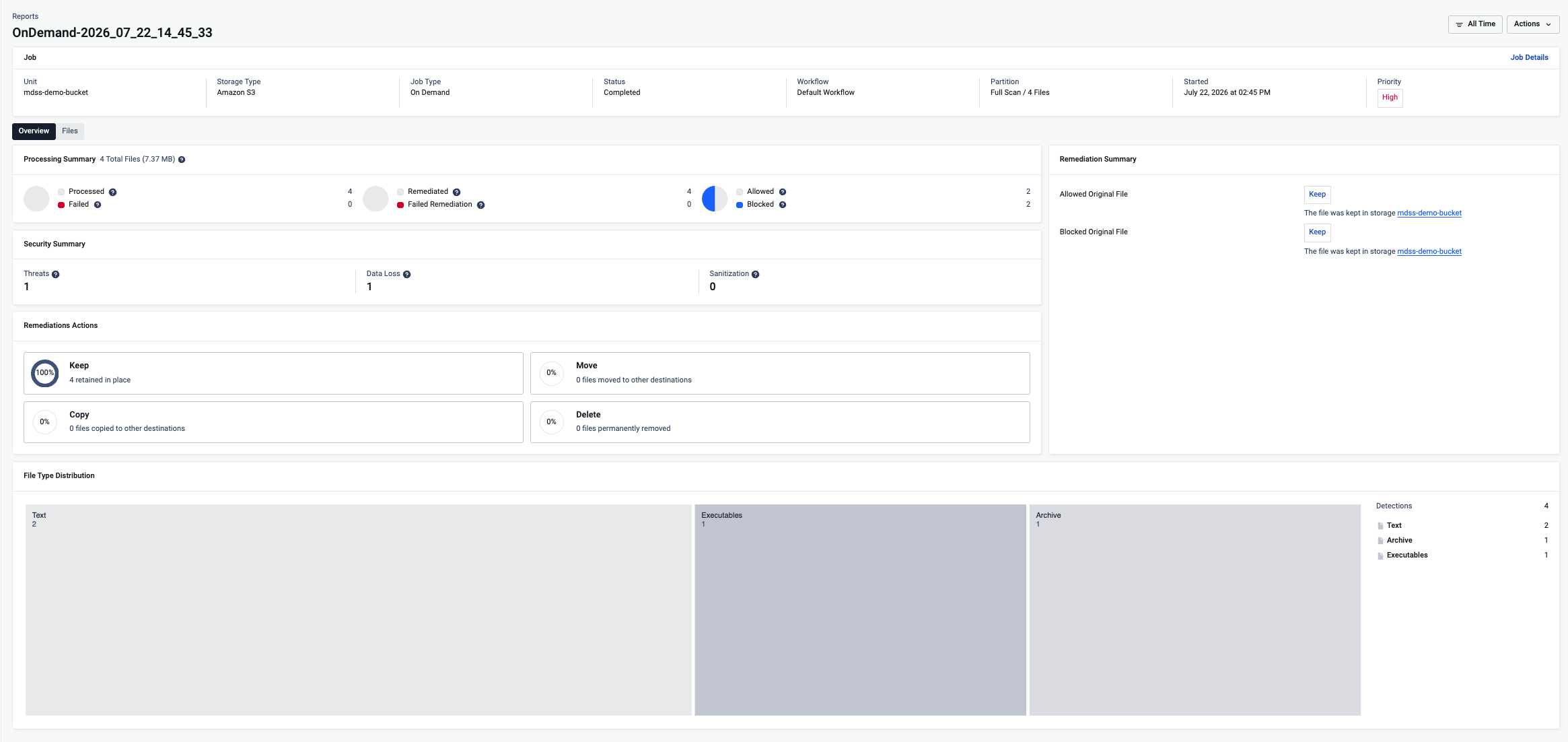
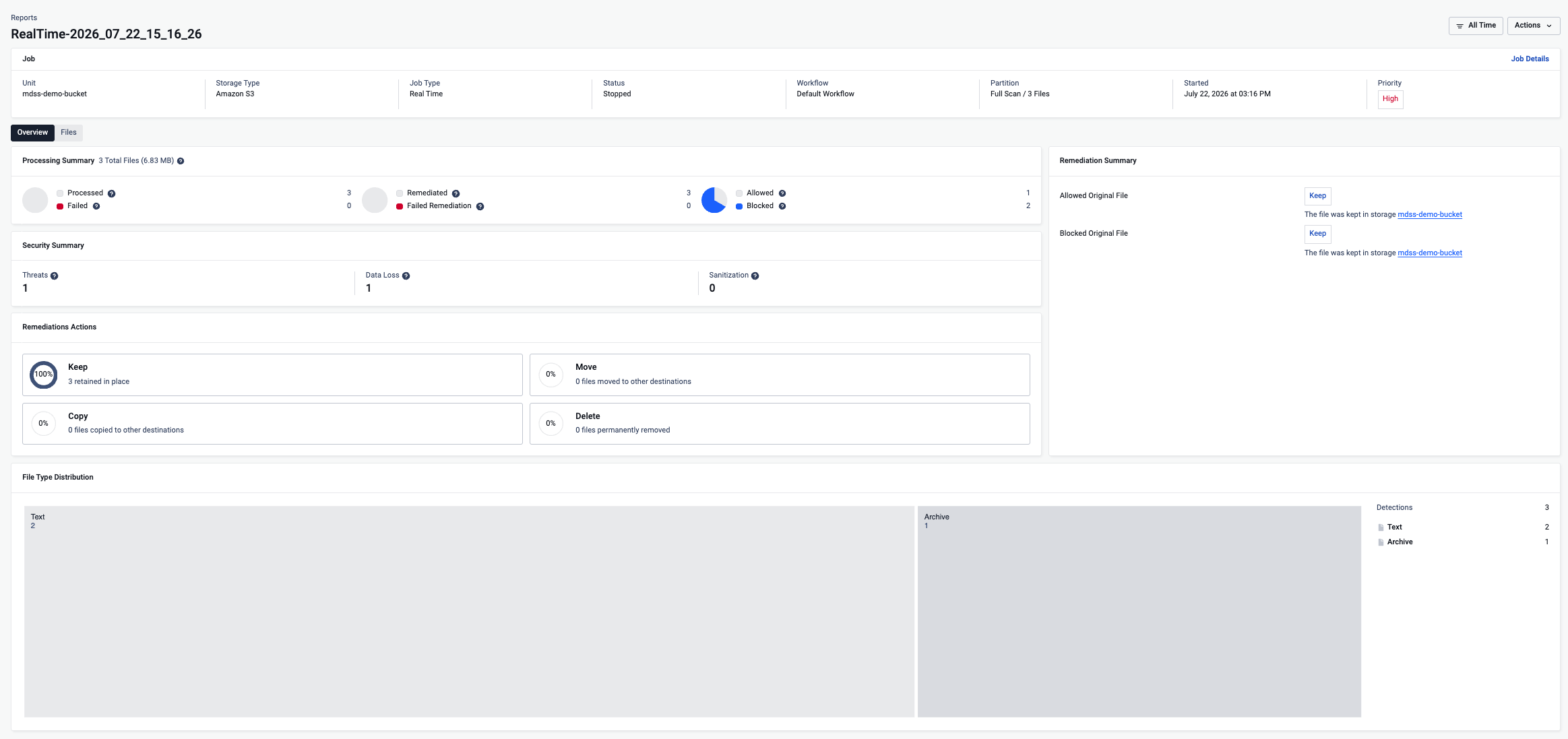
- Summary section: At the beginning of the report, a summary is provided. This section contains information about the related storage, the report’s status, statistical data on file results, and the distribution of files by extension group.
- Files table: The report contains a table listing files. This table supports both pagination and filtering, allowing users to browse and narrow down the list of files as needed.
Scan Report

Real Time Processing Report
Cleaning a RTP report will not reprocess existing files.
In case one of the following, on cleaning the RTP report only the files that were not processed will be handled.
DISCOVERY_SERVICE _SMB_RTP_HANDLING=1
DISCOVERY_SERVICE_SFTP_RTP_HANDLING=1
DISCOVERY_SERVICE_NFS_RTP_HANDLING=1
DISCOVERY_SERVICE_FTP_RTP_HANDLING=1
Type to search, ESC to discard
Last updated on
Was this page helpful?
Next to read:
SettingsDiscard Changes
Do you want to discard your current changes and overwrite with the template?
Archive Synced Block
Message
Create new Template
What is this template's title?
Delete Template
Message