
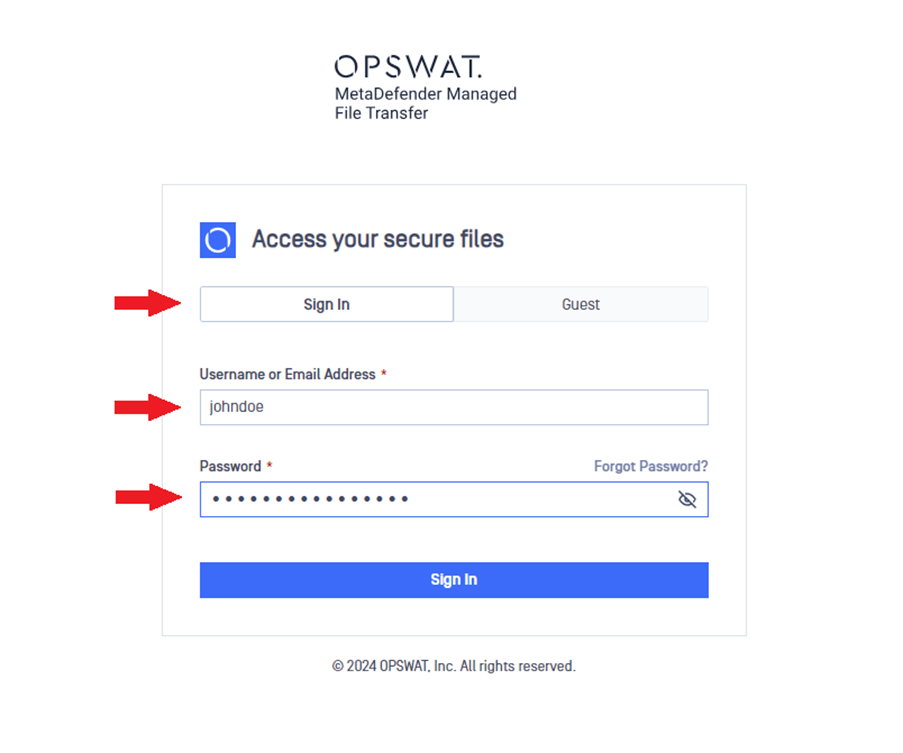
On the login page, enter your credentials and click "Sign In." Ensure the "Sign In" tab is selected, not the "Guest" tab. If you forget your password, click the Forgot Password link to reset it.
Info
External users can sign in the same way as local users.
Was this page helpful?
End-User Guide