
On the "My Files" page, you can view and manage your uploaded files. The file list allows for customization.
Sort Order
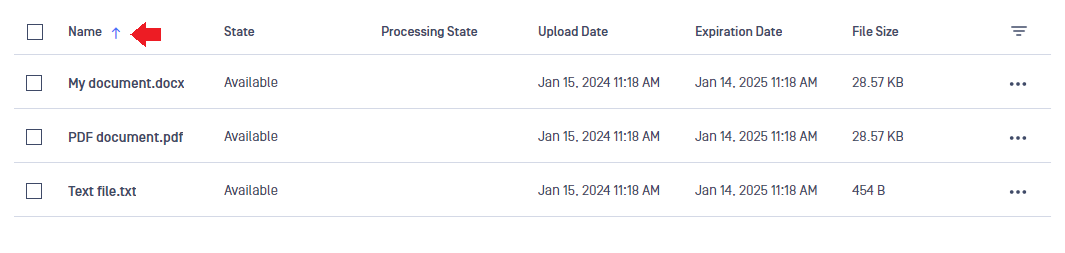
Change the sort order by clicking on the column headers (e.g., "Name," "Upload Date," "File Size"). An arrow indicates ascending or descending order.
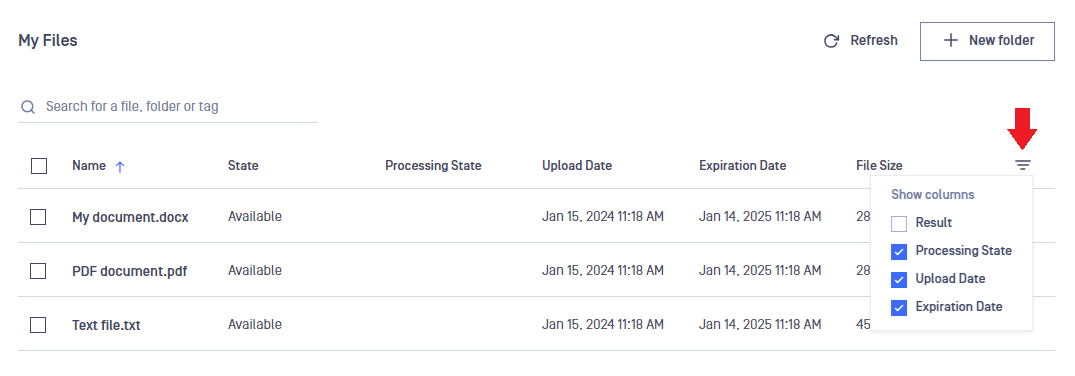
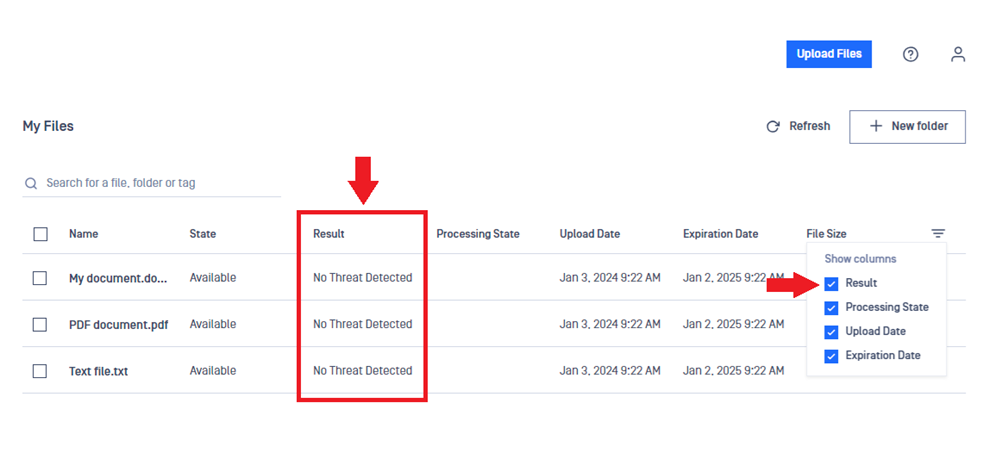
Adding or Removing Columns
Click the "three-line-triangle" icon in the top right corner of the table to select which columns to display.
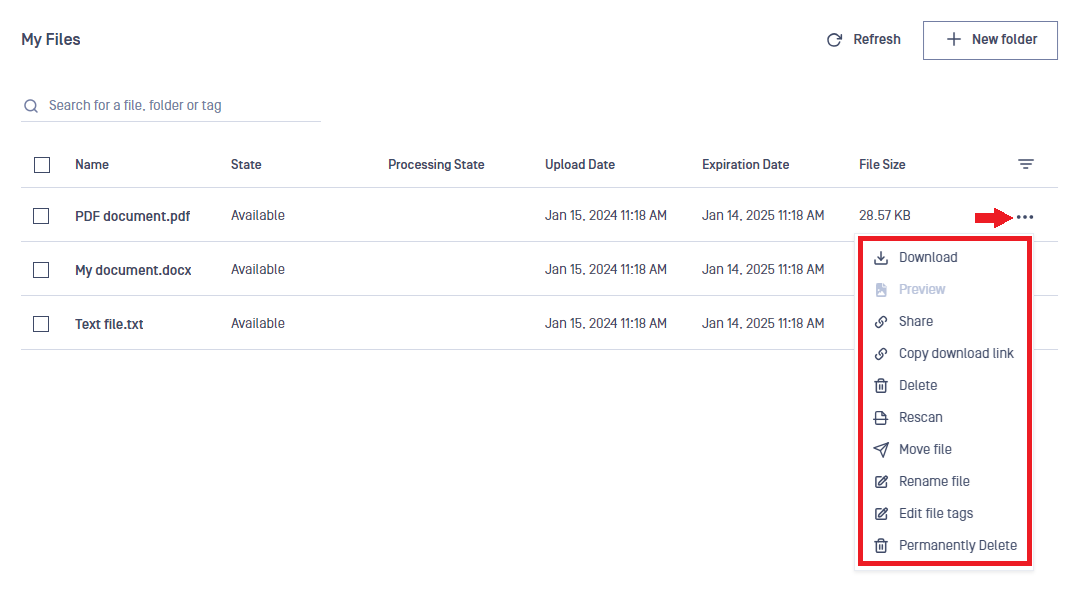
Action Menu (Three-Dots Menu) for Single Files
The "action" (three-dots) menu provides options for managing a single file.
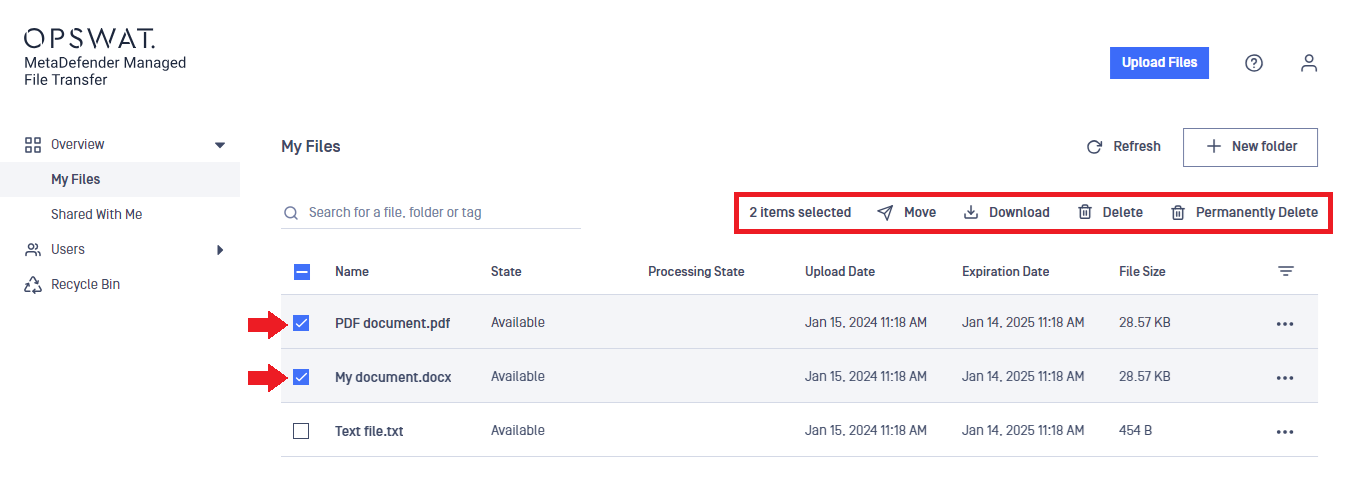
Top menu for Multiple Files
When multiple files are selected, the top menu allows bulk operations.
Info
You can customize the "Shared With Me" menu similarly to the "My Files" menu.
Was this page helpful?
End-User Guide