
MetaDefender MFT allows certain users to store personal credentials for use in other parts of the application.
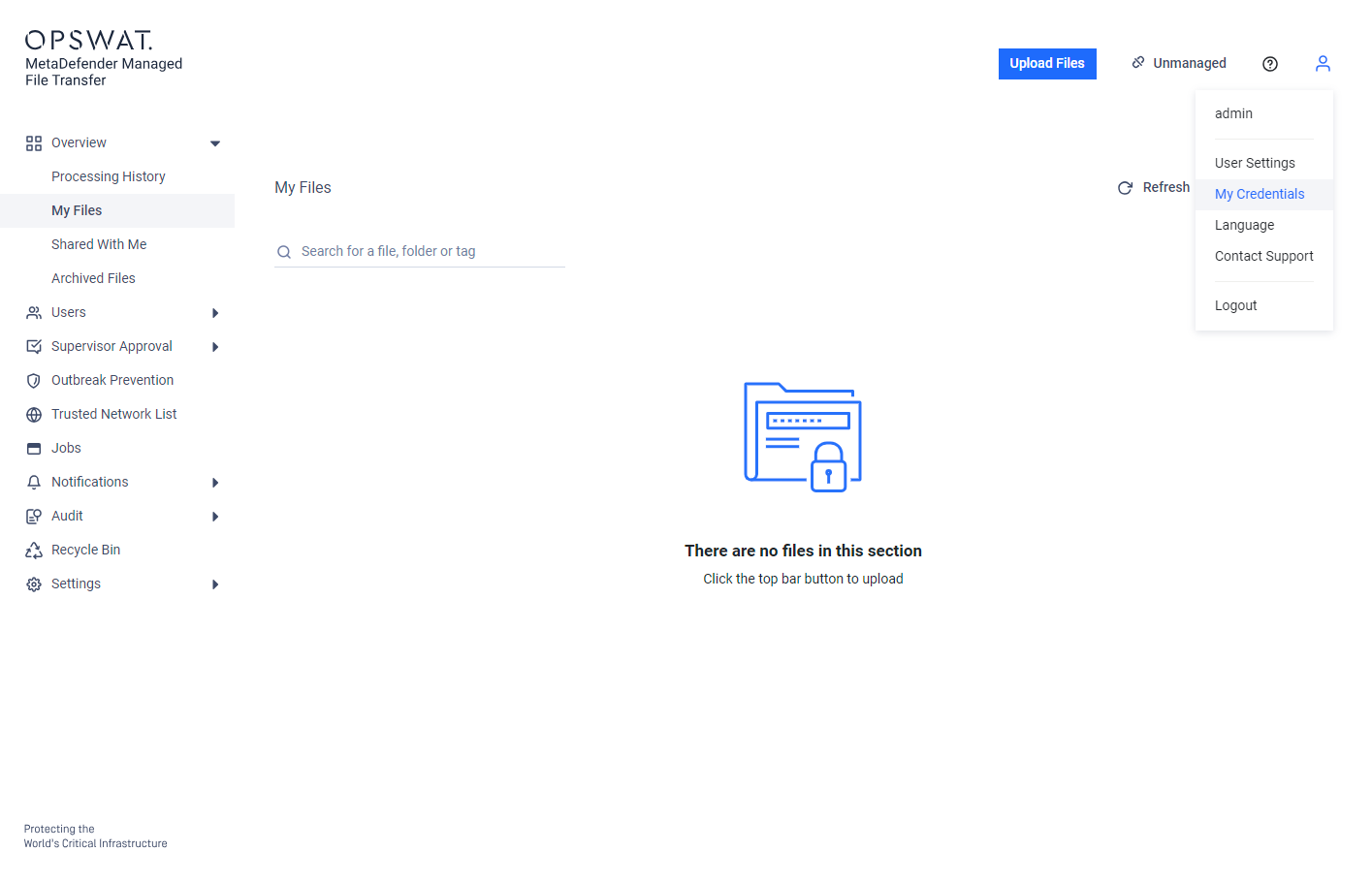
To view your credentials, click the "user" icon in the top right corner of the application and select "My Credentials" from the dropdown menu.
Info
Currently only SSH private keys can be stored, which may be used for authentication on SFTP servers.
SSH Keys
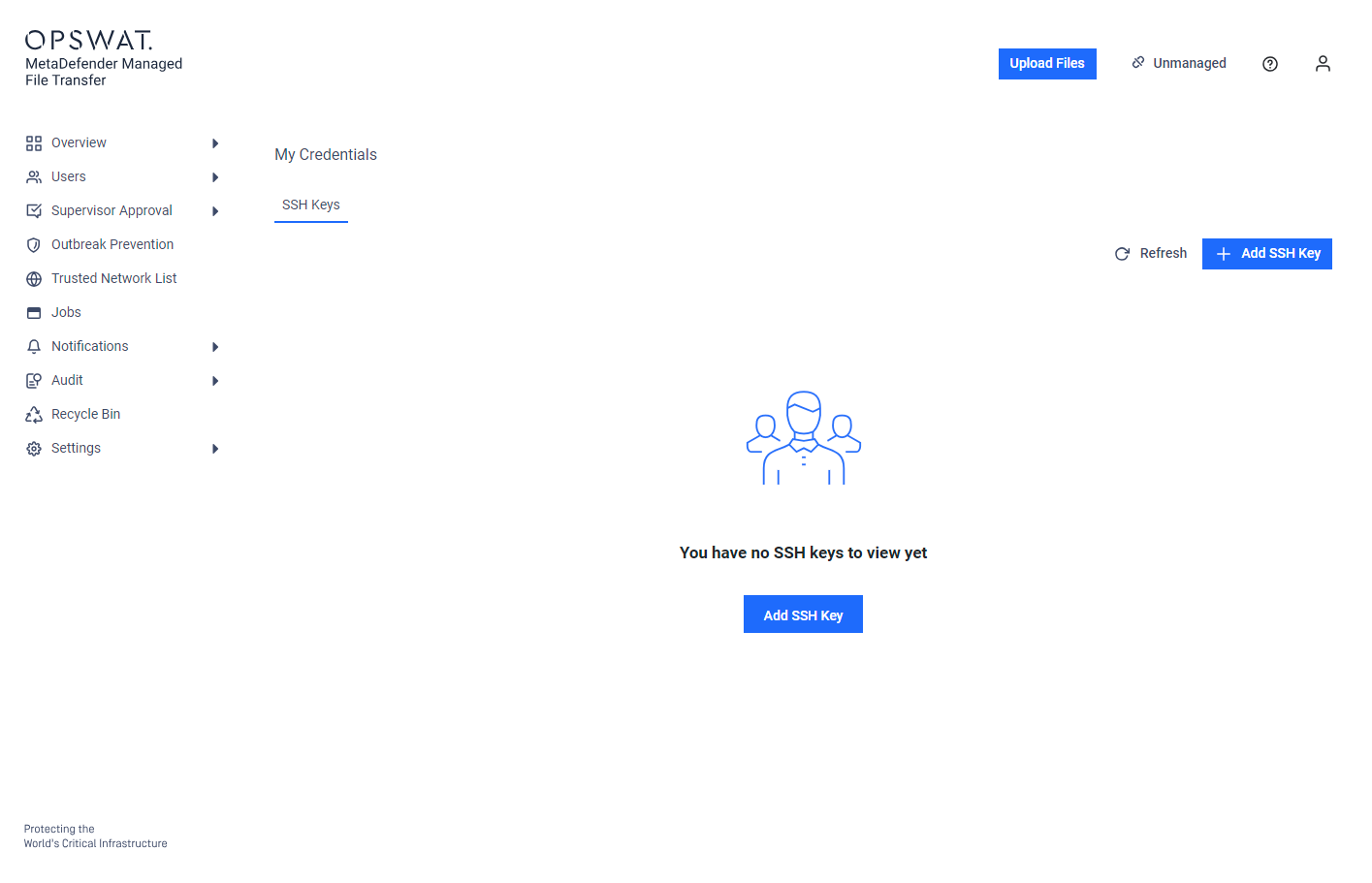
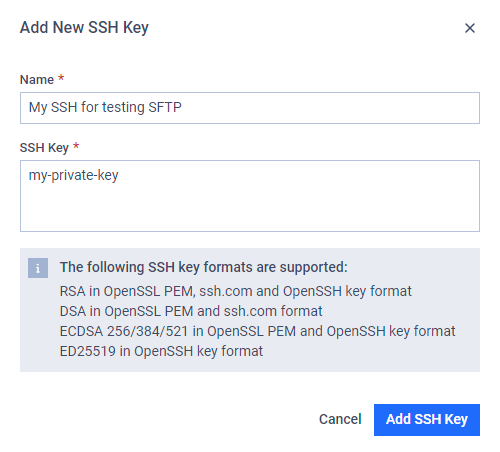
To save a private SSH key, click the "Add SSH Key" button. In the pop-up window, enter a proper name, and paste your private key.
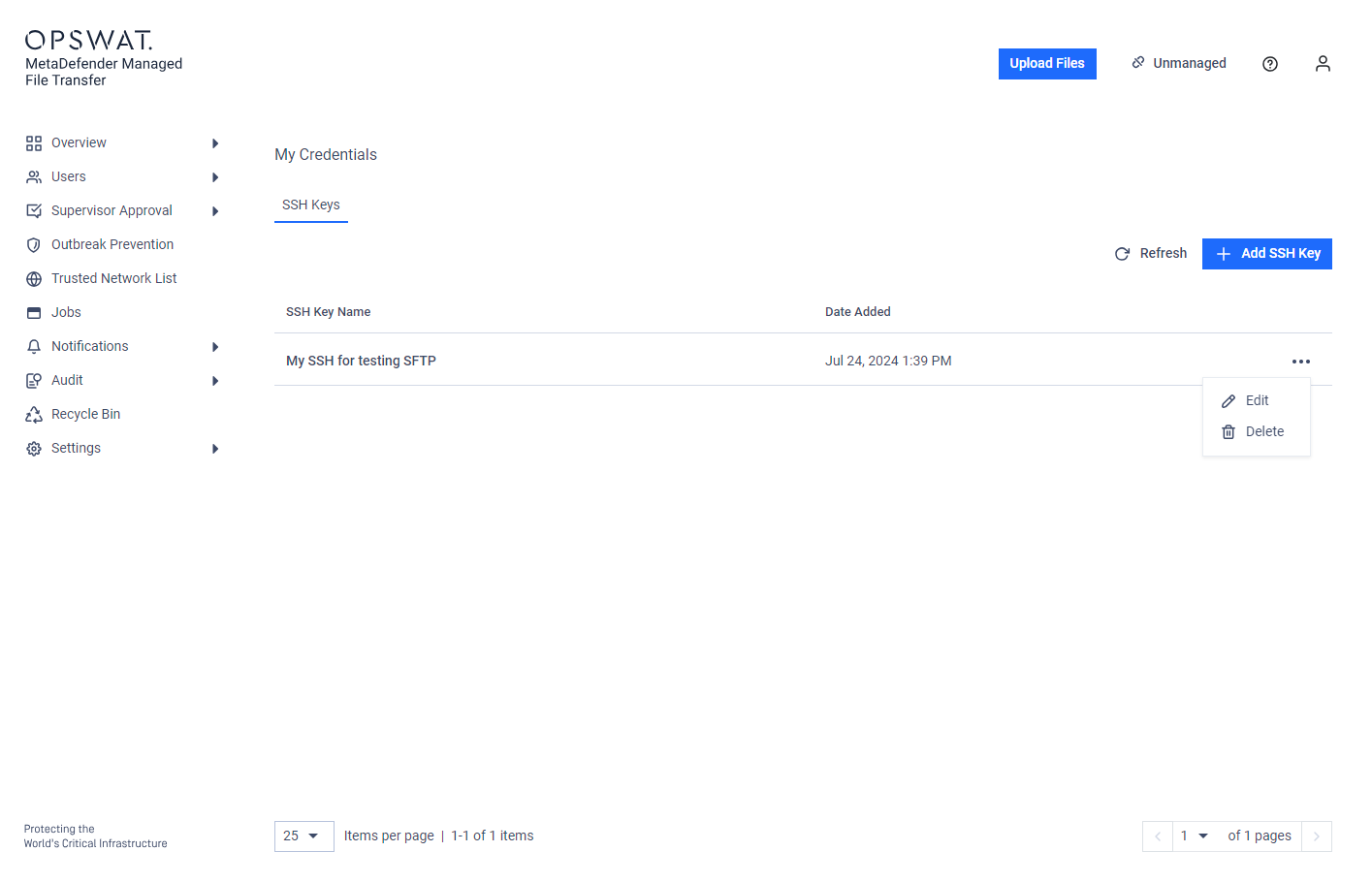
After saving the SSH key, you can edit or delete it from the "action" (three-dot) menu.
Info
For security reasons, the application does not return the saved private key. If you need to update the stored key's name, you must re-enter the key.
Was this page helpful?
End-User Guide