
Configuration
Install and fully configure MetaDefender Managed File Transfer with Microsoft SQL Server Database.
Install Neverfail Continuity Engine
Configure Neverfail Continuity Engine
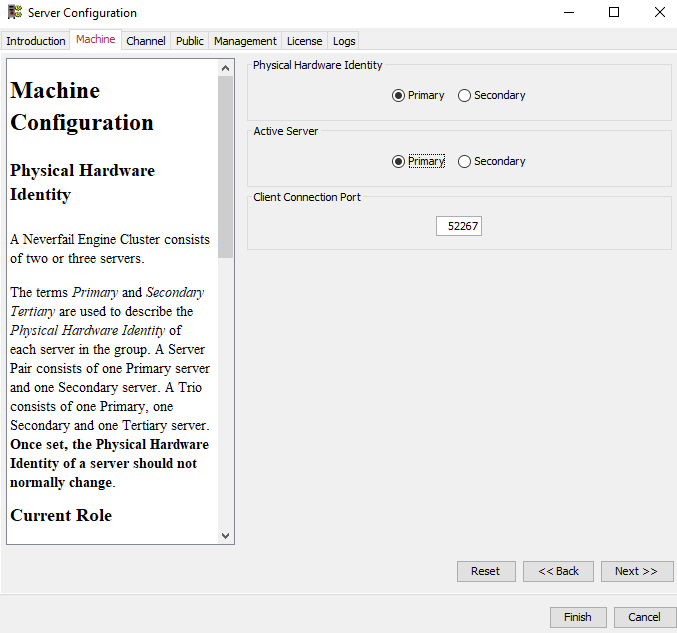
Add MetaDefender Managed File Transfer to Neverfail Continuity Engine as Service and folders via the provided script
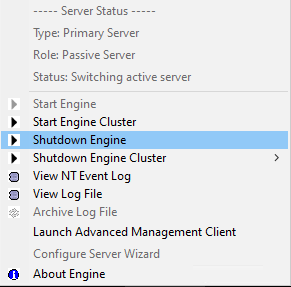
Stop Neverfail Continuity Engine with "Stop Protected Applications" option
Clone the full Virtual Machine
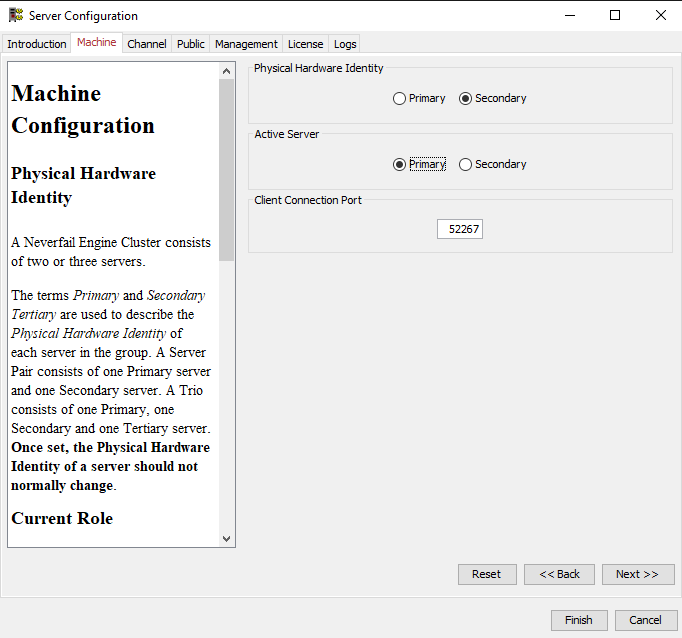
After cloning, reconfigure the Neverfail Continuity Engine on the cloned system as Secondary/Passive
Start Neverfail Continuity Engine on the First/Active Server
Usage examples
These are examples. Neverfail Continuity Engine can react differently to various events depending on its configuration parameters
MetaDefender Managed File Transfer service stop -> Neverfail Continuity Engine starts it automatically
Service Network down on active server due to network switch error -> Neverfail Continuity Engine switch the active server to the passive
Host Windows system shuts down or crash -> Neverfail Continuity Engine switch the active server to the passive
Manual switch Active System to the Passive node before do any Operation System updates/maintenance
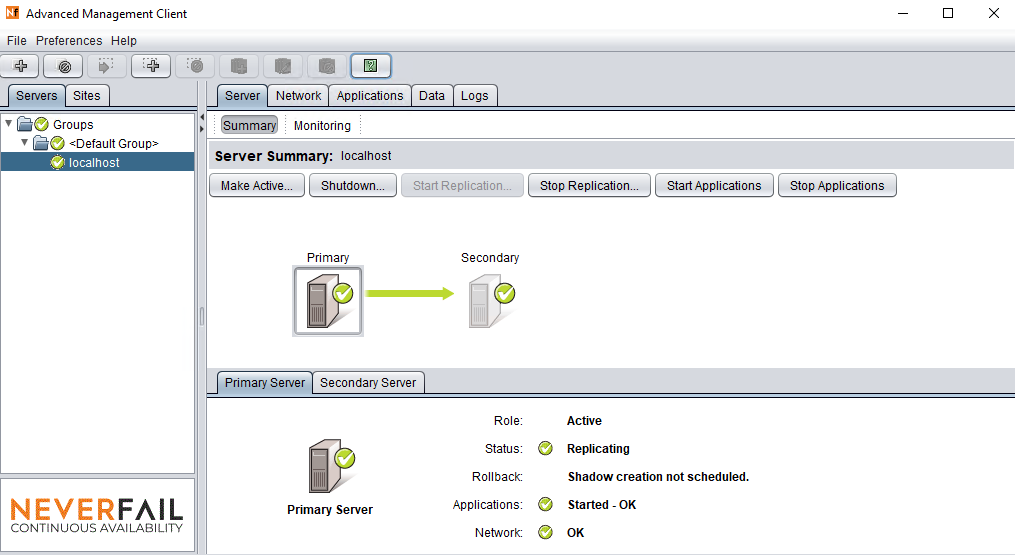
Maintenance
How to update MetaDefender Managed File Transfer in High Available configuration
Create full system backup from active and passive system
Stop Neverfail Continuity Engine on Active and passive servers, but keep MetaDefender Managed File Transfer running
Update MetaDefender Managed File Transfer on the first server ( previously active server ) as written in <how to update MFT>
Stop MetaDefender Managed File Transfer services on the first server
Start MetaDefender Managed File Transfer services on the second server ( previously passive server )
Update MetaDefender Managed File Transfer on second as written in update MetaDefender Managed File Transfer
Stop MetaDefender Managed File Transfer services on second server
Start Neverfail Continuity Engine on first server ( previously active server )
Start Neverfail Continuity Engine on the second server ( previously passive server )