
Hosts that have file shares using the SMB protocol can be integrated with MetaDefender Managed File Transfer in order to utilize them in various use cases. For example: Introduction to File Transfer Automation
To manage integration instances go to Settings → Integrations → SMB.
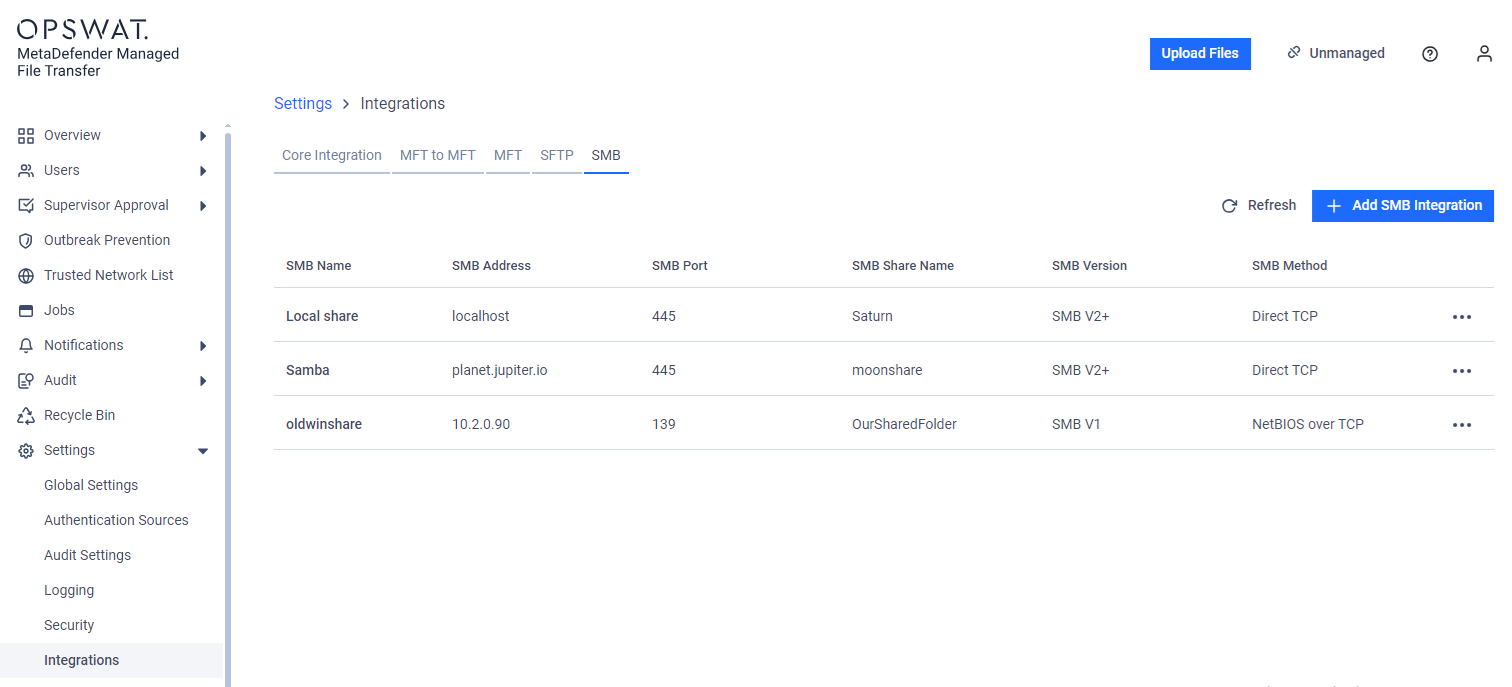
SMB integrations are globally shared which means every user who has permissions to see them are seeing the same set of integrations.
Configuration
To add a new SMB Integration click on the 'Add SMB Integration' button.
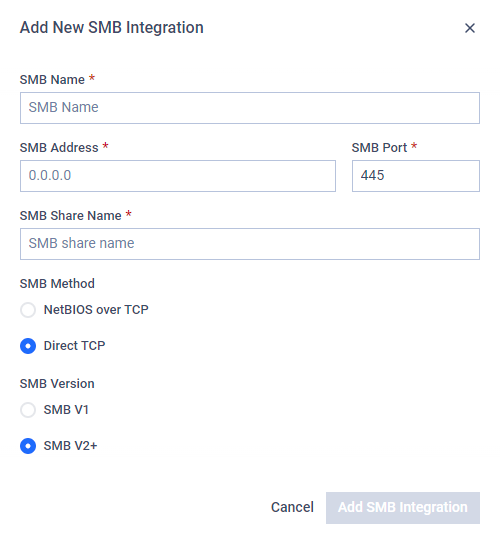
On the pop-up modal you should provide these information:
SMB Name: Display name that can be anything. Will be used when selecting the integration instance.
SMB Address: The IP address or FQDN of the host.
SMB Port: The port on the host to connect using SMB protocol.
SMB Share Name: The name of the file share on the host.
SMB Version: Use SMB V1 for shares that support only SMB 1.0, use SMB V2+ for all newer versions.
SMB Method: SMB file transfer method. Prefer Direct TCP if supported by the host.
Test Connection
Users can test connection to a configured integration. This test will check if the configured port is accessible on the configured address.
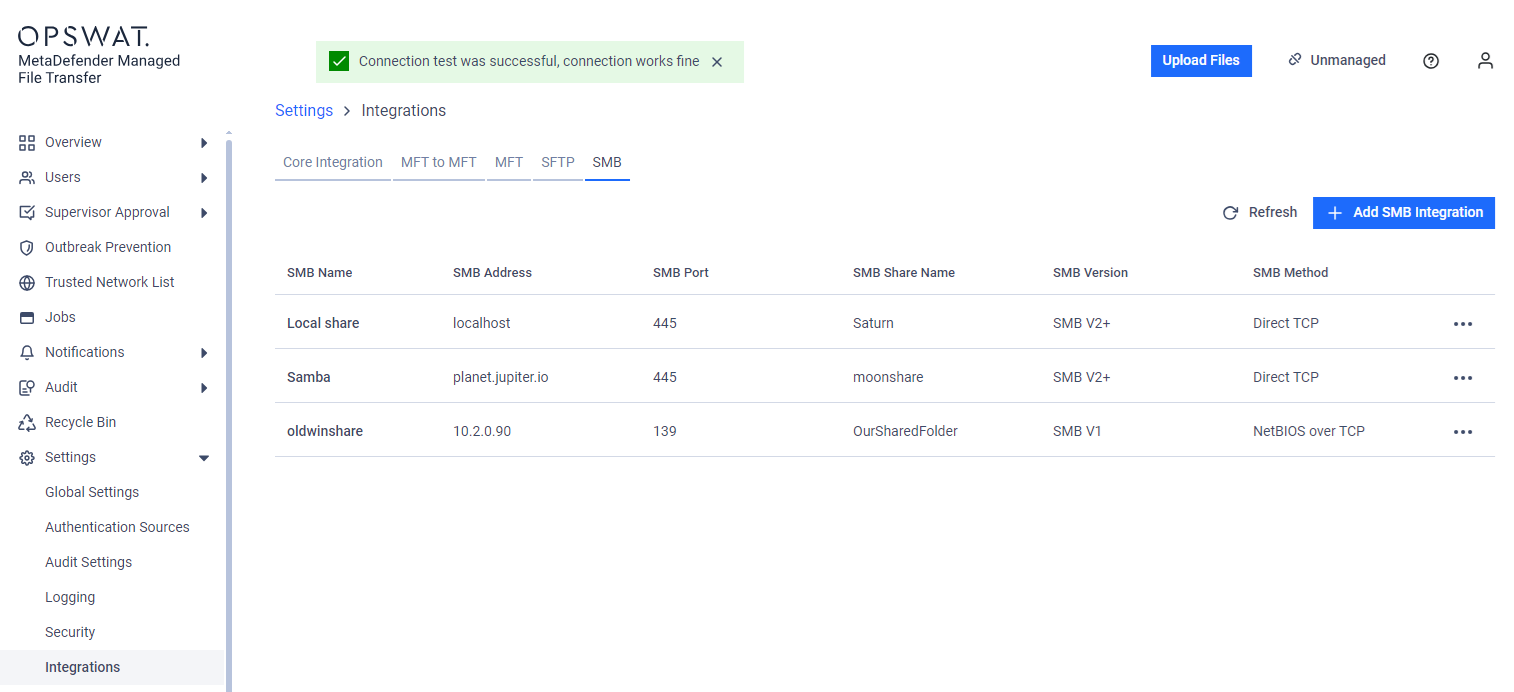
For security reasons the Test Connection functionality checks only address and port reachability.