
In case you forget your password, you can easily reset it by following the steps:
Warning
Please note that guests and third-party users, including AD and SSO users, cannot utilize this method to reset their passwords.
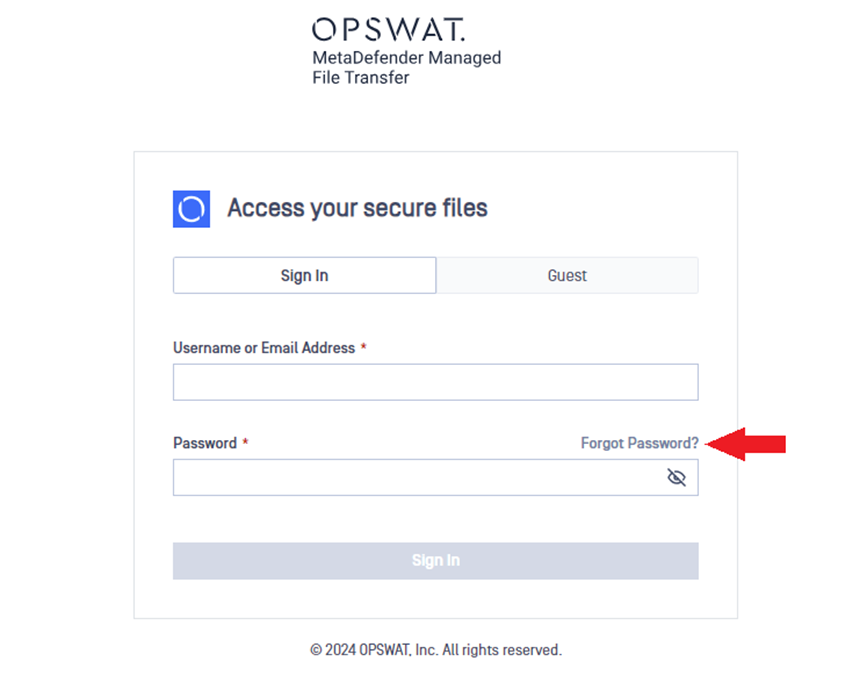
Click on the Forgot Password? on the sign-in page.
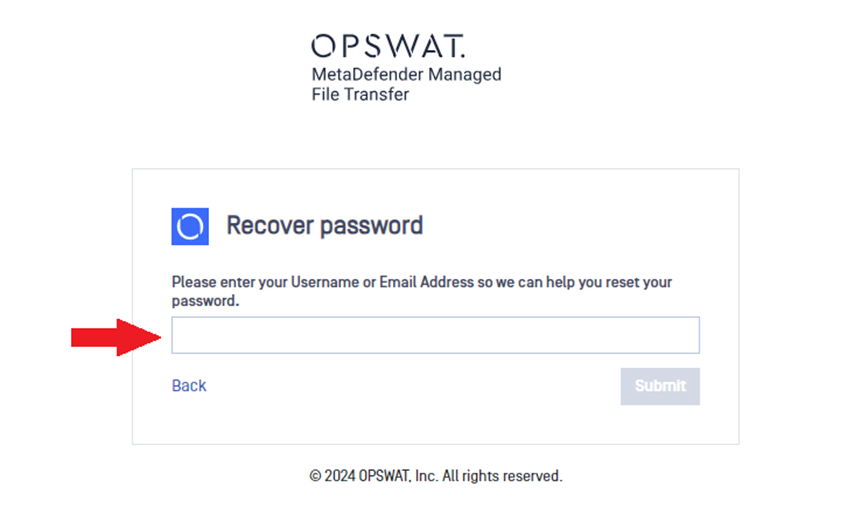
Enter your username or email address and click Submit.
You will receive an email which contains reset password link. Click on the provided link.
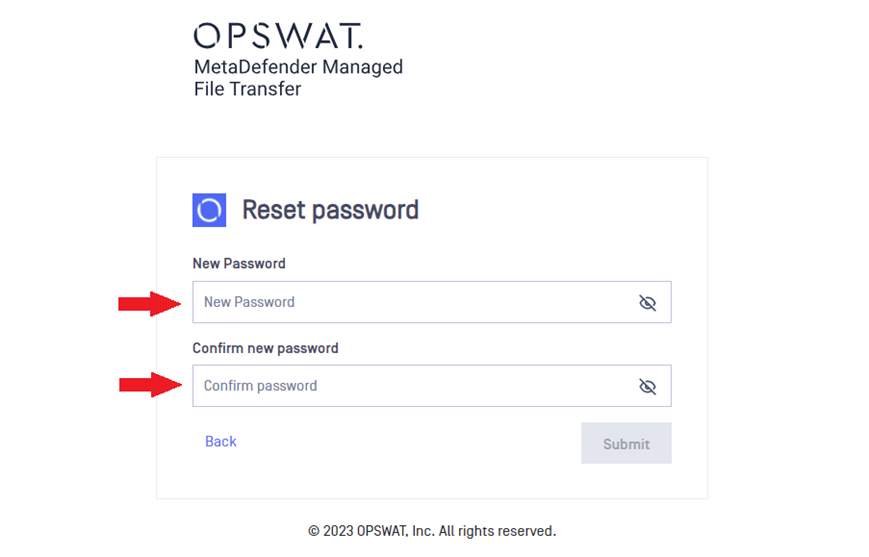
The link will redirect you to the Reset password page. Enter your new password twice and click Submit.
You can sign in with your new password.
Was this page helpful?
End-User Guide