
As default setting, the disclaimer screen at the beginning will show the OPSWAT's EULA (End-User License Agreement) in English.
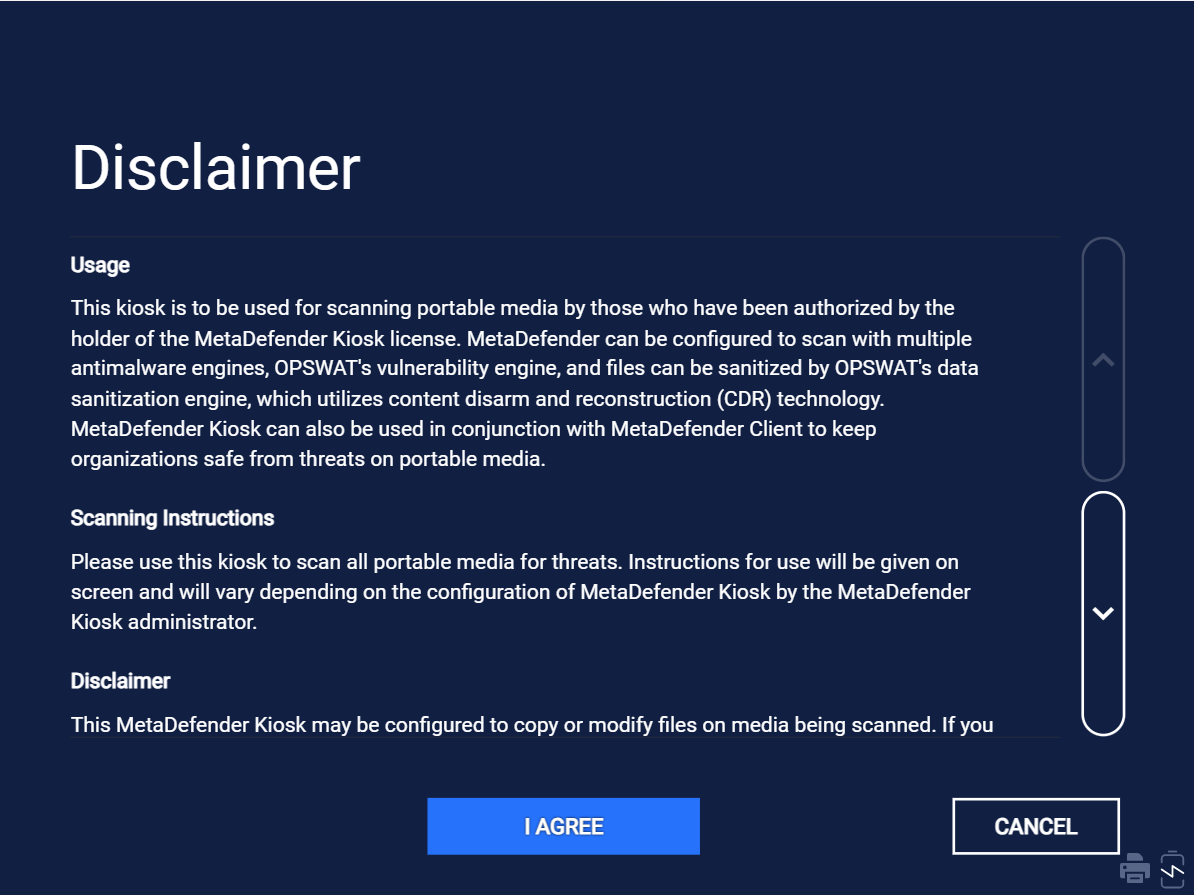
To change content of this screen to specific languages, create and upload your own customized disclaimer file at Edit language configuration page.

The reference disclaimer file can be found at following file directory on Windows: C:\Program Files (x86)\OPSWAT\Metadefender Kiosk\Client\en\resources\disclaimers\disclaimer.html .
You can also create your own customized disclaimer file following this guideline:
File format is .html
You can only use limited HTML Elements only, with heading
<h>, paragraph<p>and line break<br>tags
For example:
If disclaimer file is valid and uploaded successfully, it will be shown in Upload Disclaimer value with the name following the format disclaimer_{lang_id}.html

The corresponding HTML file will be also added to the same folder directory of the reference file.
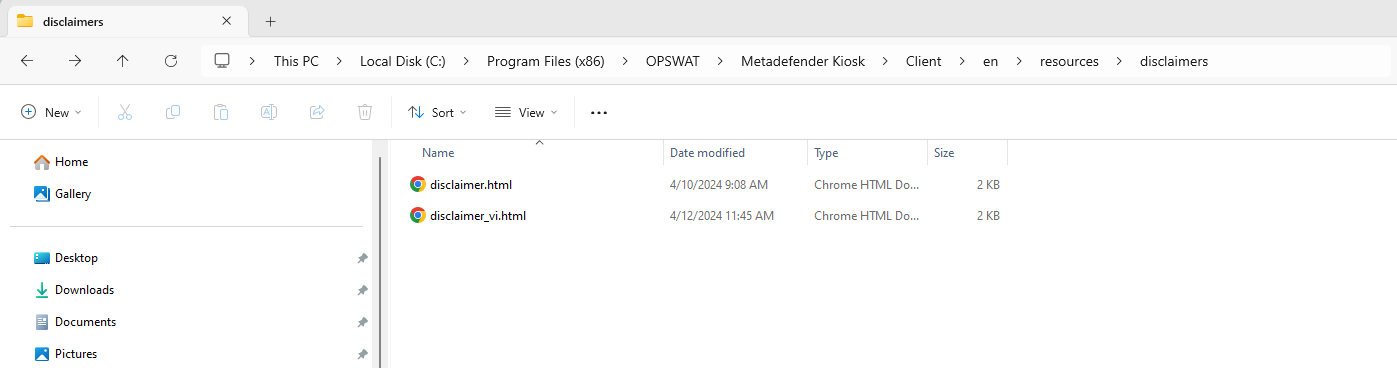
Default EULA will be shown if there is no disclaimer.html or valid customized disclaimer file of a specific language in the disclaimer folder.
Customized disclaimer files will be kept during upgrading Kiosk.
From verion 4.6.7, customized disclaimer files will be included in the backup configuration settings archive to restore disclaimer settings on this or a different Kiosk system.