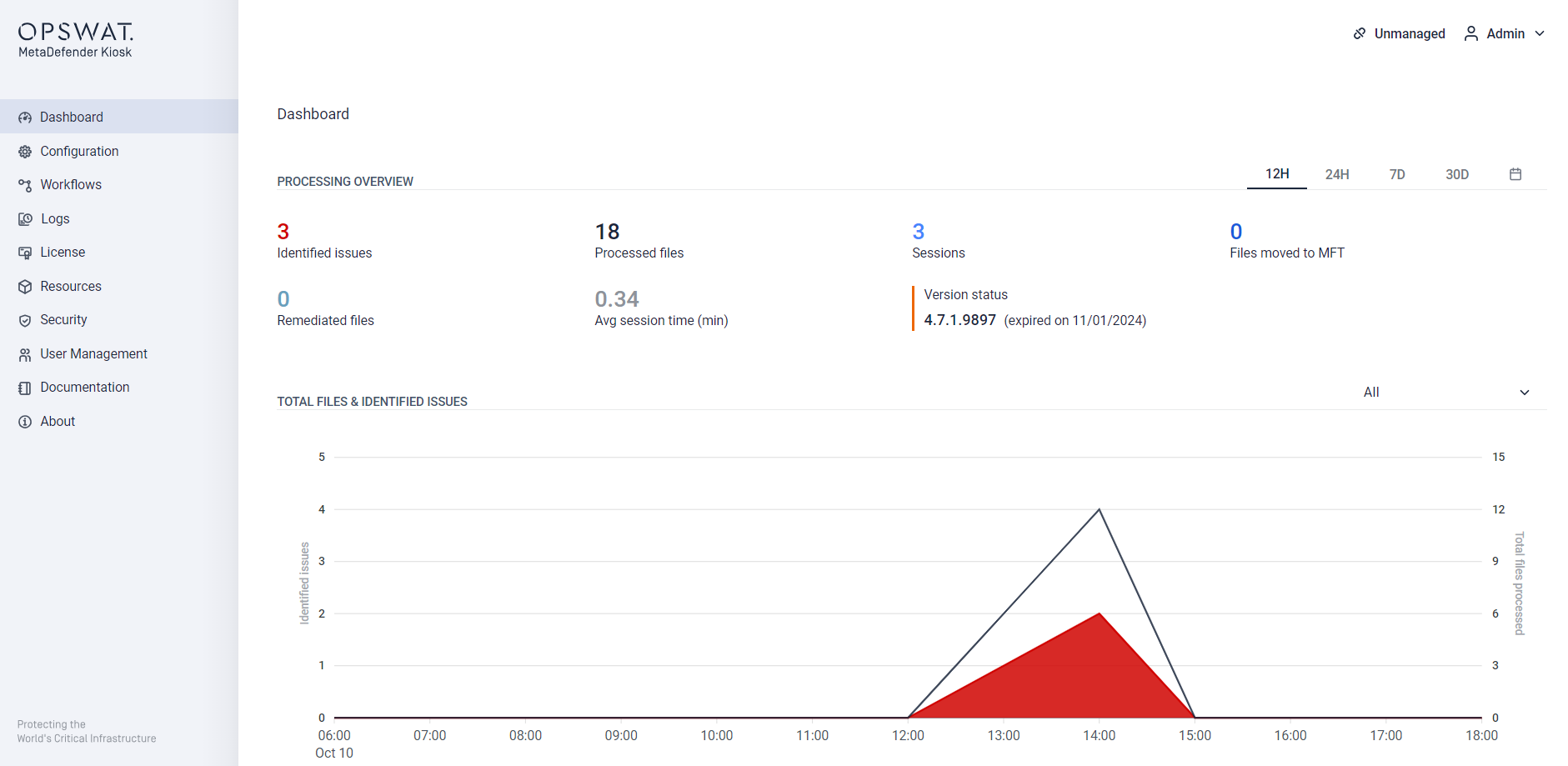
Dashboard
The Dashboard will be the first page that is seen when logging in to the MetaDefender Kiosk Management Console. This page provides a summary of all of the files that have been processed by MetaDefender Kiosk.
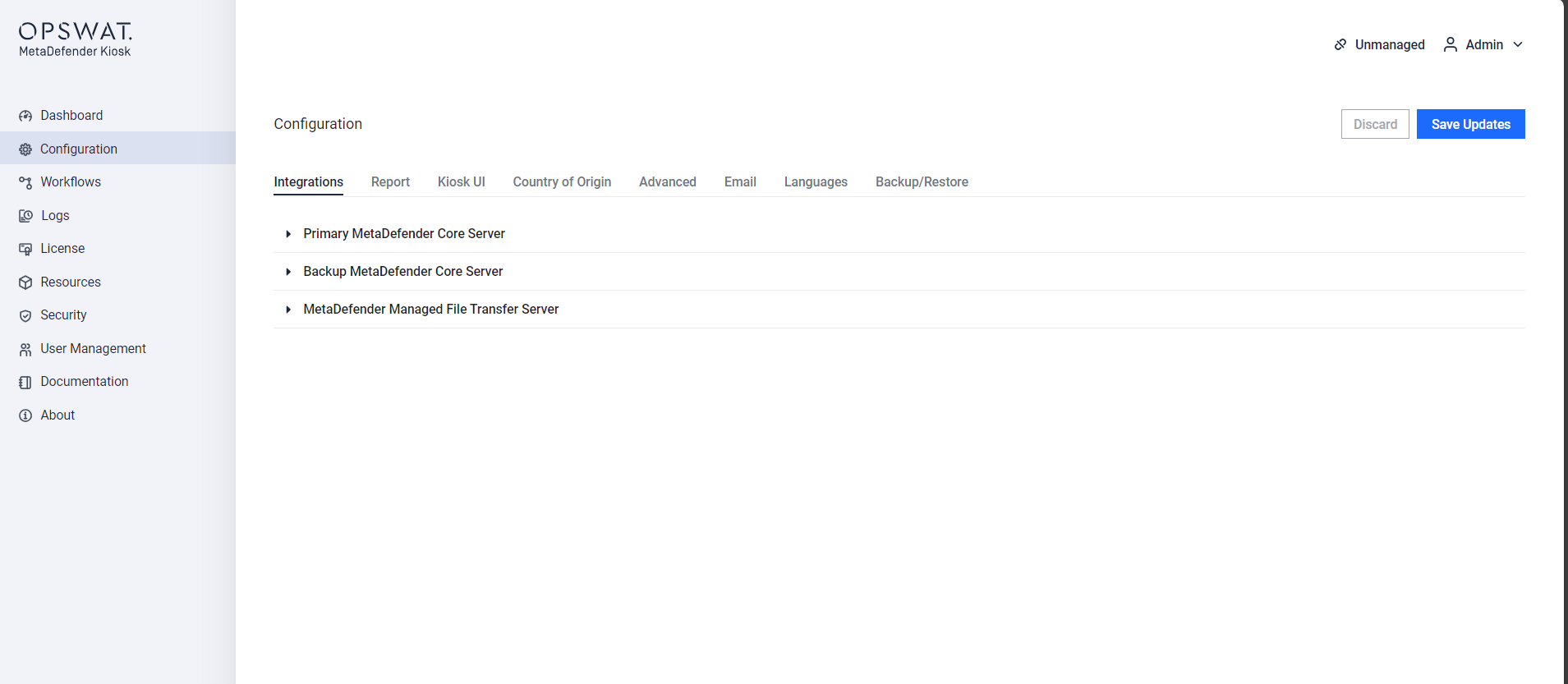
Configuration
The Configuration page allows you to configure all MetaDefender Kiosk settings that apply to all users of MetaDefender Kiosk.
Note:
In case the directory path for session log is not able to created, the default path is used instead.
Session log can be saved in network shared folder with AD user's credentials that is logged into the Kiosk session for saving privileges. An Admin can enable utilizing the OS logged in user's credentials if the saving initially fails with the AD user credentials.
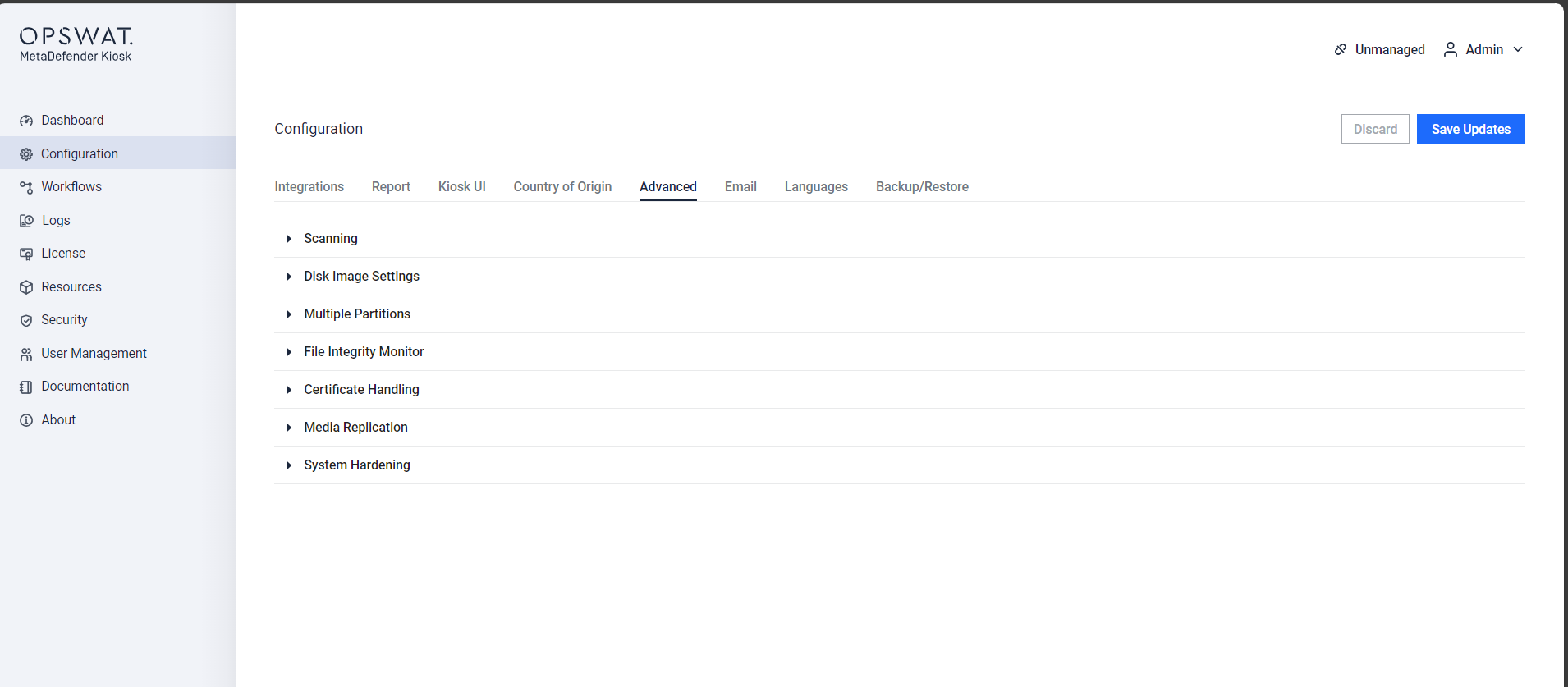
Advanced Configuration
Advanced configuration options can be set by expanding the ‘Advanced Configuration’ section of the Configuration page.
Advanced Configuration for Scanning
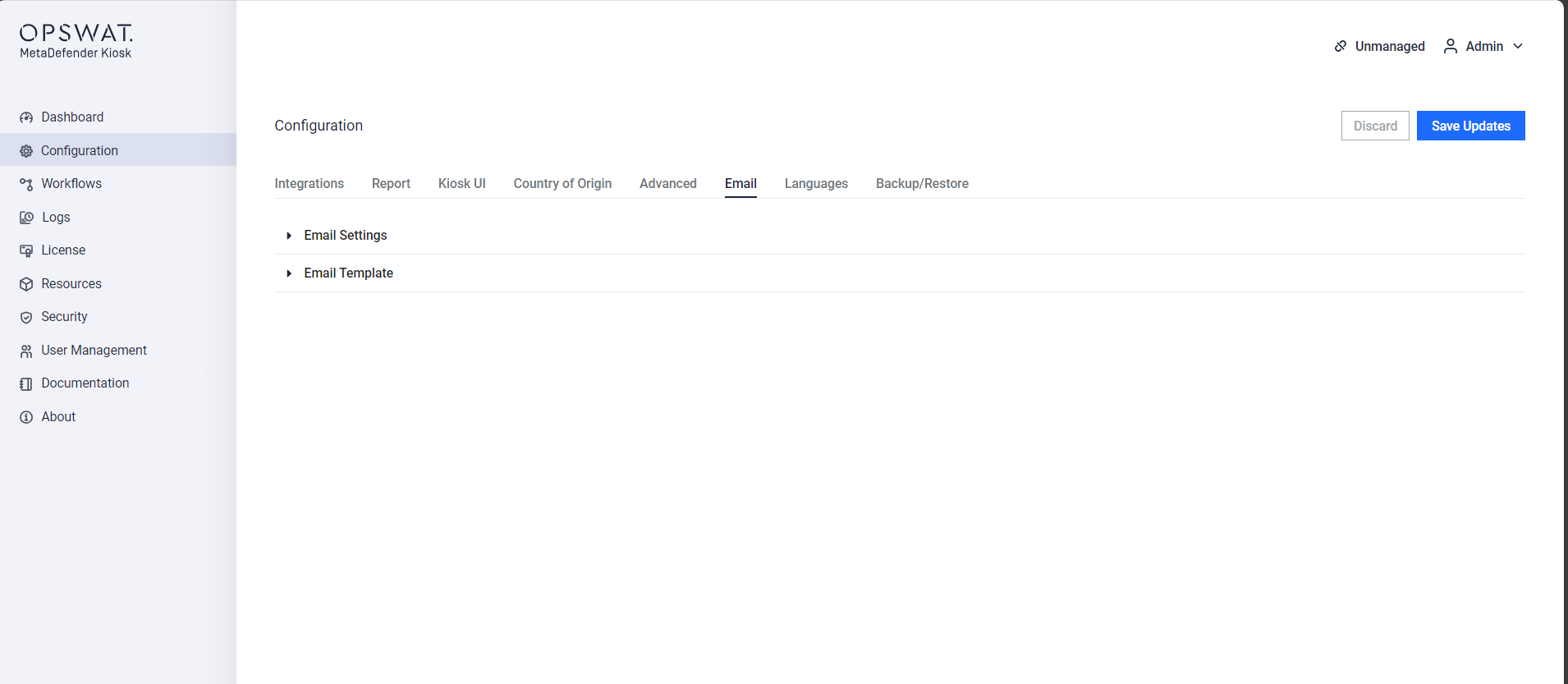
Advanced Configuration for Email