
This article applies to all MetaDefender Endpoint releases deployed on Windows, macOS, Linux and Android systems.
Instructions for retrieving version information from MetaDefender Endpoint vary per Client type, operating system, and UI setting.
Windows/macOS with the MetaDefender Endpoint tray icon enabled
Right-click the Client Tray Icon.
Select the About option.
The account to which the Client is reporting is listed under Managed By.
Also, please ensure that the Server to which the device is connecting is listed correctly.
Incorrect server listings can occur when the downloaded MetaDefender Endpoint was installed from a Client package download that was associated with a different OPSWAT account.
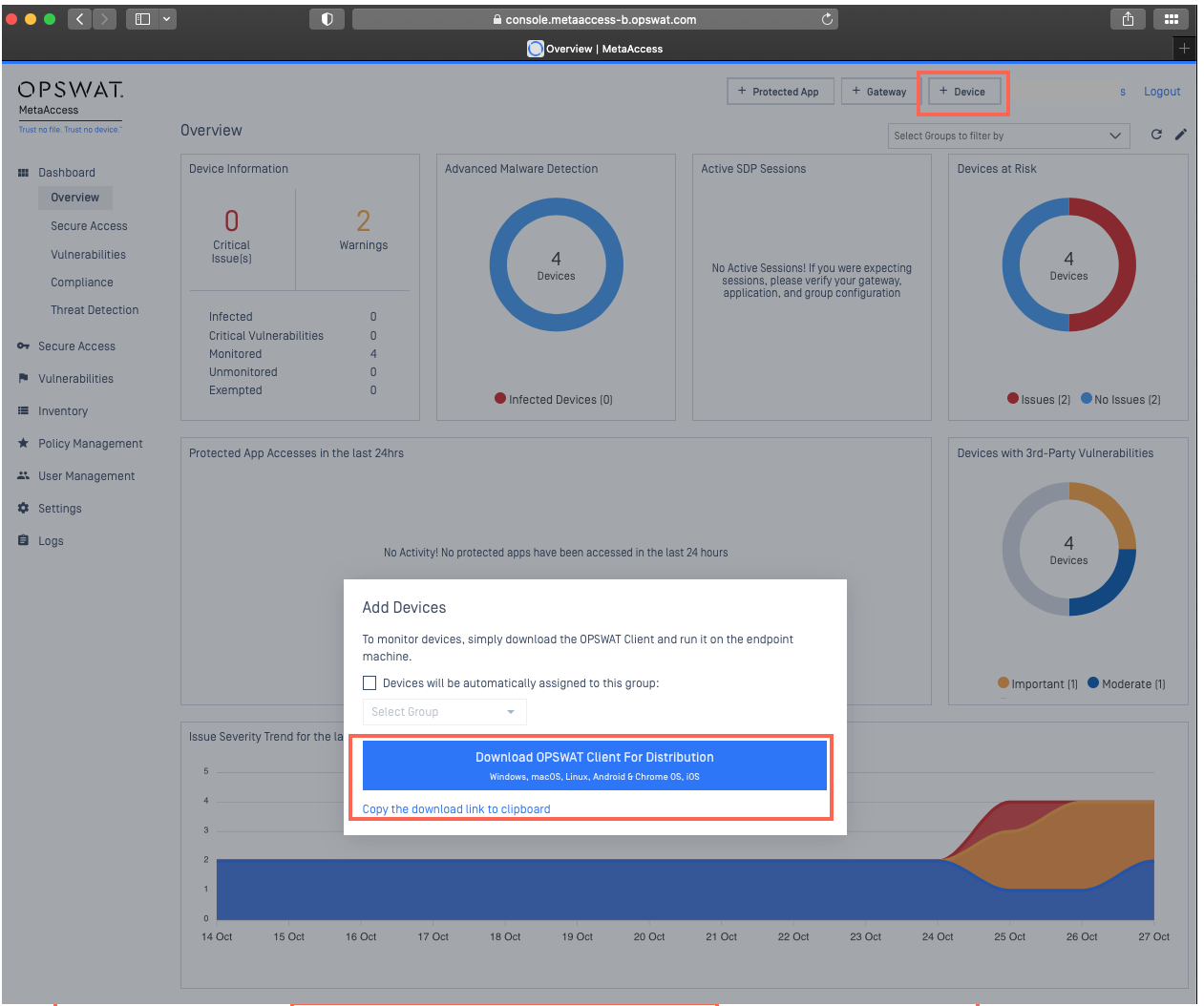
To correct this, the end user should uninstall the MetaDefender Endpoint completely before downloading and installing a fresh Client package from the appropriate OPSWAT account. To request a suitable download, contact your MetaDefender IT-OT Access administrator, who will access the download link via the MetaDefender IT-OT Access Console’s +Device button.
Linux
To check management account details, run the command: opswat-client -i
The account to which the Client is reporting is listed under Managed By.
Also, please ensure that the Server to which the device is connecting is listed correctly.
Android/Mobile App
Open the mobile app.
Click the Menu icon at the top right-hand side of the screen.
Select the About option.
The account to which the Client is reporting is listed under Managed By.
Also, please ensure that the Server to which the device is connecting is listed correctly.
For any queries, concerns or issues regarding Retrieval Of Management Account Details From MetaDefender Endpoint, please open a Support Case with the OPSWAT team via phone, online chat or form, or feel free to ask the community on our OPSWAT Expert Forum.