In case you face an issue that you can't resolve using the troubleshooting page or one of your Drives is malfunctioning, you can contact OPSWAT's support team and attach a support package. A support package can be generated by going to Advanced Options → Support.
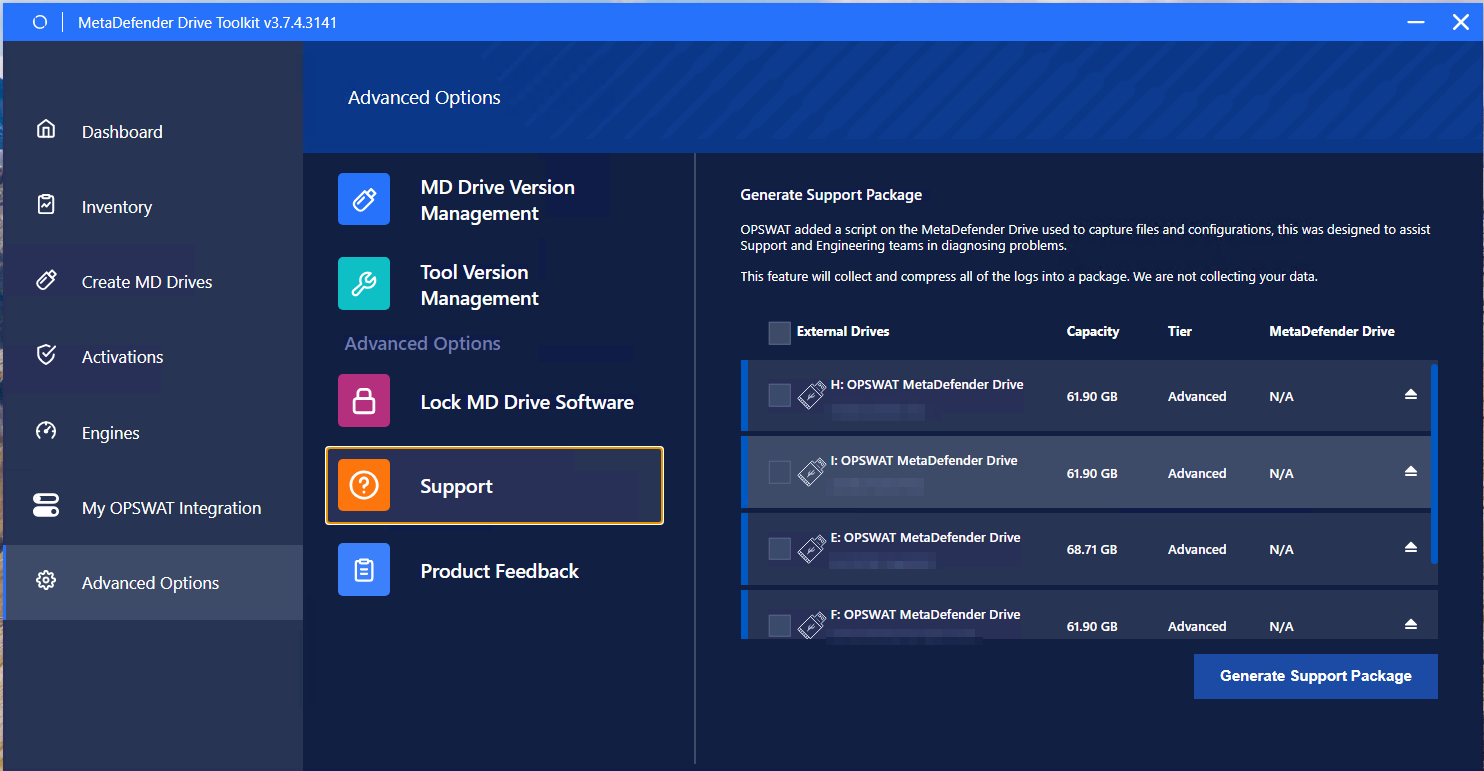
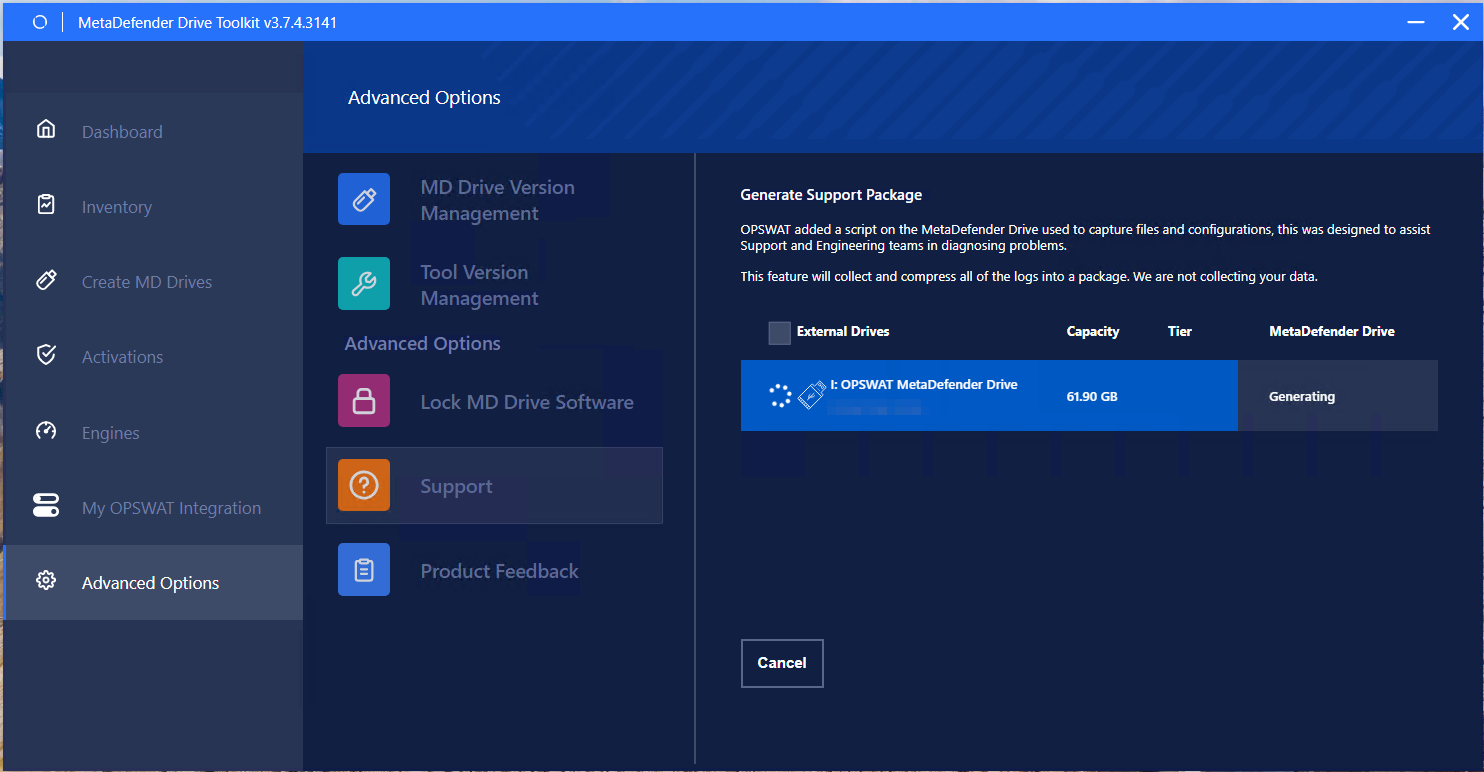
After selecting Drive, then clicking Generate Support Package, follow the on-screen instruction.
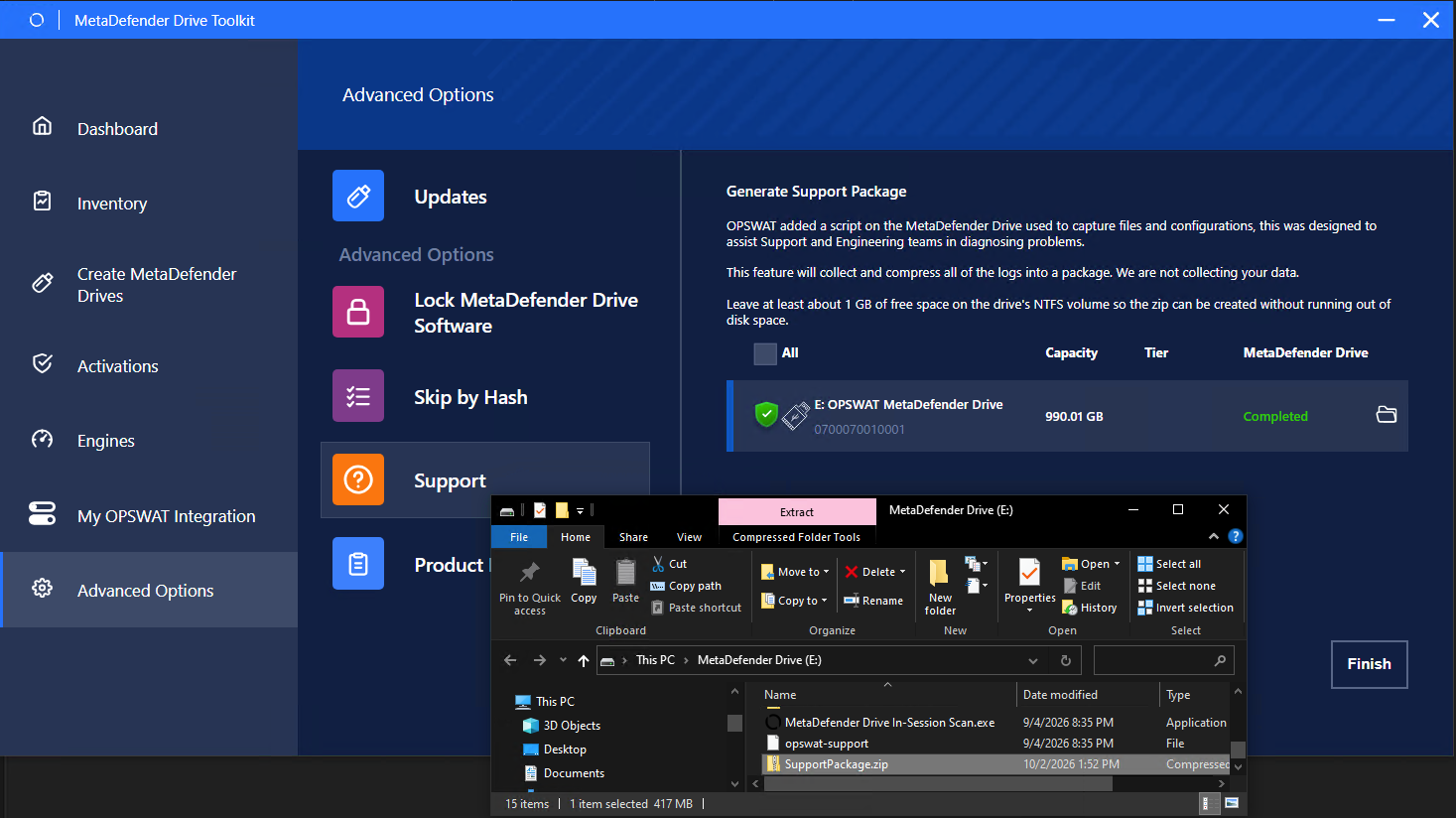
Until you see the green status, click the folder icon to open the folder and locate the SupportPackage.zip
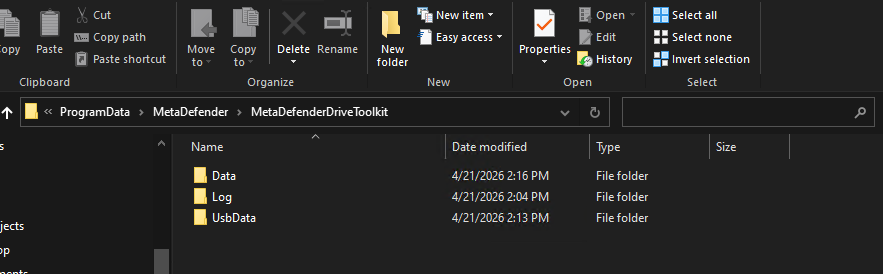
Drive Toolkit Logs
In the "C:\ProgramData\MetaDefender\MetaDefenderDriveToolkit\Log" folder, you will find the MetaDefenderDriveToolkit.log file. This file includes debugging information. If you face any issues while creating or upgrading a MetaDefender Drive, please attach this log file with your support request.