
Issue
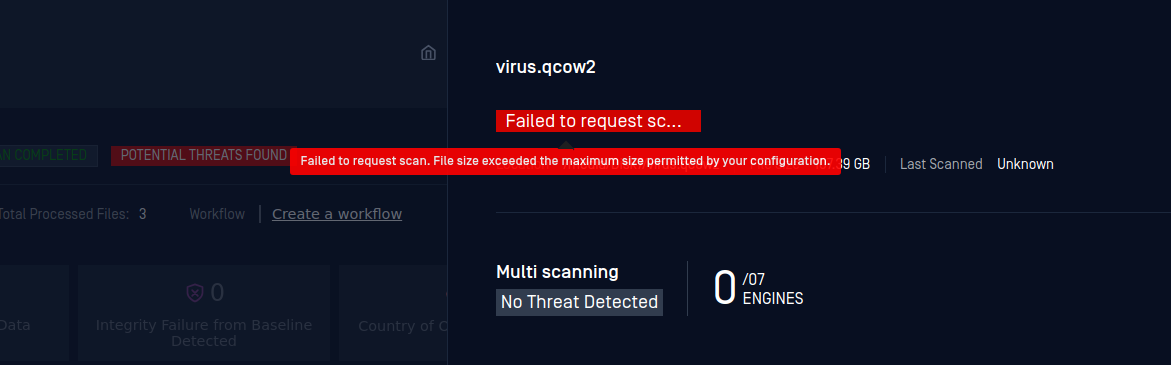
Files are skipped during a scan with the message: "Failed to Request Scan. File size exceeded the maximum size permitted for your configuration."
Cause
The file scanned is larger than the value set in Max File Size to Scan
Solution
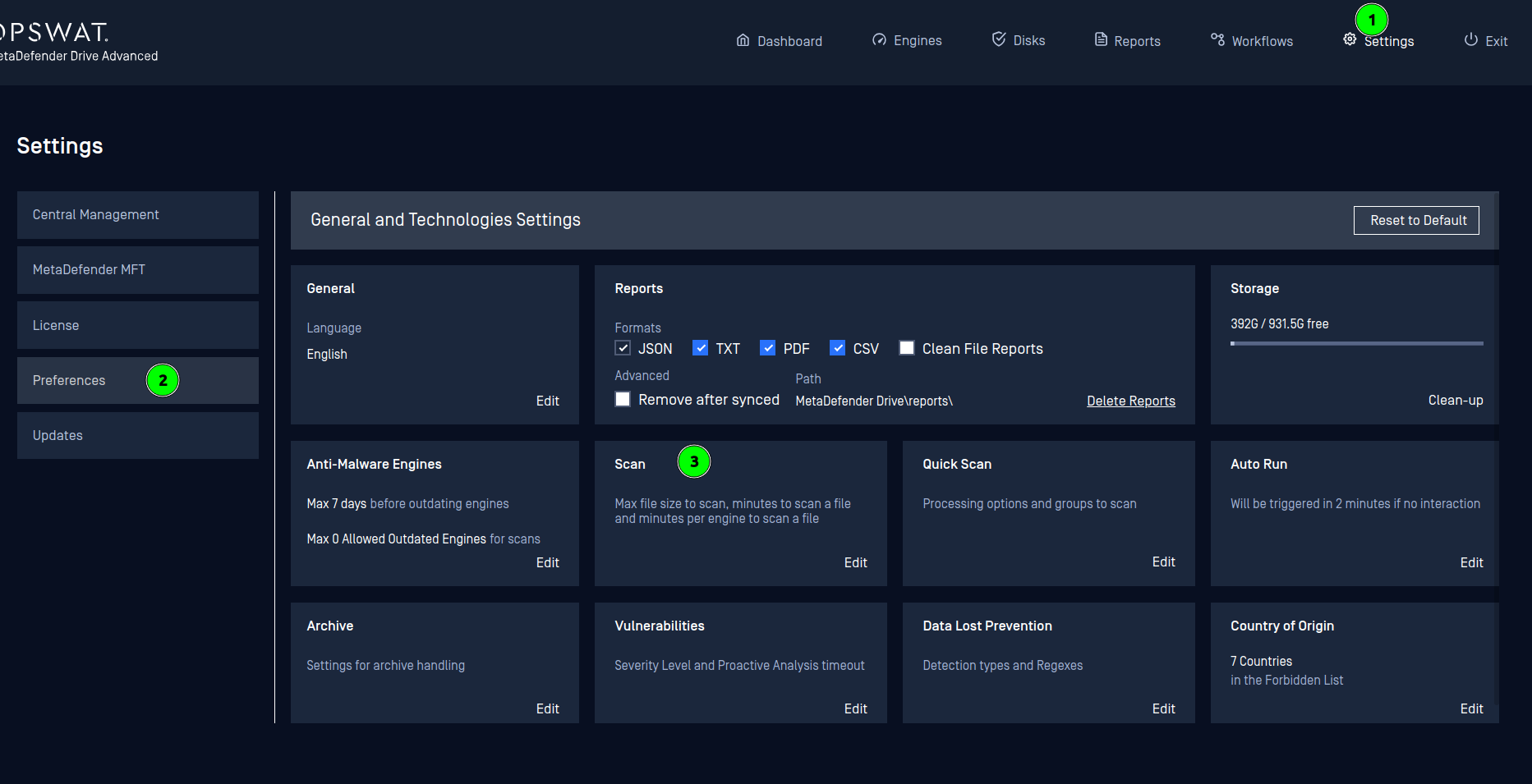
Increase the value of Max File Size to Scan in Settings → Preferences → Scan
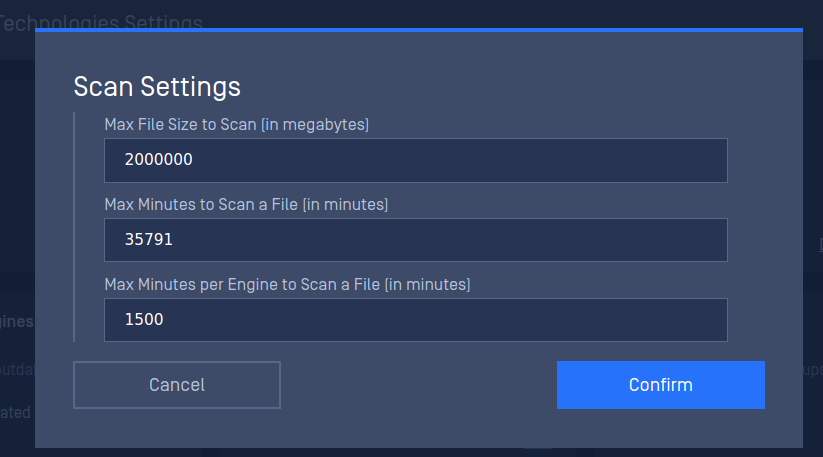
In the following example, the value was changed from 2000 to 2000000
Was this page helpful?
Troubleshooting