
MetaDefender Drive comes with localization support. Currently, you can choose from 12 supported languages as the UI language.
From the Settings Menu, click the Preferences tab, then click Edit and choose your preferred language under the Select a Language window:
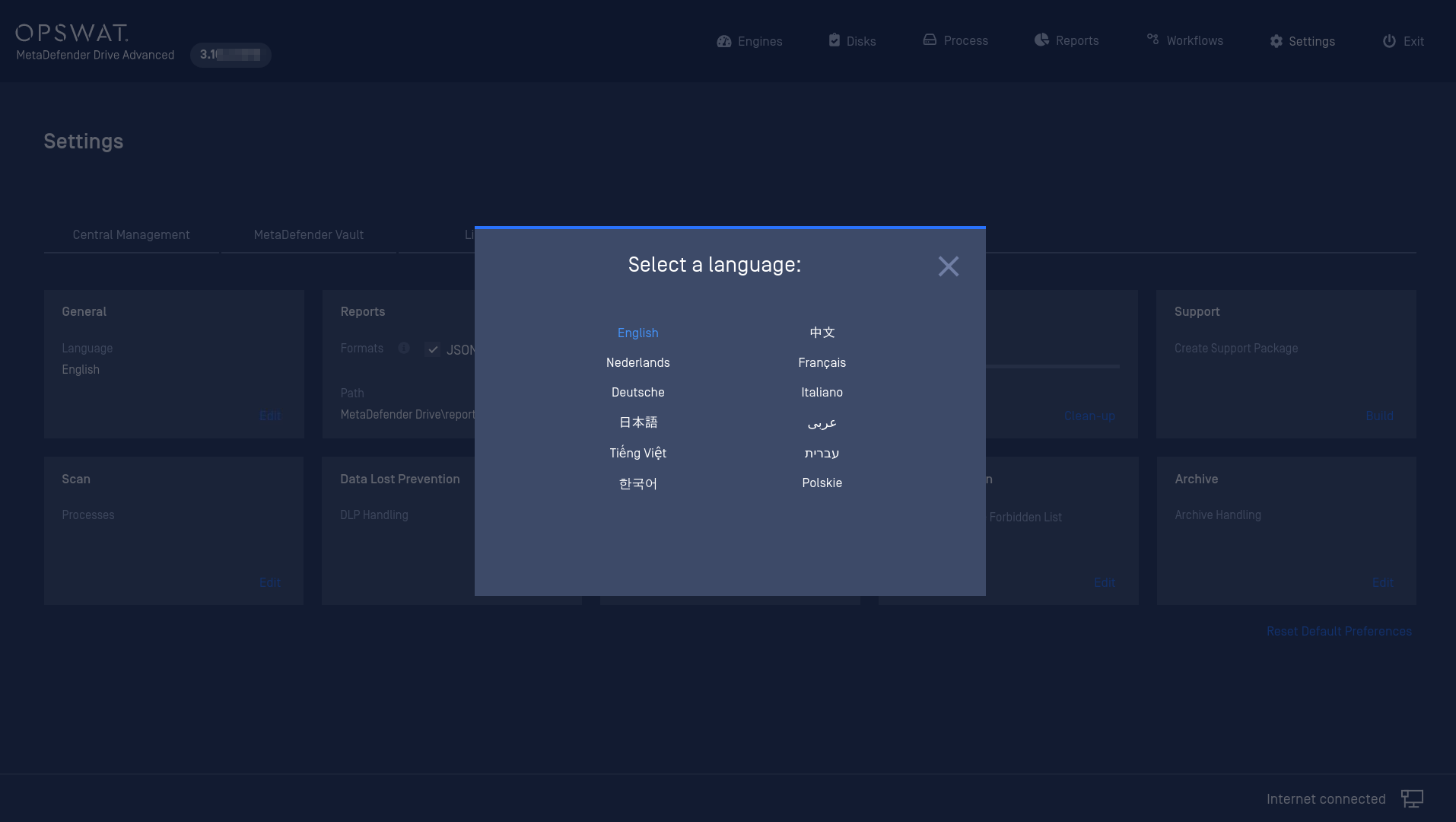
MetaDefender Drive UI includes localization support for the following languages:
Arabic
Chinese
Dutch
English
French
German
Hebrew
Italian
Japanese
Korean
Polish
Vietnamese
Was this page helpful?
Configuration