
Knowledge Base
v5.18.1
Search this version
I forgot my login password, what can I do?
Copy Markdown
Open in ChatGPT
Open in Claude
Check Your Version:
This article applies to all MetaDefender Core V5 releases deployed on Windows and Linux systems.
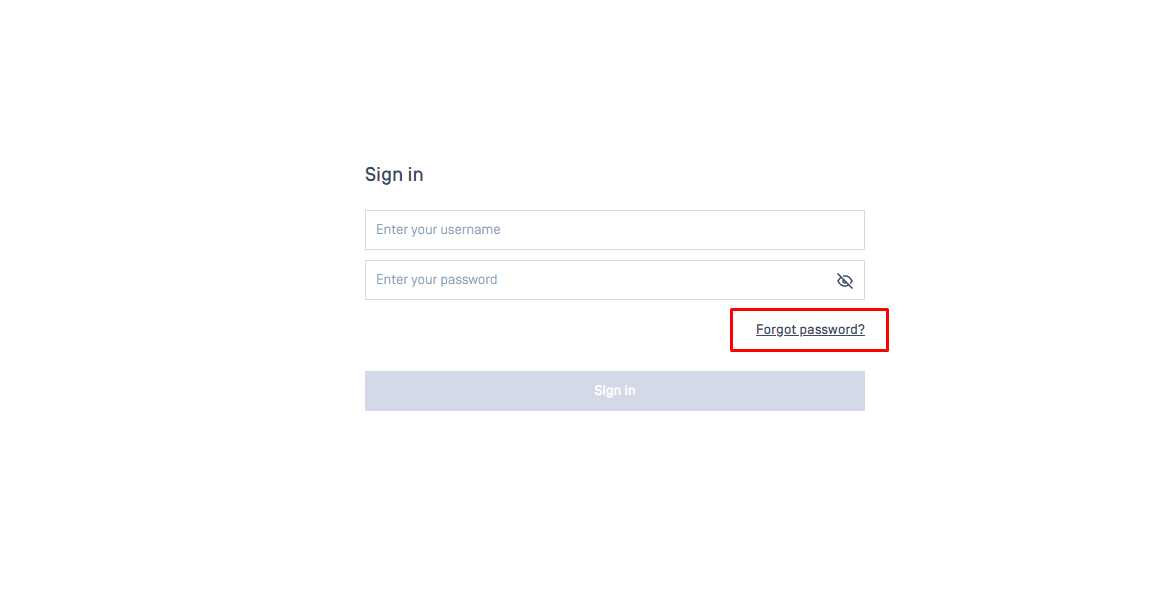
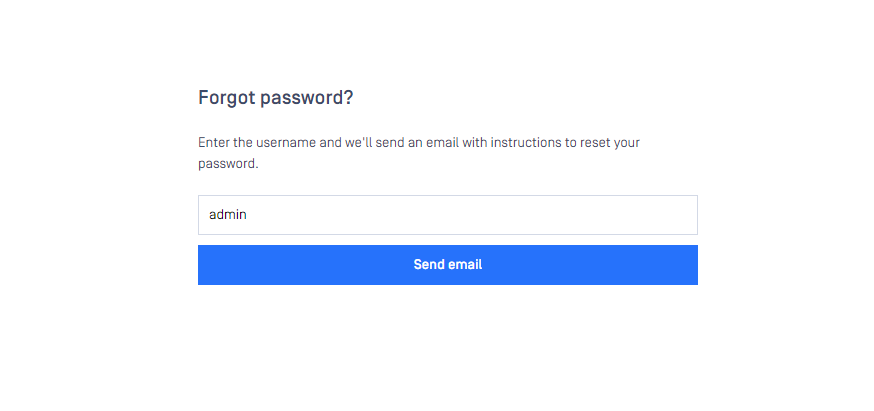
The 'Forgot Password' tab will be visible within the login screen. Once the username has been provided, instructions for password reset will be sent via email to the admin user created for password recovery.
If a mail server has been integrated with the MetaDefender Core product, users will be able to use the feature to recover their credentials.
Please Note:
SMTP server must be configured to use this feature. You can follow this article to configure.
Support:
If Further Assistance is required, please follow the instructions on How to Create Support Package With Bundle Tools?, then proceed to create a support case or chat with our support engineer.
Last updated on
Was this page helpful?
Next to read:
How to Utilize YARA Rules with MetaDefender Core?Knowledge Base
Knowledge Base
Configuration and Settings
Errors and Troubleshooting
Features and Functionality
Licensing, Setup and Deployment
Updates, Patches and Bug Fixes
Version Upgrades