
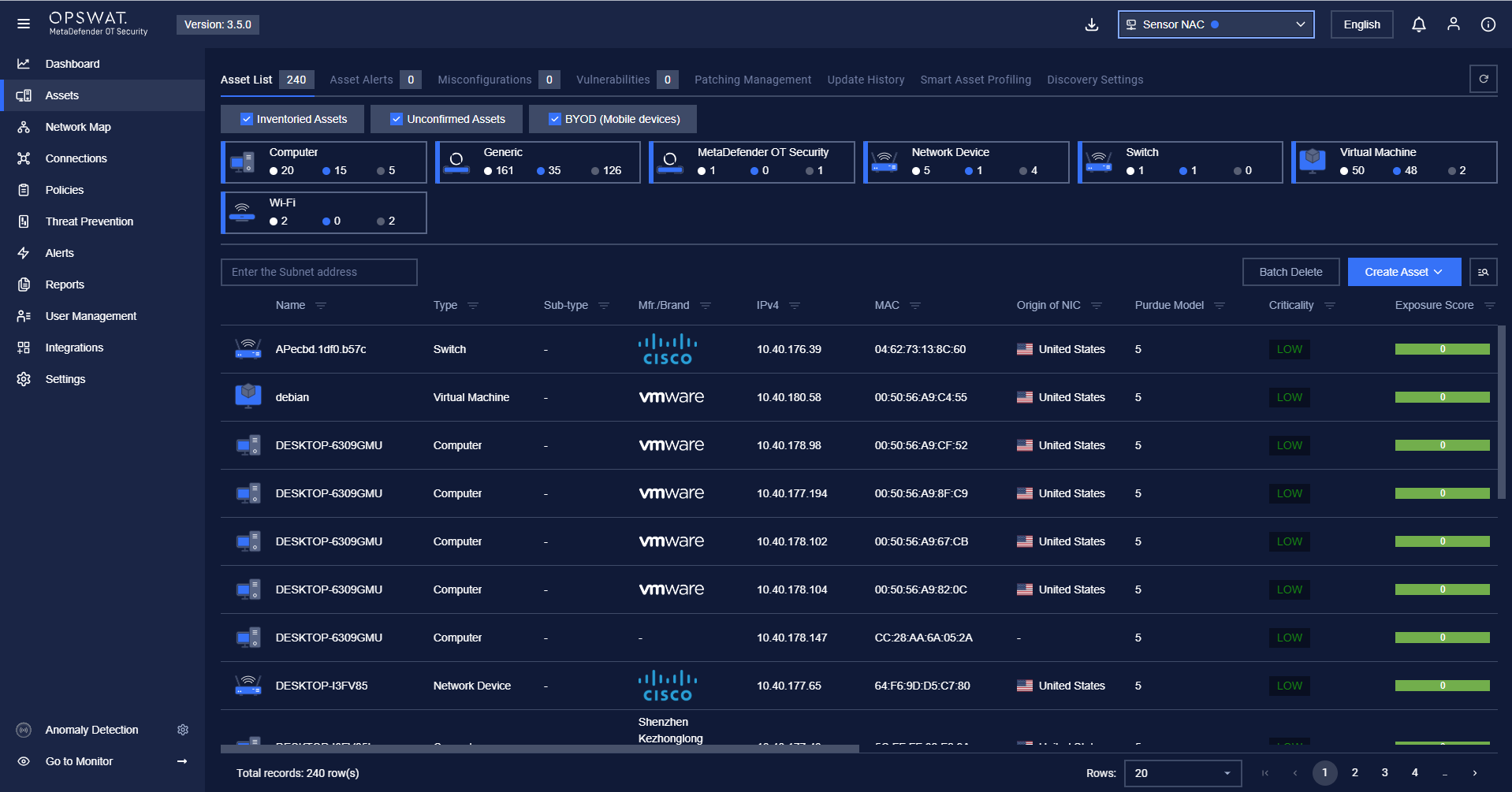
To access the Assets page, click on Assets in the left panel.
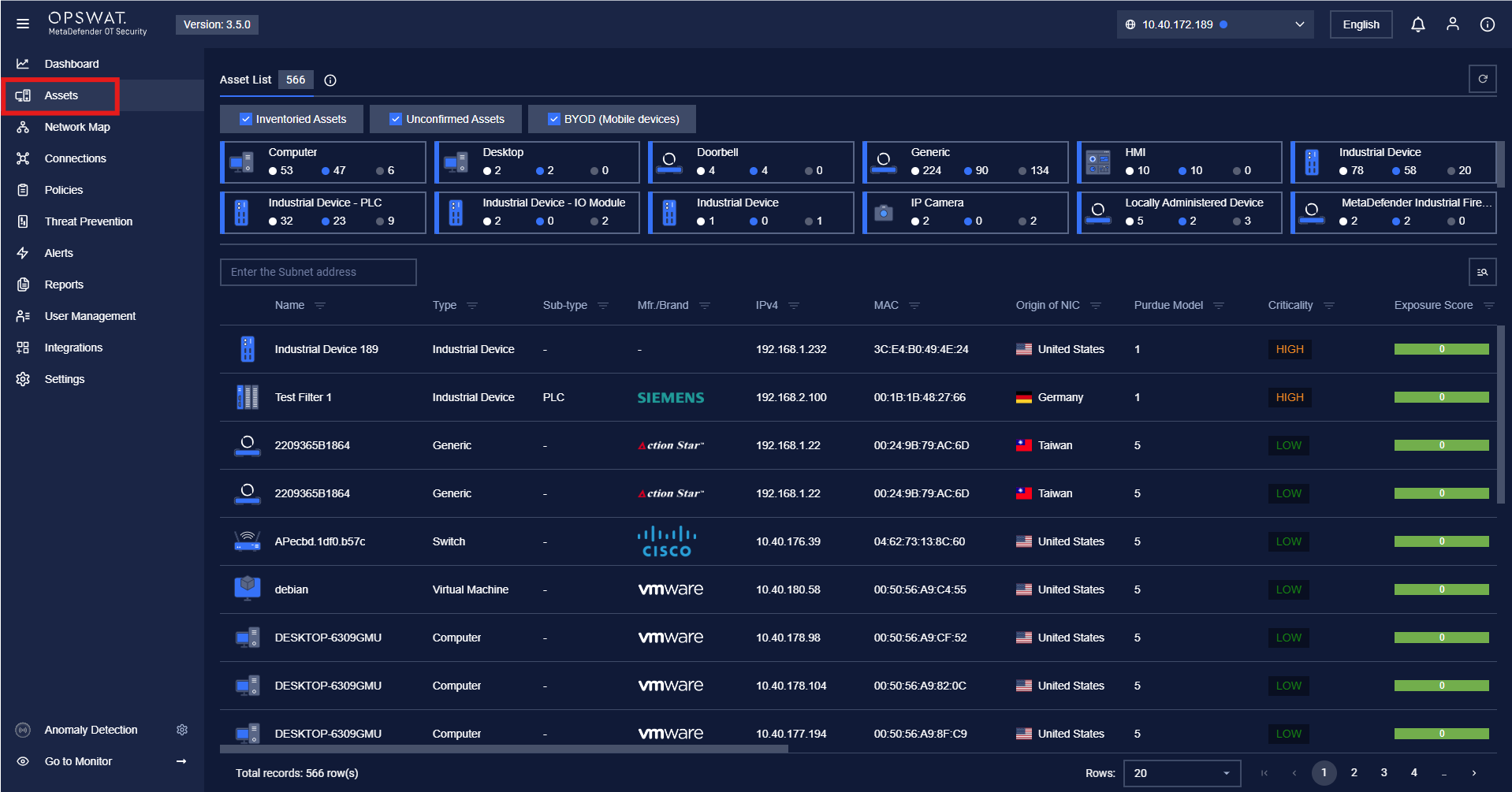
Note: To view all asset information, users need to select a sensor from the list in the top-right corner, then navigate to the Assets page.
Was this page helpful?
Operating
To access the Assets page, click on Assets in the left panel.
Note: To view all asset information, users need to select a sensor from the list in the top-right corner, then navigate to the Assets page.