Operating
v2.2.0
Search this version
Operating
Operating
Title
Message
Create new category
What is the title of your new category?
Edit page index title
What is the title of the page index?
Edit category
What is the new title of your category?
Edit link
What is the new title and URL of your link?
Network Diagnosis
Copy Markdown
Open in ChatGPT
Open in Claude
The Network Diagnosis is accessible under Operation Monitoring → Network Diagnosis
User can use the Network Diagnostics menu options to run tests on the OTfuse instance.
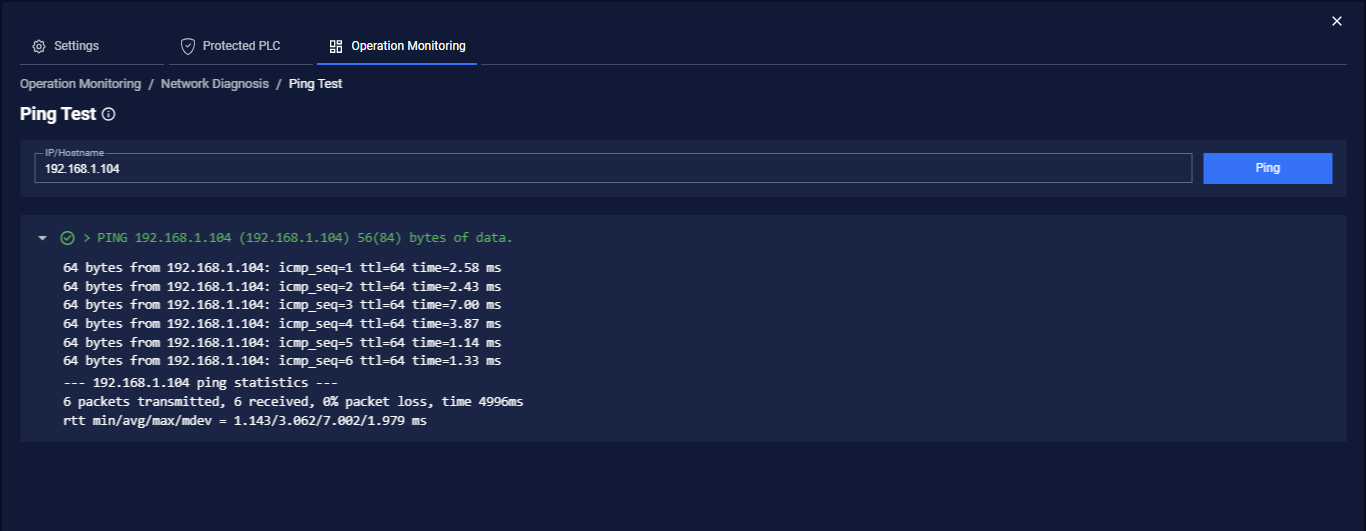
Ping Test
Click the Ping Test option to run a ping test. Enter the server IP address or hostname in the Target Address box and click the Ping button. The results from the ping display.
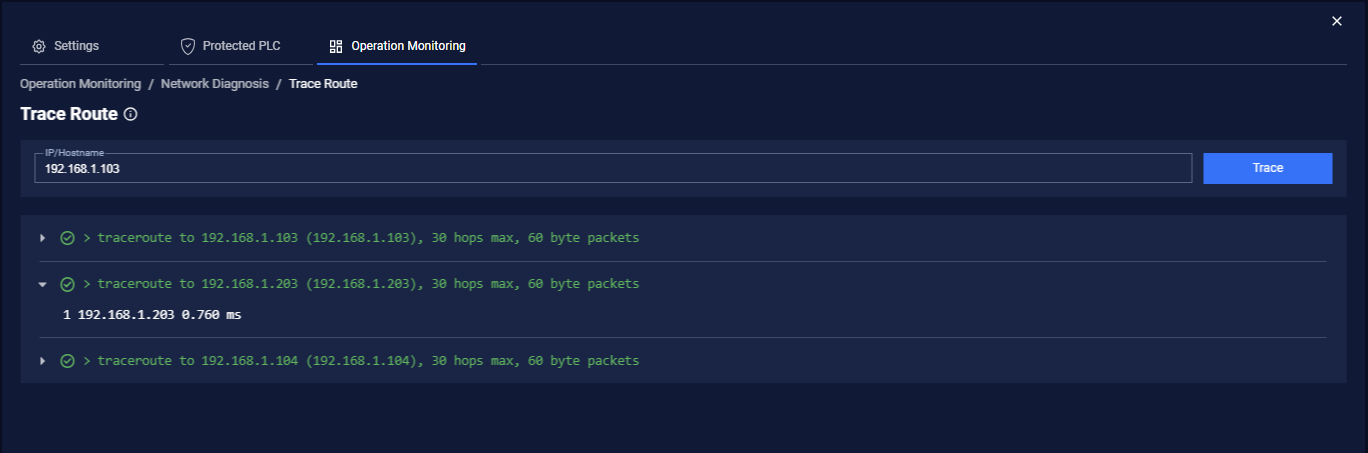
Trace Route
Click the Trace Route option to display the route and time the packet took to get to its destination. It will do a maximum of 30 hops at 60 bytes per packet. Enter an IP address or hostname in the Target Address box and click the Trace button. The route is displayed.
Type to search, ESC to discard
Last updated on
Was this page helpful?
Next to read:
ConnectionsDiscard Changes
Do you want to discard your current changes and overwrite with the template?
Archive Synced Block
Message
Create new Template
What is this template's title?
Delete Template
Message