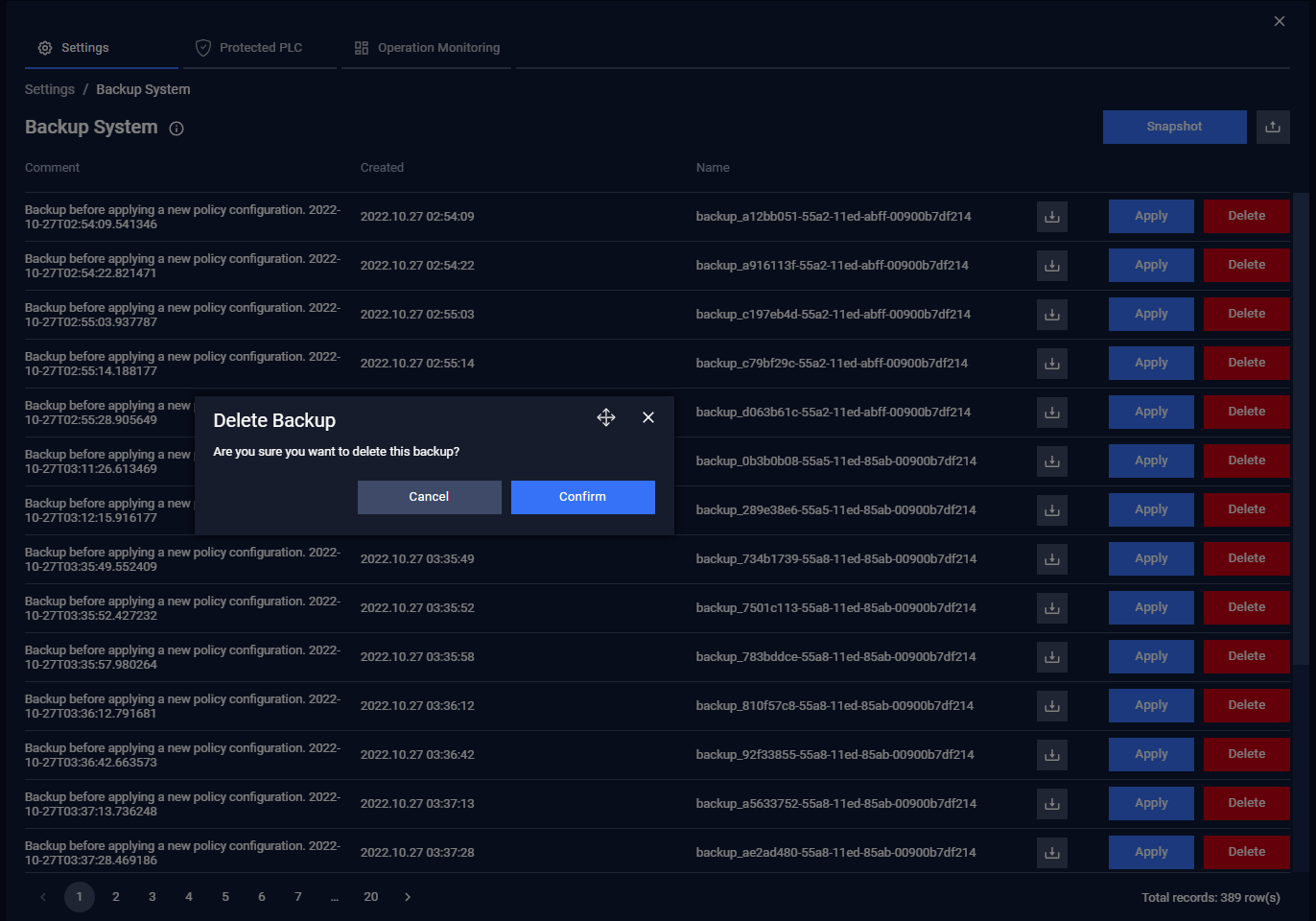
The Backup System is accessible under Settings → Backup System
Backup files contain all the system data, such as traffic rules, system logs, and events. The OTfuse creates a backup automatically before all configuration changes are made. You can also create a backup on demand.
Create a backup
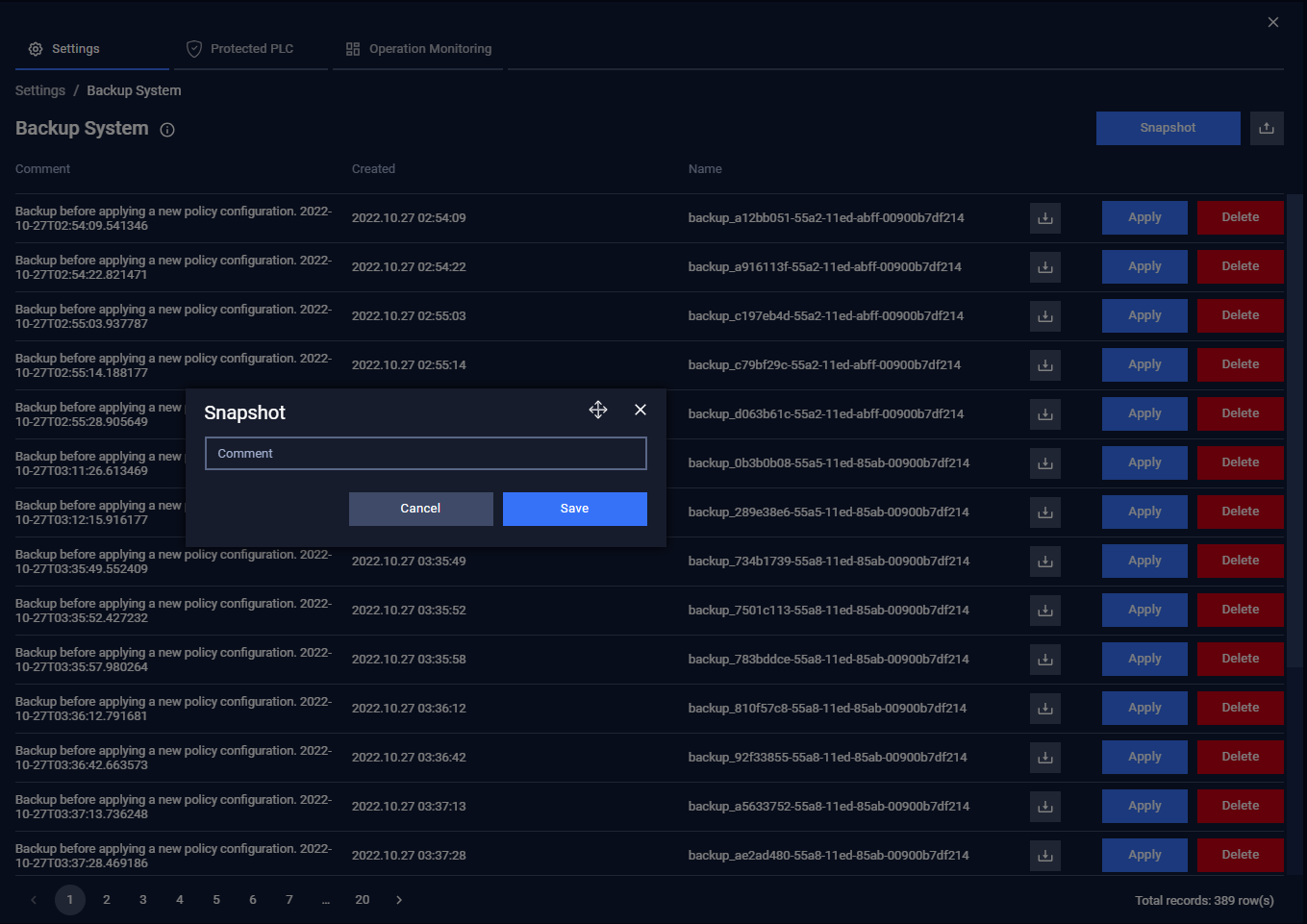
User can create a backup by click on Snapshot button, input Comment then click Save button.
Export a backup
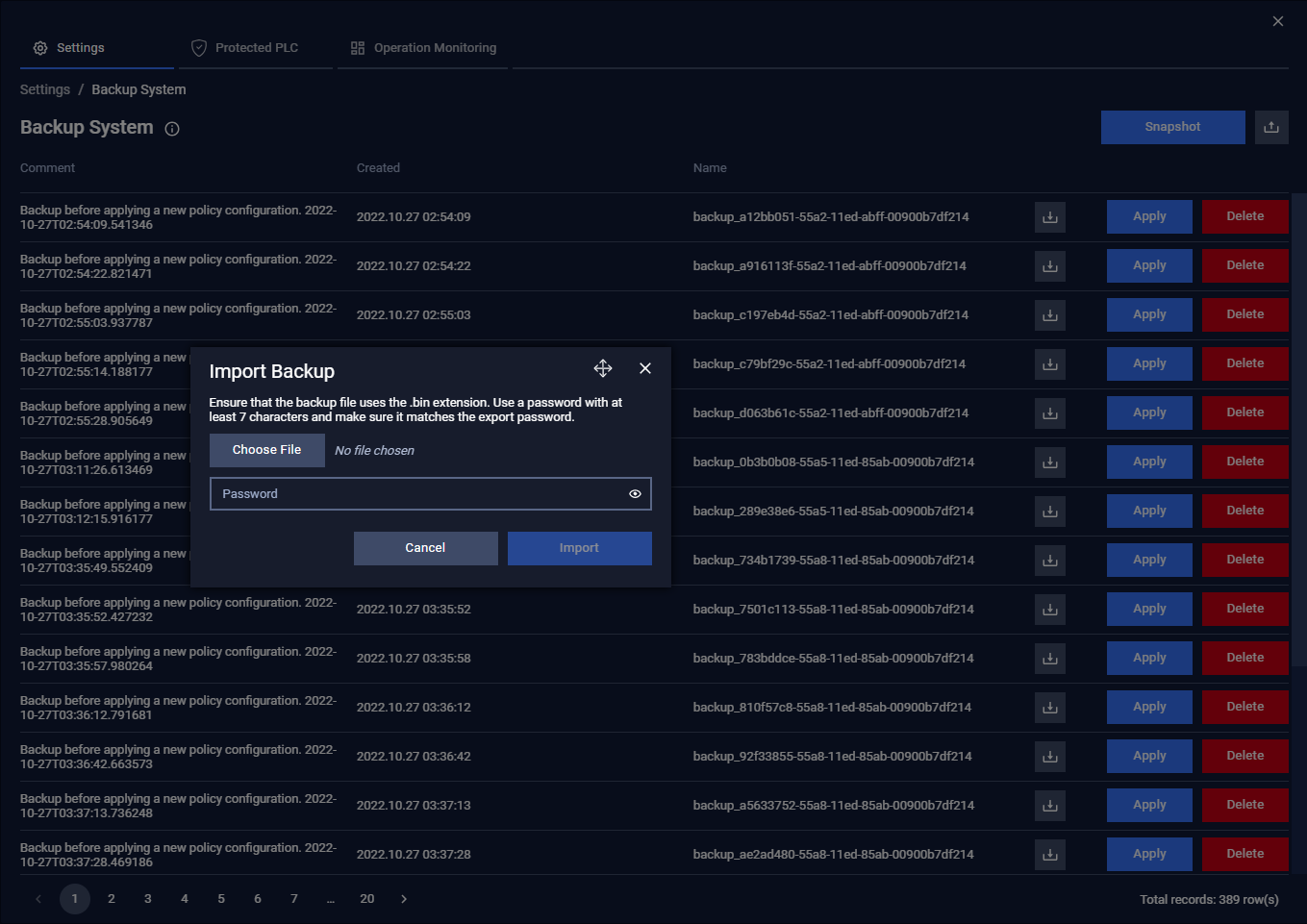
User can export a backup by click on export button of each row, input password for backup file then click Export button.
Apply a backup
If a new configuration does not operate correctly, you can return an older configuration (rebuild). You can select a backup of this appliance or upload a configuration from a different appliance.
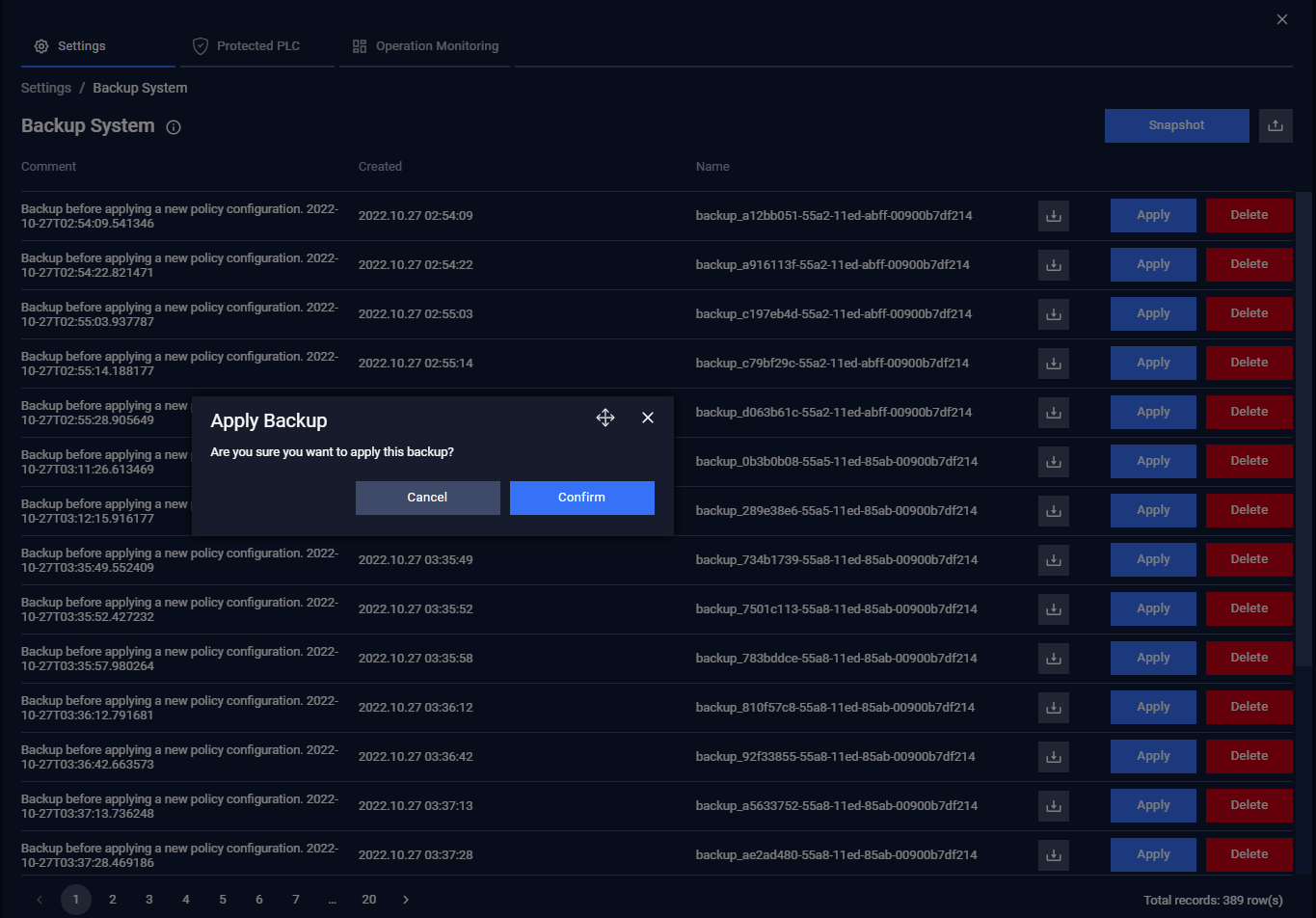
User can click Apply button on each backup to restore a backup then click Confirm. The OTfuse require the user to reboot to apply the backup.
Delete a backup
User can delete a backup by click on Delete button of each row, input password for backup file then clicking Confirm button.