
Info:
This article applies to all Sandbox versions
Issue: While installing the Sandbox, the installer fails at the “prepare repositories” step with:
......
grub2-tools-extra.x86_64 1:2.06-90.el9
grub2-tools-efi.x86_64 1:2.06-90.el9
libldb.x86_64 2.4.1-1.el9
libldb.x86_64 2.6.1-1.el9
[FAIL] Failed to prepare repositories.
Exiting
Even though the system has internet access and the repos are functional.
Cause
The script install.sh uses dnf check-update to verify repositories. However, this command returns:
0: No updates available (success)100: Updates available (still success)>1: Real error
The script only treats 0 as success, so it fails when updates are available (100).
Solution
Ensure that you have followed these steps before running the installer:
Step 1: Install EPEL (if needed)
sudo dnf install https://dl.fedoraproject.org/pub/epel/epel-release-latest-9.noarch.rpm -y
Step 2: (Optional) Create sandbox user
sudo useradd --create-home sandbox
sudo passwd -l sandbox
Step 3: Install tools like 7zip
sudo dnf update -y
sudo dnf install p7zip -y
(Optional) Fix the script logic to allow both 0 and 100:
dnf check-update ${DNF_OPTIONS}
result=$?
if [ "$result" -eq 0 ] || [ "$result" -eq 100 ]; then
success "Successfully prepared repositories"
else
fatal "Failed to prepare repositories."
fi
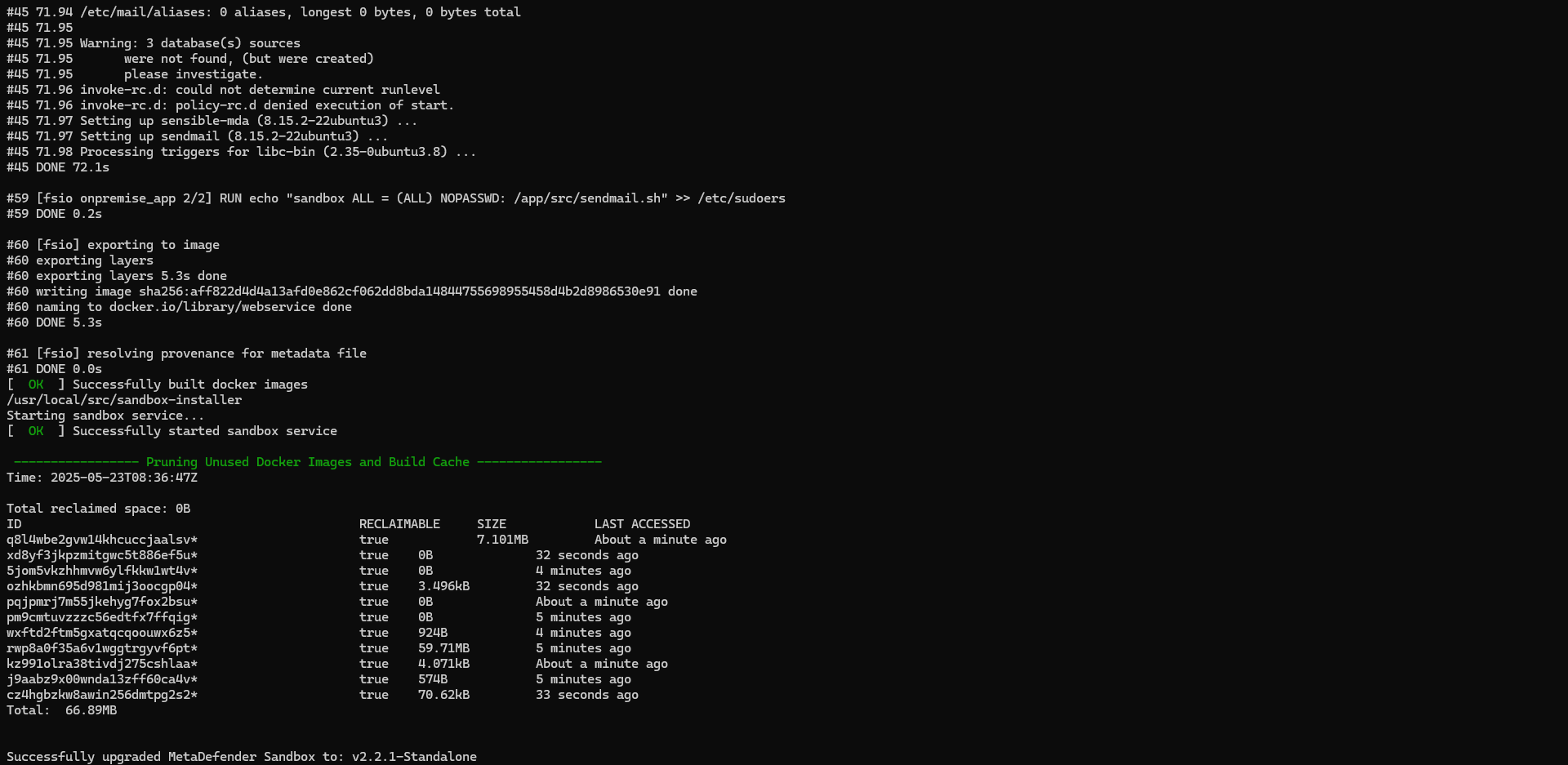
Result:
Support:
If you require further assistance, please follow these instructions on How to Create Support Package?, before creating a support case or chatting with our support engineer.
Was this page helpful?
On This Page
Why do you receive error message "Failed to prepare repositories"?Ensure that you have followed these steps before running the installer:(Optional) Fix the script logic to allow both 0 and 100:Result:CauseSolutionStep 1: Install EPEL (if needed)Step 2: (Optional) Create sandbox userStep 3: Install tools like 7zipFAQ