
For managed MetaDefender Kiosk K-Series instances, My OPSWAT - Central Management provides the ability to execute remote commands on selected instances. Currently, the following commands are supported:
Acknowledge all threats
To trigger a remote command,
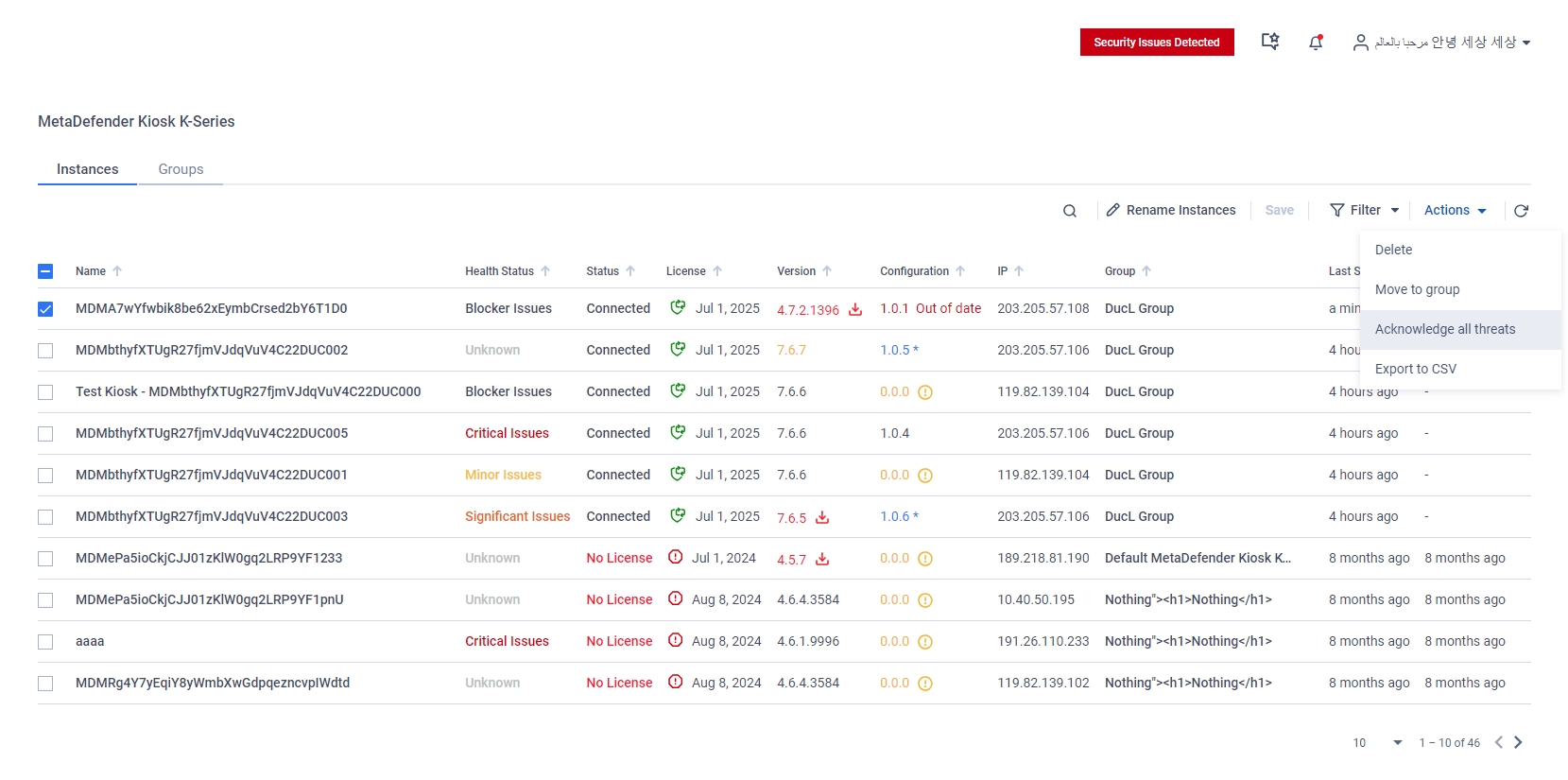
In the MetaDefender Kiosk K-Series Instances page, select an instance via the checkbox
In the Actions drop-down menu, select the desired remote command.
Warning
Please note that the Acknowledge all threats command can only be triggered when the instance's health status is in the Blocker Issues state.
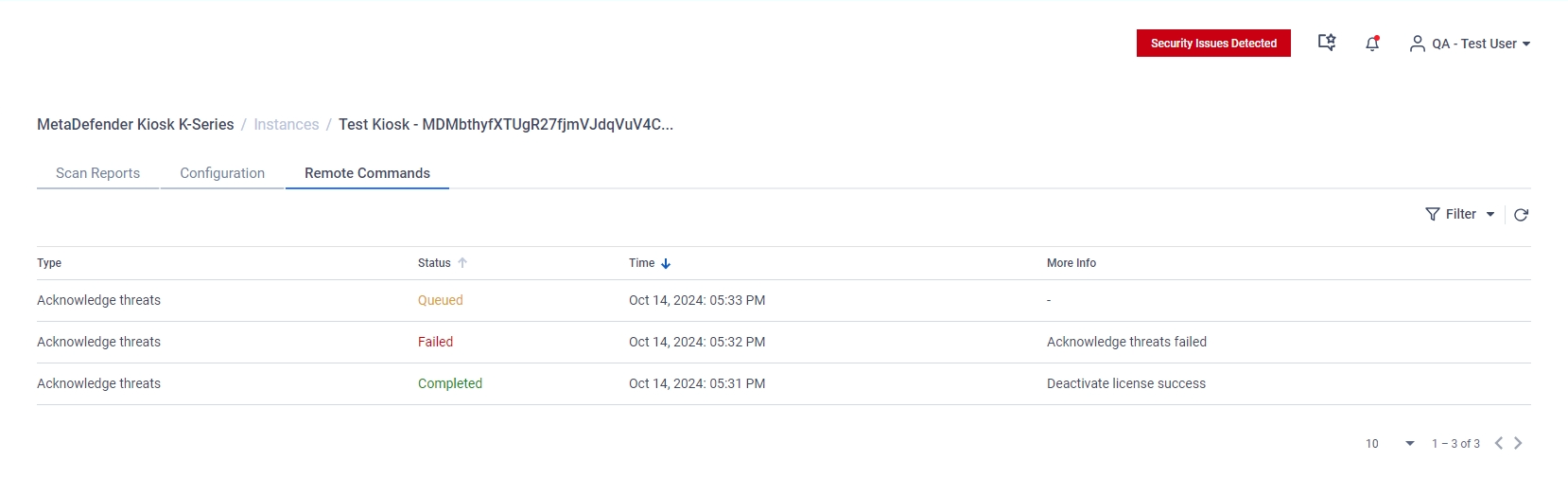
Users can view a history log of executed remote commands for a certain instance by opening the Remote Command tab in its instance detail page.
Was this page helpful?
Operating