All the below steps must be performed on the same Windows Server machine where MetaDefender Storage Security is installed.
Step 1
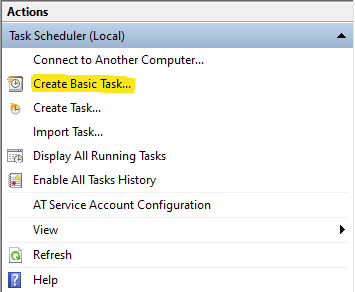
Navigate to Task Scheduler and click on Create Basic Task (on the right side)
Step 2
Give your task a specific name and click Next
Step 3
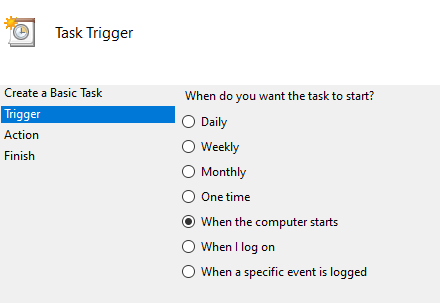
Select When the computer starts
Step 4
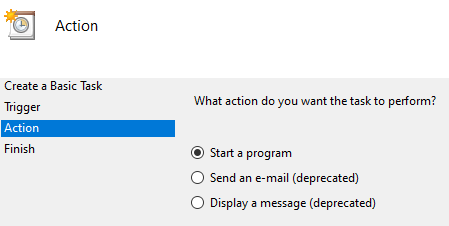
Select Start a program
Step 5
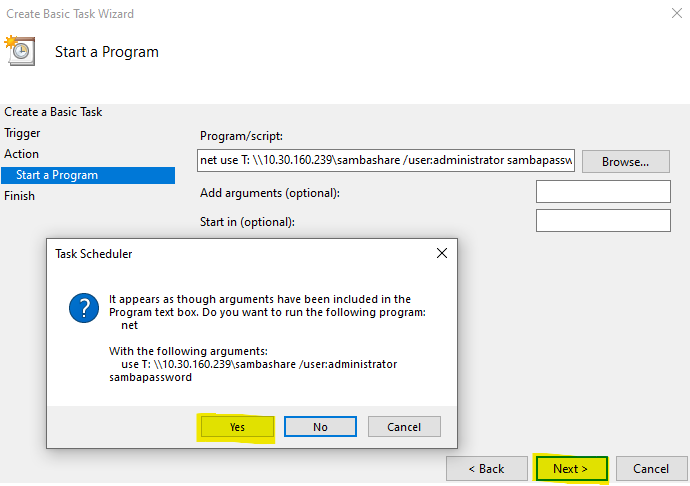
Enter your mount command in the Program/script field.
For SMB mount, below is an example: (the password must be provided here because at startup, Windows will not prompt you for it)
For NFS mount, below is an example: (no password is required for NFS):
Click Next -> Yes -> Finish
Step 6
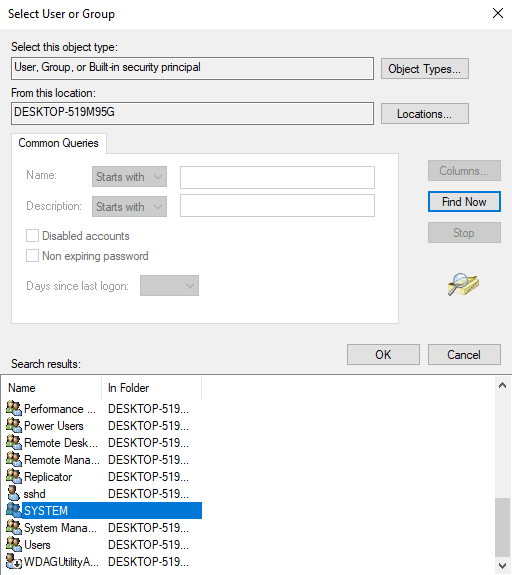
From Task Scheduler, navigate to Task Scheduler Library -> Select your newly created task -> Right click -> Properties -> General -> Change User or Group -> Advanced -> Find Now -> Choose SYSTEM -> Click OK and that's it.
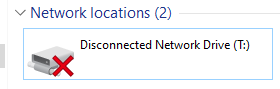
When logged in as a normal user or administrator, the mapped network drive will appear as disconnected. It is not disconnected, the user that is logged in does not have privileges to access it. If you open a terminal as a NT SYSTEM, you will be able to access the newly mapped network drive.