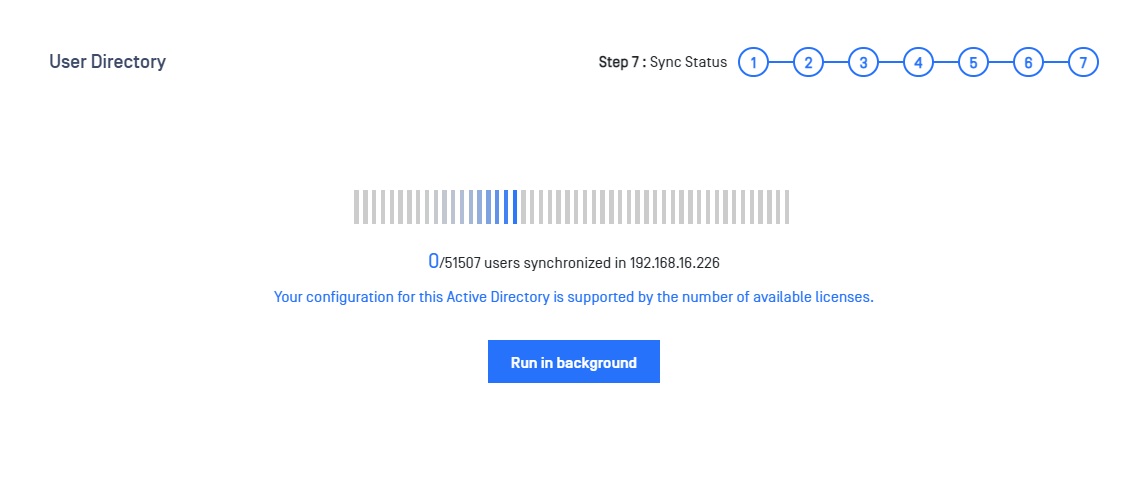
Starting Synchronization
Click "Start synchronization" to start the synchronization process. This may take a while.
Over-Licensing Situation
If over-licensing occurs, contact OPSWAT Sales for a license upgrade or exclude more users from the Role Mapping for Groups step.
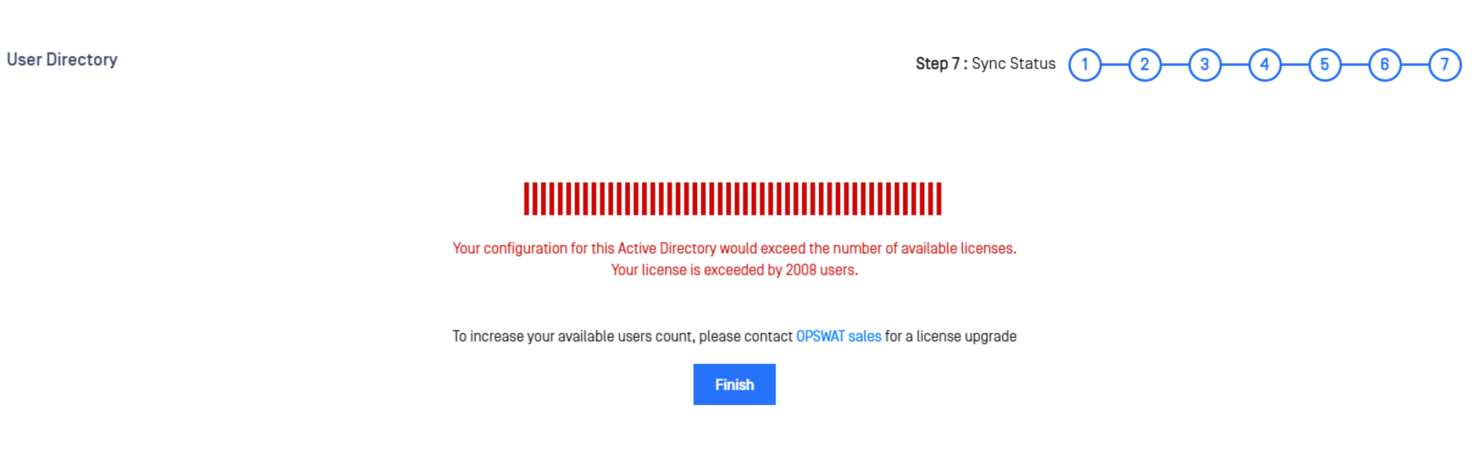
Over-licensing can occur if new users are continuously added to your user directory. If this happens, a notification will appear, and an email notification will be sent to all administrators. New users will be unable to log in until the over-licensed state is resolved by either removing some users from the "Role Mapping For Groups" or requesting a license upgrade. Existing users can log in and upload files normally as long as they are not over-licensed.
Refer to the license page to determine the permitted user count allowed by the license.
Run in Background
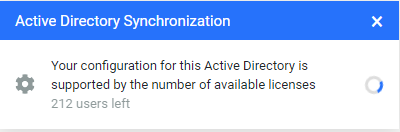
MetaDefender Managed File Transfer™ allows the user synchronization process to run in the background. Click "Run in background," and a progress popup will be displayed until the operation is complete.
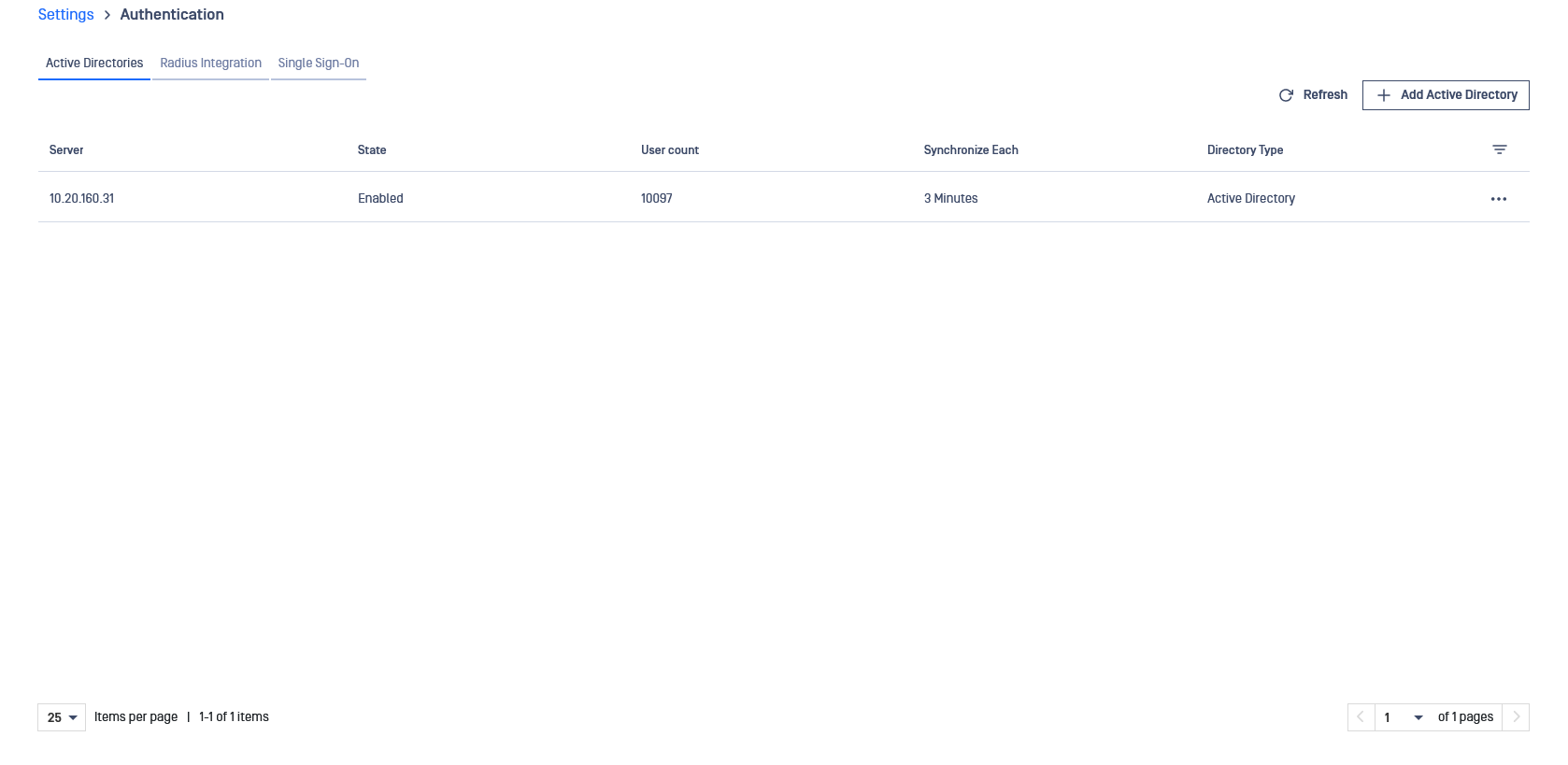
Active Directory List
After successfully configuring one or more user directories, the list will be displayed as follows: