
Customize your login page experience.
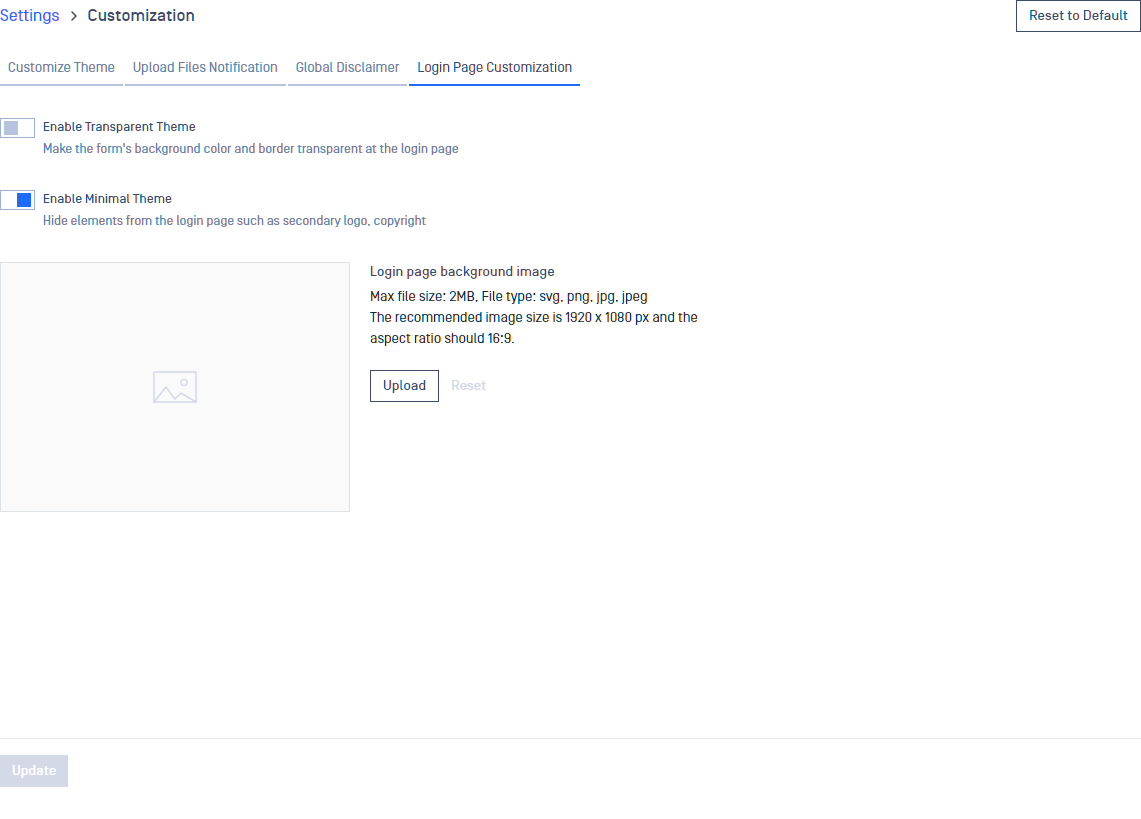
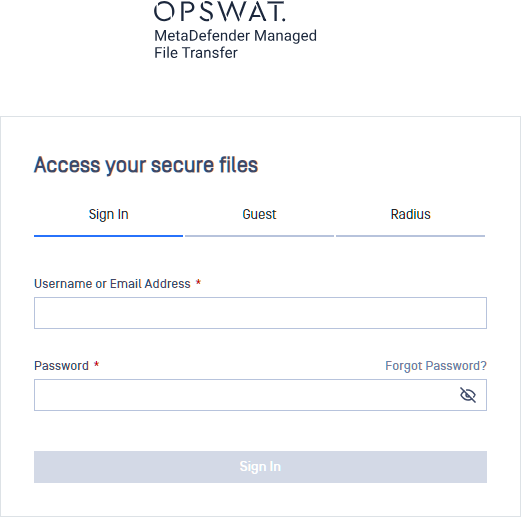
Transparent Theme
Makes the login page's central box background color transparent and removes the border.
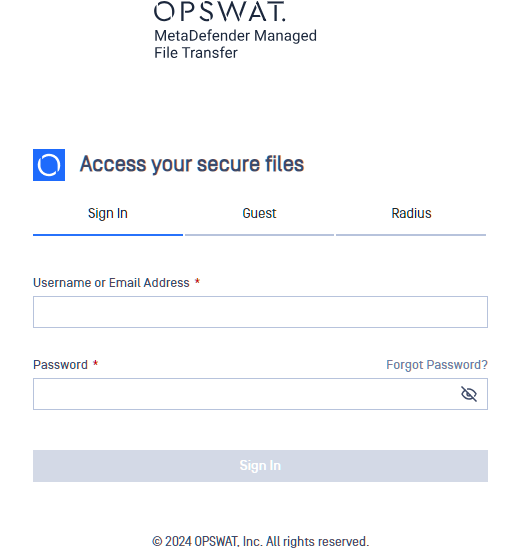
Minimal Theme
Hides the secondary logo and the copyright text on the login page as well as the authentication method tabs if only one authentication is enabled at the Trusted Network List.
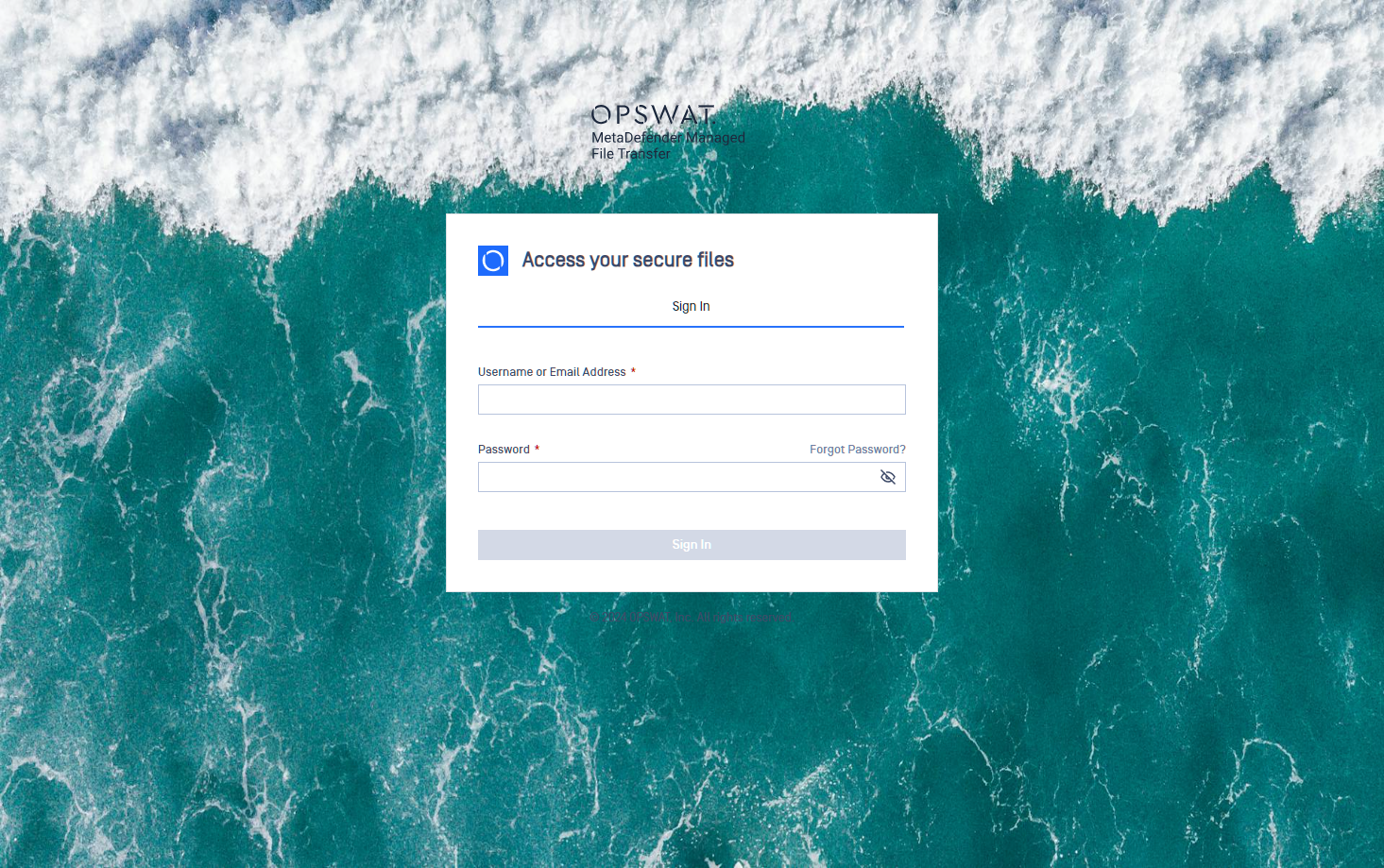
Customizing the Background Image
Accepted file types: SVG, PNG, JPG and JPEG
Recommended ratio: 16:9.
Full HD image, size below 2 Mb.
The image is used solely for the login page.
Was this page helpful?
Configuration