
The final step in setting up the supervisor approval process is to add or edit restricted supervisors.
Restricted supervisors do not have access to view the content of supervised files, as file download and preview functionalities are disabled for them.
When this feature is enabled, supervisors are divided into two groups:
Restricted Supervisors: Supervisors who cannot download/preview the supervised files.
Regular Supervisors: Supervisors who can download/preview the supervised files.
Setting Up Restricted Supervisors
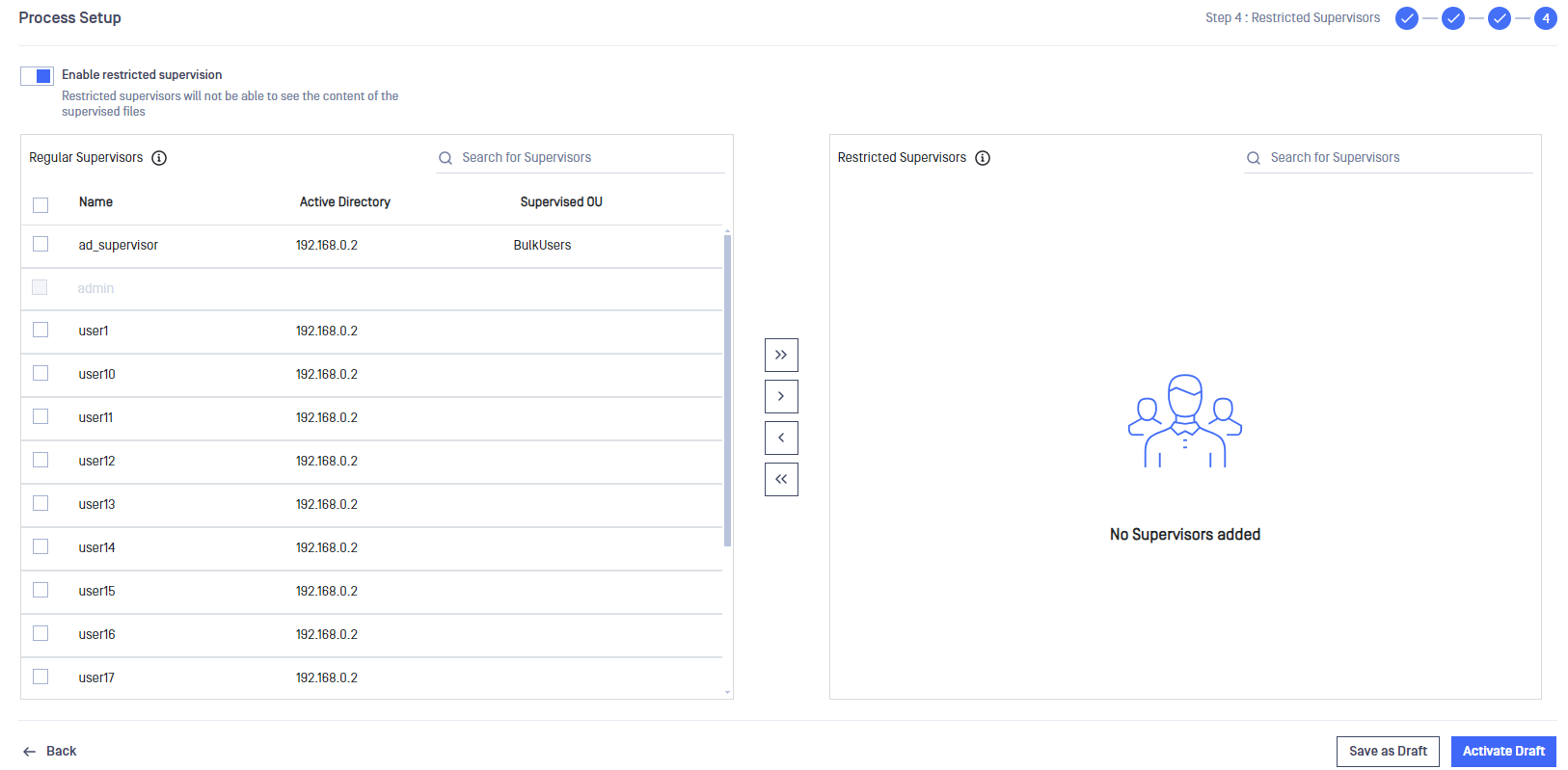
- Add All
- Add Selected
- Remove Selected
- Remove All
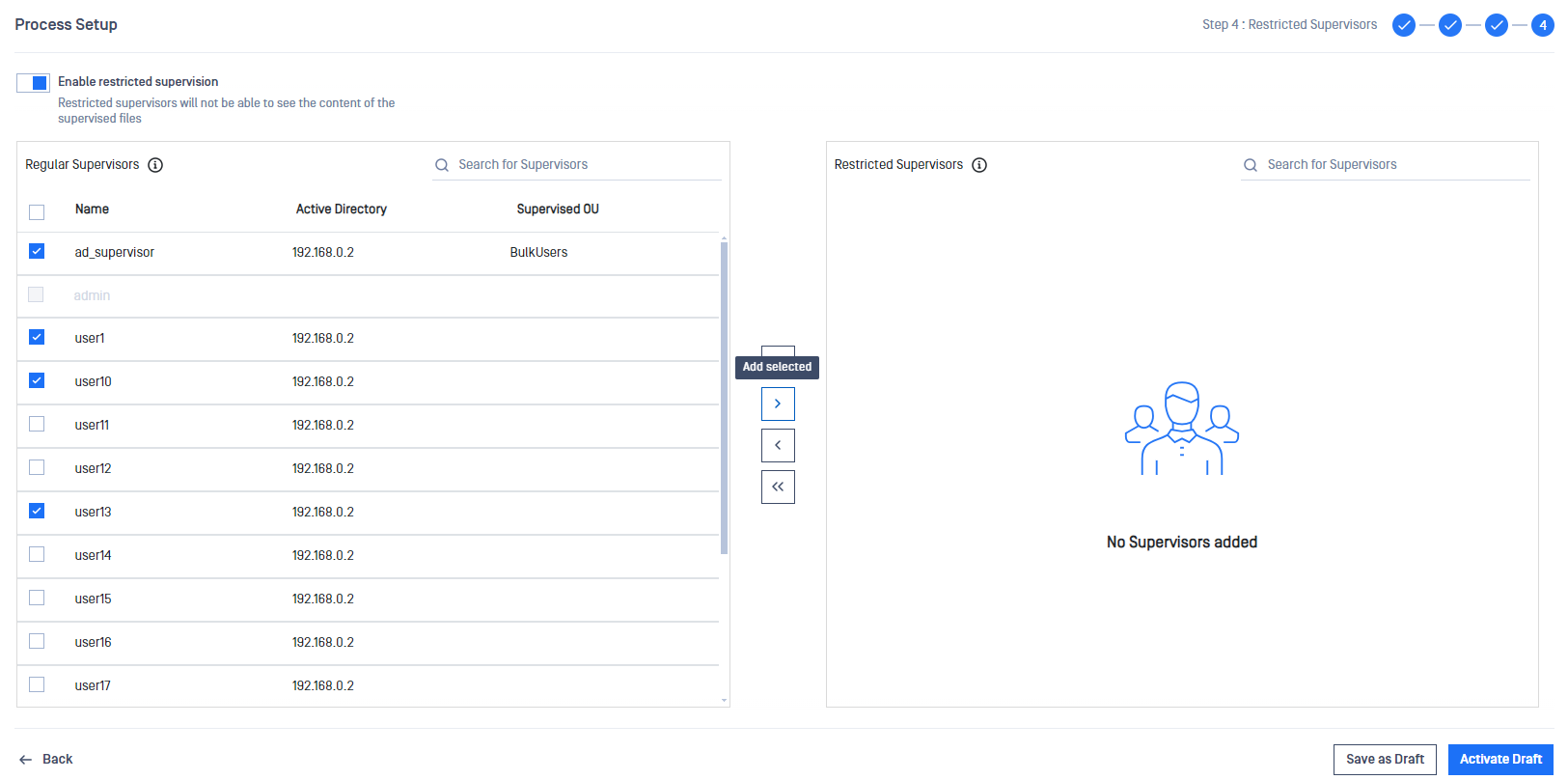
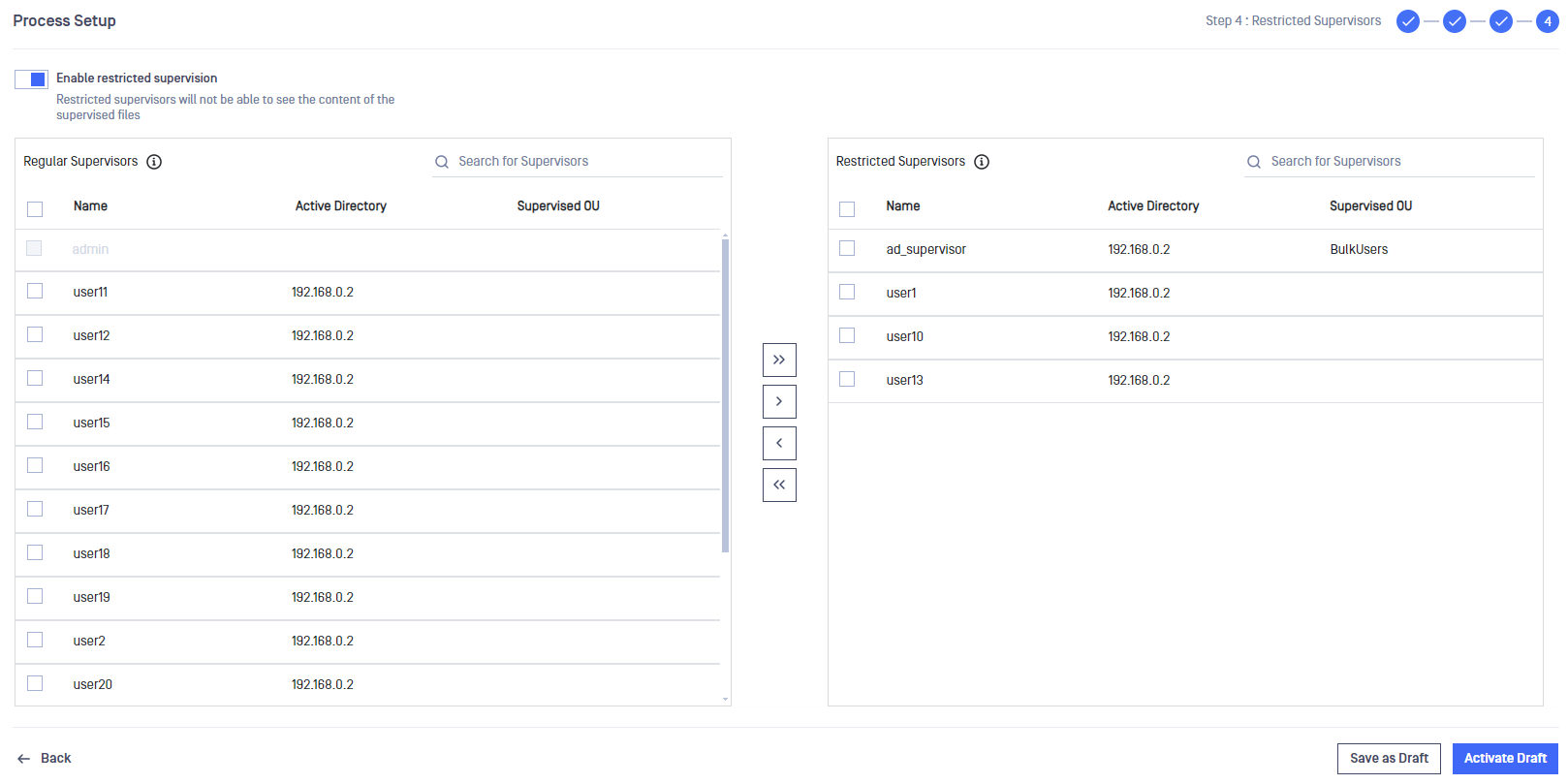
The selected supervisors are restricted once the "Supervisor Setup Draft" is activated by clicking "Activate Draft".
Defining Restricted Supervisors
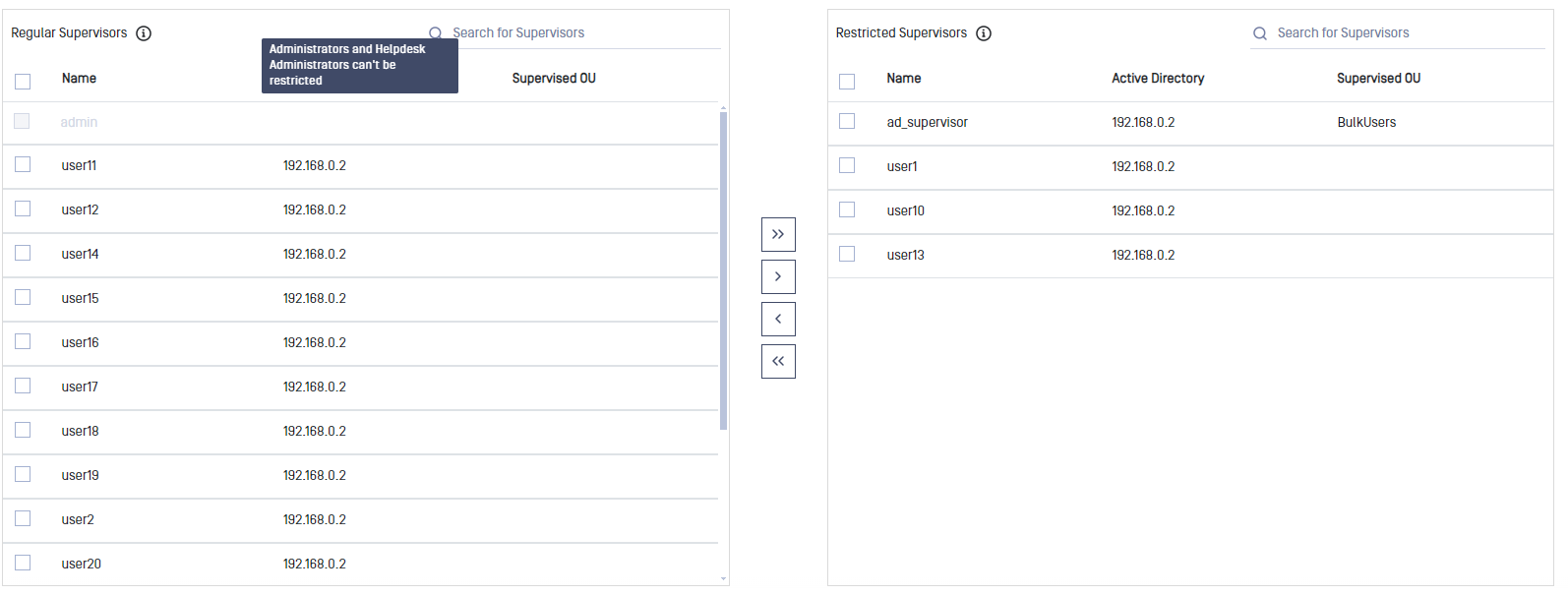
All supervisors can be restricted except administrators and Helpdesk administrators.
Supervisor Delegates
Delegated supervisors will inherit the restriction from their creators.