
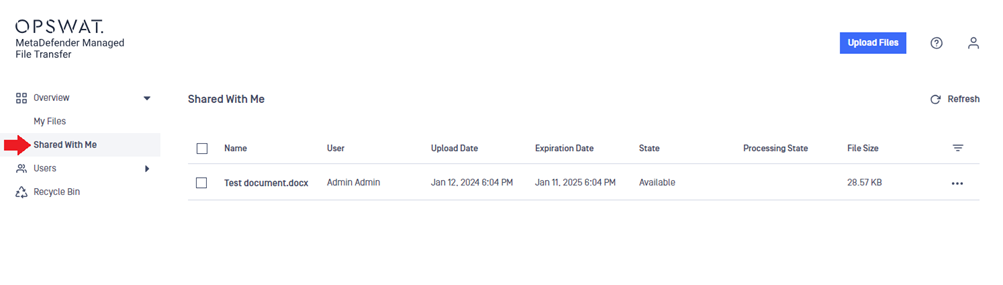
Files and folders that other MD MFT users have shared with you can be seen in the Overview -> Shared With Me menu. To download the files and folders from the share, follow the same steps as you would for your own files. It is possible to preview and get the download link for these files as well.
Info
You can customize the file list in the Shared With Me menu similarly to My Files.
Was this page helpful?
End-User Guide